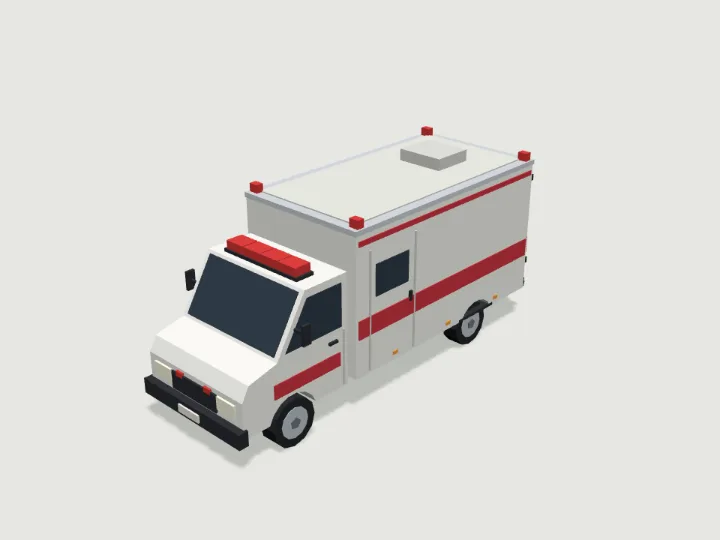
 Ambulance
Road Vehicles · 1,440 tris
Rolls
Ambulance
Road Vehicles · 1,440 tris
Rolls
drag to orbit · tap the ground to send it
Vehicle · Rolls with distance
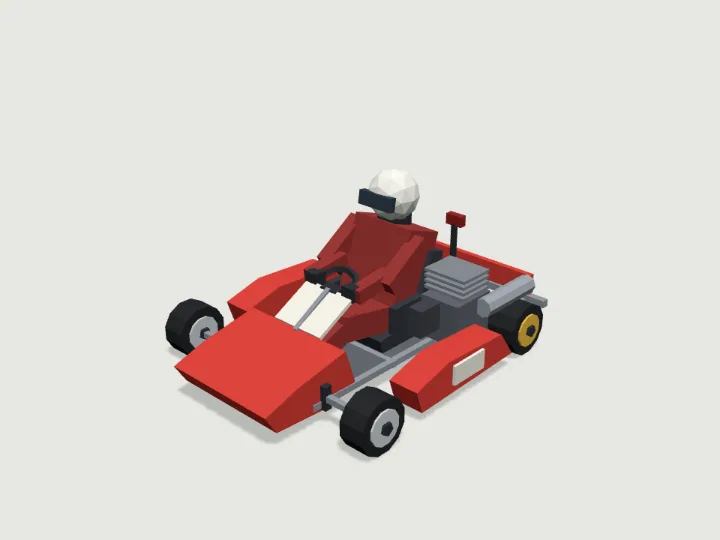
Race Kart
A 1.85 m racing go-kart: low tube chassis, nose cone, side pods, bucket seat and side engine, with an optional helmeted driver. Wheels spin with distance driven; a small rear rain light glows at night. Blank number panels, no text.
- Size
- 1.4 × 0.91 × 1.7 m
- Triangles
- 1,416
Tune it
4 knobs: Bodywork, Style, Driver, Helmet.
Specs
- Size
- 1.4 × 0.91 × 1.7 m width × height × depth
- Triangles
- 1,416 of 6,000
- Draw calls
- 1 one vertex-colour material
- Loop clip
- 0.848 m of travel per cycle
- Moving parts
- 4 wheel_0 · spin, wheel_1 · spin, wheel_2 · spin, wheel_3 · spin
- Knobs
- 4 3 presets
- Night lights
- 1 taillight
Passed the validator: real scale, rests on y = 0, front faces +Z, deterministic.
Use it
Code for the specimen as it is set up above; it follows your knobs.
import { createAsset } from 'https://gaitkit.com/cdn/race-kart.mjs';

const raceKart = createAsset();
scene.add(raceKart);                      // rests on y = 0, front faces +Z

let dist = 0;
renderer.setAnimationLoop(() => {
  dist += speed * clock.getDelta();
  raceKart.position.z = dist;
  raceKart.userData.tick(dist);            // wheels roll exactly with the distance
  renderer.render(scene, camera);
});import { useMemo, useRef } from 'react';
import { useFrame } from '@react-three/fiber';
import { createAsset } from 'https://gaitkit.com/cdn/race-kart.mjs';
export function RaceKart({ speed = 1 }) {
const model = useMemo(() => createAsset(), []);
const dist = useRef(0);
useFrame((_, dt) => {
dist.current += speed * dt;
model.position.z = dist.current;
model.userData.tick(dist.current); // wheels roll exactly with the distance
});
return <primitive object={model} />;
}# Import race-kart.glb (download below). It carries an in-place "Loop" animation.
@onready var anim: AnimationPlayer = $RaceKart/AnimationPlayer
func _physics_process(delta):
velocity = transform.basis.z * speed
move_and_slide()
anim.play("Loop")
anim.speed_scale = speed / 0.848 # one Loop = 0.848 m of travel// Import race-kart.glb with glTFast (com.unity.cloud.gltfast).
animator.Play("Loop");
animator.speed = speed / 0.848 // one Loop = 0.848 m of travelUse the gaitkit MCP server: get_variant({ "id": "race-kart", "want": "default look" })
then place the result and drive it with userData.tick(distance).
# MCP endpoint
https://gaitkit.com/mcpKnobs
| Knob | Type | Values | Default | What it does |
|---|---|---|---|---|
paint | choice | red blue orange green yellow white | red | Colour of the nose, side pods and rear panel: red, blue, orange, green, yellow, white. |
style | choice | race rental | race | race (slim nose cone and side pods, exposed rear axle) or rental (chunky black wrap-around bumpers all round, as at an indoor kart track). |
driver | toggle | on / off | true | A seated driver in a race suit and full-face helmet, hands on the wheel. |
helmet | choice | white yellow red blue black | white | Driver helmet colour: white, yellow, red, blue or black. Only shows with the driver. |
Presets: grand prix {"paint":"red","style":"race","helmet":"yellow"} · indoor track {"paint":"blue","style":"rental","helmet":"black"} · empty kart {"driver":false,"paint":"orange"}
Files
| File | What |
|---|---|
| race-kart.glb | GLB, default look · 198 KB |
| race-kart.mjs | ES module, every knob live |
| race-kart.obj | OBJ, static, no colour |
| race-kart-params.json | knob schema, presets, night zones |
Licence
Use it in games, apps, renders and client work, commercially and without credit. Do not resell it as an asset or train a 3D generator on it. The full licence.
More from Road Vehicles
Ambulance
Road Vehicles · 1,440 tris
Rolls
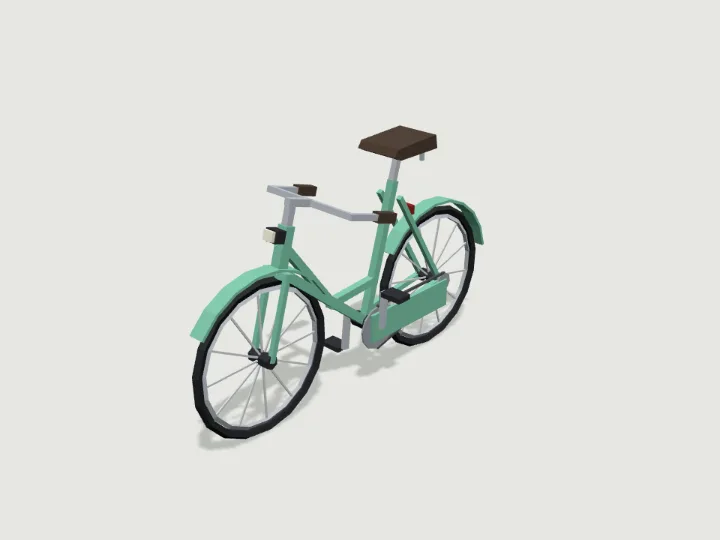 Bicycle
Road Vehicles · 1,408 tris
Rolls
Bicycle
Road Vehicles · 1,408 tris
Rolls
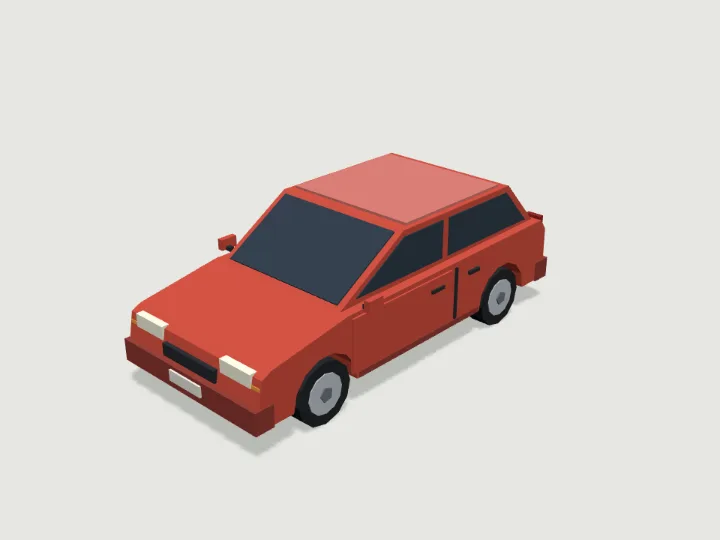 Hatchback
Road Vehicles · 952 tris
Rolls
Hatchback
Road Vehicles · 952 tris
Rolls
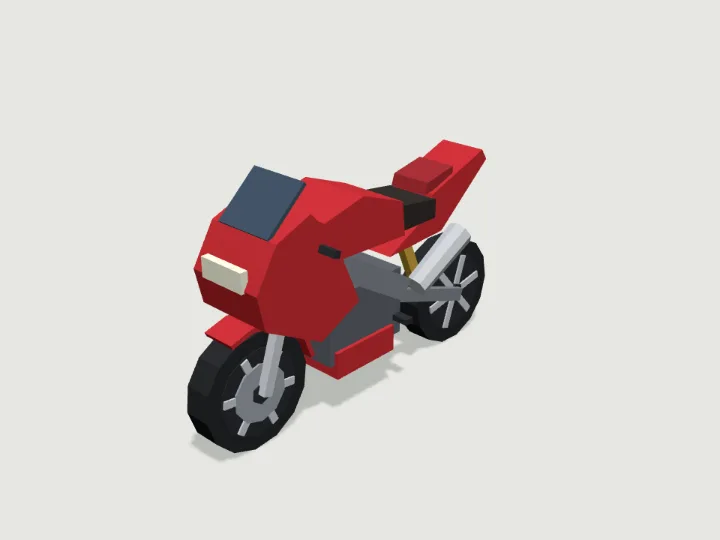 Motorcycle
Road Vehicles · 748 tris
Rolls
Motorcycle
Road Vehicles · 748 tris
Rolls
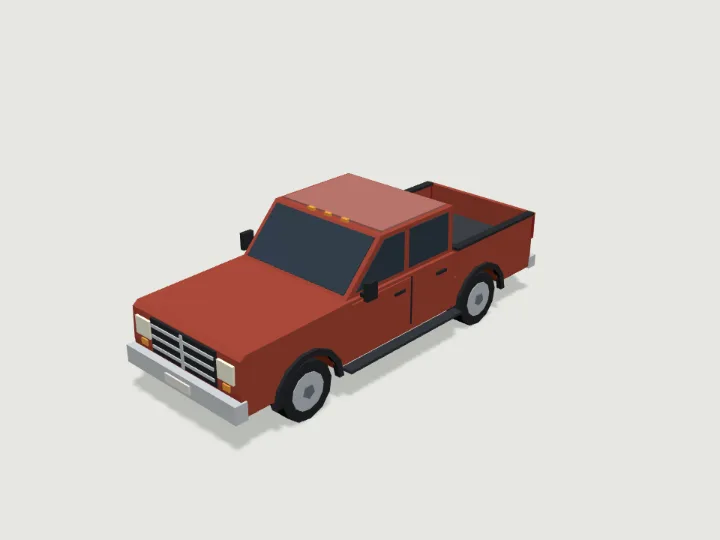 Pickup Truck
Road Vehicles · 1,384 tris
Rolls
Pickup Truck
Road Vehicles · 1,384 tris
Rolls
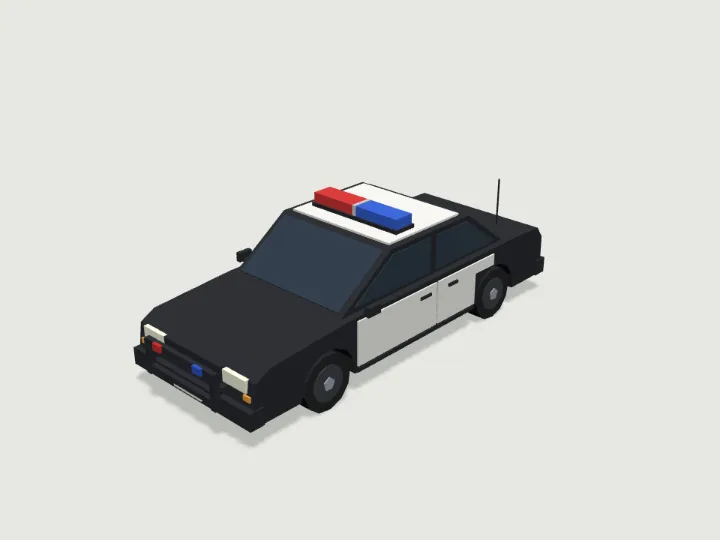 Police Car
Road Vehicles · 1,104 tris
Rolls
Police Car
Road Vehicles · 1,104 tris
Rolls
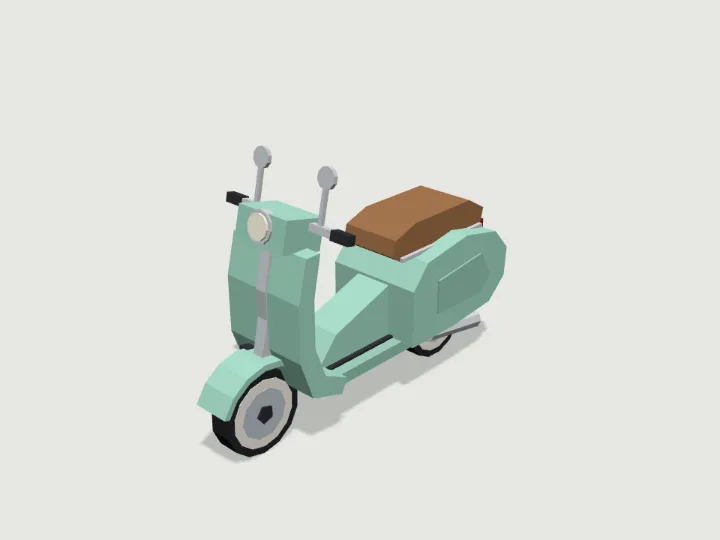 Scooter
Road Vehicles · 984 tris
Rolls
Scooter
Road Vehicles · 984 tris
Rolls
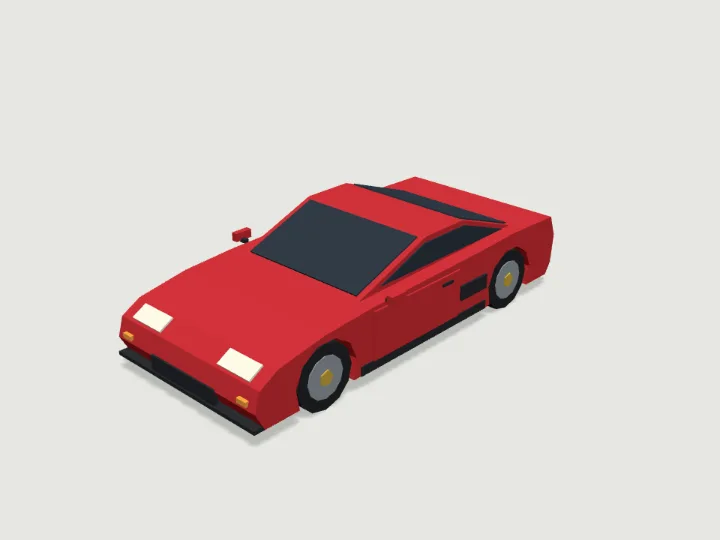 Sports Car
Road Vehicles · 952 tris
Rolls
Sports Car
Road Vehicles · 952 tris
Rolls