 Filing Cabinet
Office & Tech · 1,612 tris
Moving partsPro
Filing Cabinet
Office & Tech · 1,612 tris
Moving partsPro
drag to orbit
Prop · 1 moving part
Monitor & Keyboard
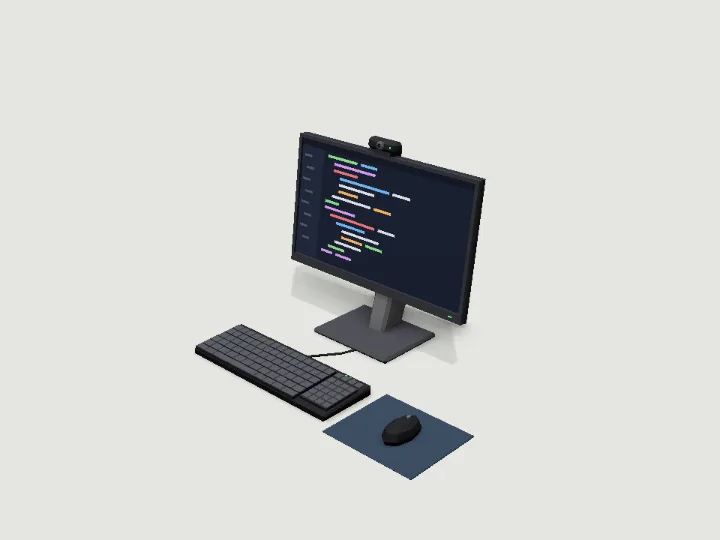
A desk set at real size, resting on the desk top (y = 0): a 21 to 34 inch monitor (16:9, or 21:9 ultrawide from 29 inches) whose screen sits recessed behind proud bezel bars, on a sculpted stand with a tilt hinge (rigged part screen_tilt, rotate x), a full-size keyboard with keycap rows and a number pad, a mouse on a pad, and optional desk speakers and a webcam. The screen shows code, a desktop, a dashboard or nothing, and glows at night. No logos or readable text.
- Size
- 0.72 × 0.49 × 0.49 m
- Triangles
- 964
Tune it
5 knobs: Colourway, Screen, Size (inches), Speakers, Webcam.
Specs
- Size
- 0.72 × 0.49 × 0.49 m width × height × depth
- Triangles
- 964 of 6,000
- Draw calls
- 1 one vertex-colour material
- Moving parts
- 1 screen_tilt · rotate
- Knobs
- 5 3 presets
- Night lights
- 2 screen, led
Passed the validator: real scale, rests on y = 0, front faces +Z, deterministic.
Use it
Code for the specimen as it is set up above; it follows your knobs.
import { createAsset } from 'https://gaitkit.com/cdn/monitor-keyboard.mjs';

const monitorKeyboard = createAsset();
scene.add(monitorKeyboard);                      // rests on y = 0, front faces +Z

// 'screen_tilt' pivots on its hinge: -20° to 5° around x
monitorKeyboard.getObjectByName('screen_tilt').rotation.x = THREE.MathUtils.degToRad(-20);import { useMemo } from 'react';
import { createAsset } from 'https://gaitkit.com/cdn/monitor-keyboard.mjs';
export function MonitorKeyboard() {
const model = useMemo(() => createAsset(), []);
return <primitive object={model} />;
}# Import monitor-keyboard.glb (download below). Moving parts are separate nodes, pivoted on their hinge.
$MonitorKeyboard/screen_tilt.rotation_degrees.x = -20// Import monitor-keyboard.glb with glTFast (com.unity.cloud.gltfast).
transform.Find("screen_tilt").localEulerAngles = new Vector3(/* x: */ -20, 0, 0);Use the gaitkit MCP server: get_variant({ "id": "monitor-keyboard", "want": "default look" })
then place the result.
# MCP endpoint
https://gaitkit.com/mcpKnobs
| Knob | Type | Values | Default | What it does |
|---|---|---|---|---|
colorway | choice | black office beige scifi | black | black (black monitor and keyboard), office (silver-grey with pale keys), beige (1990s retro beige with a thick bezel), scifi (white monitor with a cyan light strip, dark keyboard with cyan underglow). |
screen | choice | code desktop dashboard off | code | What the screen shows: code (dark editor with coloured lines), desktop (blue wallpaper with two windows and a taskbar), dashboard (pale charts and tiles), or off (dark glass, no glow). |
inches | range | 21 to 34, step 1 | 24 | Screen diagonal in inches: 21 to 28 are 16:9 panels (24 is 53 cm wide); 29 and up are 21:9 ultrawides (34 is 80 cm wide). |
speakers | toggle | on / off | false | A pair of small desk speakers either side of the monitor. |
webcam | toggle | on / off | true | A small webcam clipped to the top of the monitor, with a status light. |
Presets: programmer {"colorway":"black","screen":"code","inches":34,"speakers":true} · retro office {"colorway":"beige","screen":"desktop","inches":21,"webcam":false} · bridge console {"colorway":"scifi","screen":"dashboard","inches":27}
Files
| File | What |
|---|---|
| monitor-keyboard.glb Pro | GLB, default look · 138 KB |
| monitor-keyboard.mjs Pro | ES module, every knob live |
| monitor-keyboard.obj Pro | OBJ, static; colours in the .mtl |
| monitor-keyboard.mtl | OBJ colours; keep it next to the .obj |
| monitor-keyboard-params.json | knob schema, presets, night zones |
Licence
Use it in games, apps, renders and client work, commercially and without credit. Do not resell it as an asset or train a 3D generator on it. The full licence.
More from Office & Tech
Filing Cabinet
Office & Tech · 1,612 tris
Moving partsPro
 Office Printer
Office & Tech · 946 tris
Moving partsPro
Office Printer
Office & Tech · 946 tris
Moving partsPro
 Security Camera
Office & Tech · 606 tris
Moving partsPro
Security Camera
Office & Tech · 606 tris
Moving partsPro
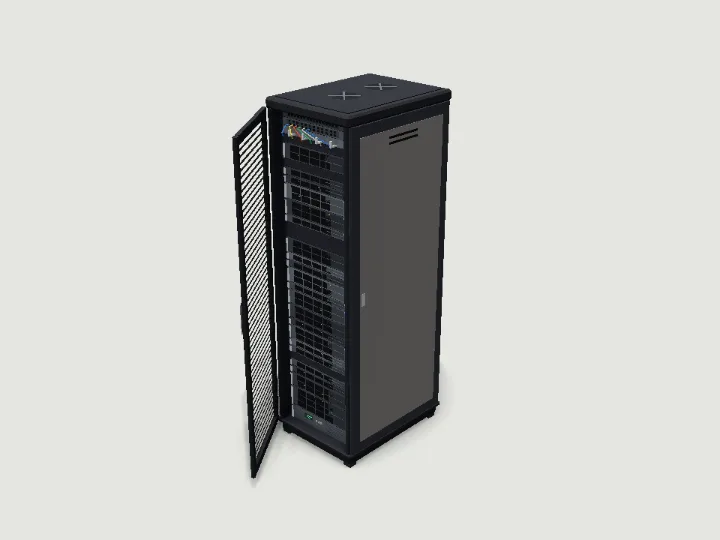 Server Rack
Office & Tech · 1,920 tris
Moving partsPro
Server Rack
Office & Tech · 1,920 tris
Moving partsPro
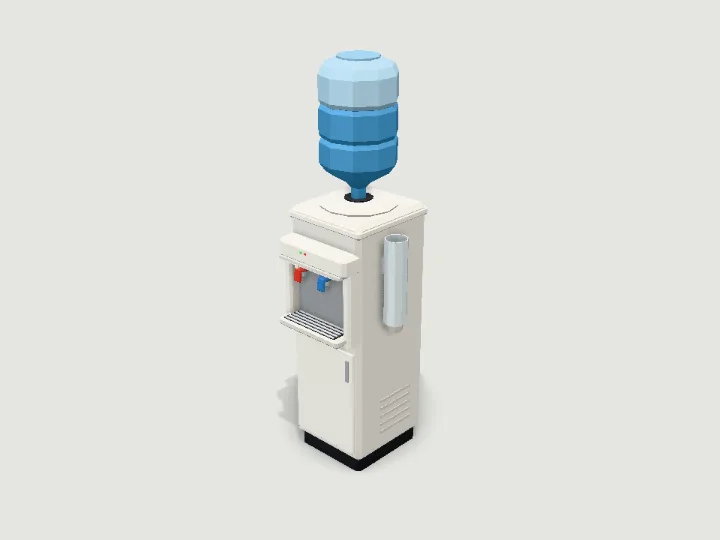 Water Cooler
Office & Tech · 1,728 tris
StillFree
Water Cooler
Office & Tech · 1,728 tris
StillFree
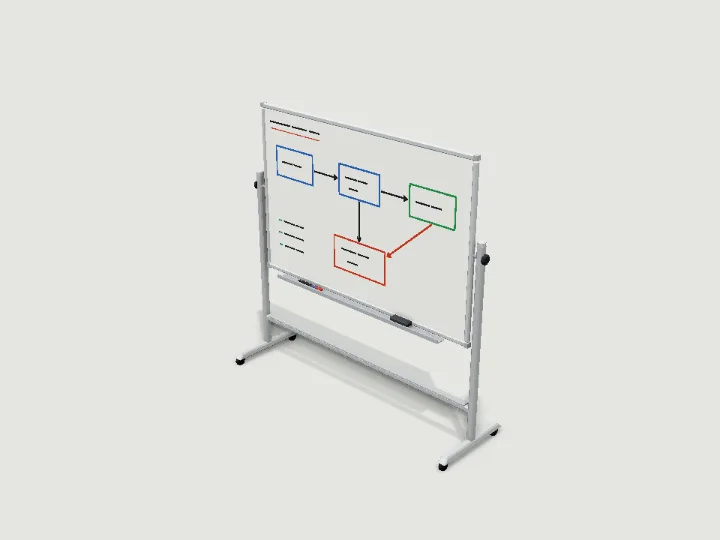 Whiteboard
Office & Tech · 1,262 tris
Moving partsPro
Whiteboard
Office & Tech · 1,262 tris
Moving partsPro