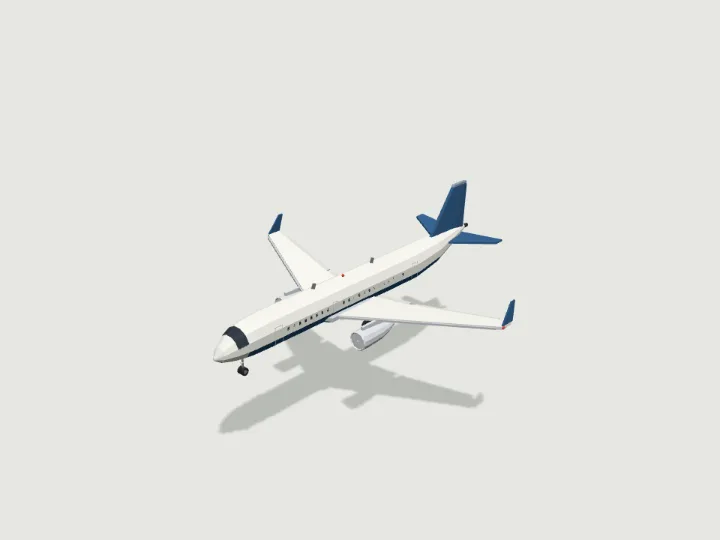
 Airliner
Air, Sea & Space · 2,720 tris
Flies
Airliner
Air, Sea & Space · 2,720 tris
Flies
drag to orbit · tap the ground to send it
Vehicle · Flies
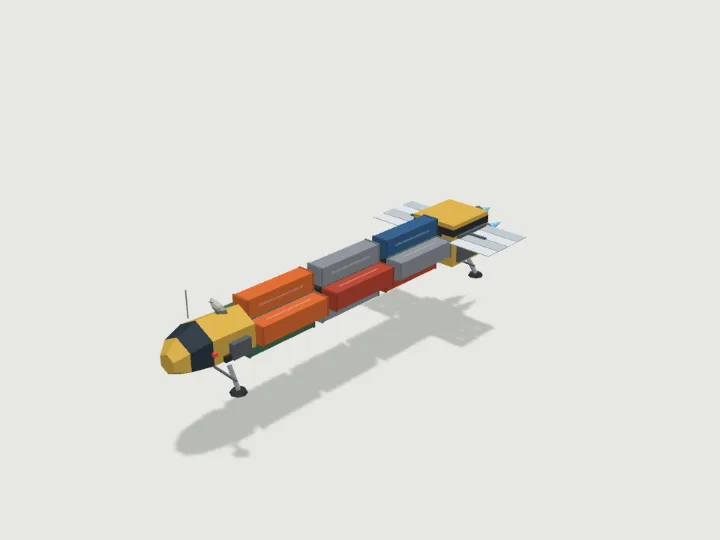
Space Freighter
A blocky industrial space freighter, about 50 m long with three cargo slots: a cockpit module up front, an open truss spine with cargo containers or tanks clamped round it, and an engine block with glowing thrusters and radiator fins; landing legs optional. The comms dish turns and the thrusters pulse as it flies; windows, thrusters and running lights glow at night; it cruises 15 m up.
- Size
- 23.5 × 13.0 × 67.2 m
- Triangles
- 1,940
Tune it
5 knobs: Scheme, Cargo, Cargo slots, Thrusters, Landing legs.
Specs
- Size
- 23.5 × 13.0 × 67.2 m width × height × depth
- Triangles
- 1,940 of 6,000
- Draw calls
- 1 one vertex-colour material
- Loop clip
- 20 m of travel per cycle
- Altitude
- 15 m above the ground
- Moving parts
- 5 hull · slide, dish · spin, engine_flame_0 · spin, engine_flame_1 · spin, engine_flame_2 · spin
- Knobs
- 5 3 presets
- Night lights
- 4 engine, window, beacon, nav
Passed the validator: real scale, rests on y = 0, front faces +Z, deterministic.
Use it
Code for the specimen as it is set up above; it follows your knobs.
import { createAsset } from 'https://gaitkit.com/cdn/space-freighter.mjs';

const spaceFreighter = createAsset();
scene.add(spaceFreighter);                      // rests on y = 0, front faces +Z

let dist = 0;
renderer.setAnimationLoop(() => {
  dist += speed * clock.getDelta();
  spaceFreighter.position.set(0, groundY + spaceFreighter.userData.altitude, dist);
  spaceFreighter.userData.tick(dist);            // wings beat with the distance
  renderer.render(scene, camera);
});import { useMemo, useRef } from 'react';
import { useFrame } from '@react-three/fiber';
import { createAsset } from 'https://gaitkit.com/cdn/space-freighter.mjs';
export function SpaceFreighter({ speed = 1 }) {
const model = useMemo(() => createAsset(), []);
const dist = useRef(0);
useFrame((_, dt) => {
dist.current += speed * dt;
model.position.set(0, groundY + model.userData.altitude, dist.current);
model.userData.tick(dist.current); // wings beat with the distance
});
return <primitive object={model} />;
}# Import space-freighter.glb (download below). It carries an in-place "Loop" animation.
@onready var anim: AnimationPlayer = $SpaceFreighter/AnimationPlayer
func _physics_process(delta):
velocity = transform.basis.z * speed
move_and_slide()
anim.play("Loop")
anim.speed_scale = speed / 20 # one Loop = 20 m of travel// Import space-freighter.glb with glTFast (com.unity.cloud.gltfast).
animator.Play("Loop");
animator.speed = speed / 20 // one Loop = 20 m of travelUse the gaitkit MCP server: get_variant({ "id": "space-freighter", "want": "default look" })
then place the result.
# MCP endpoint
https://gaitkit.com/mcpKnobs
| Knob | Type | Values | Default | What it does |
|---|---|---|---|---|
scheme | choice | industrial rust white grey | industrial | Colours: industrial (safety yellow and black, blue thrusters), rust (worn brown hauler, orange thrusters), white (clean corporate white and blue) or grey (gunmetal with orange trim). |
cargo | choice | containers tanks mixed | containers | What is clamped to the spine: containers (big coloured boxes), tanks (round fuel or gas tanks with banded ends) or mixed (alternating slots). |
slots | range | 1 to 5, step 1 | 3 | How many cargo slots along the spine, each holding four pods round it. 1 is a short 25 m tug, 5 a 76 m long hauler. |
engines | range | 2 to 4, step 1 | 3 | Number of main thrusters on the engine block, 2 to 4. |
legs | toggle | on / off | true | Four landing legs with pads, for setting down on a pad or planet. Off = legs retracted; it then rests on its lowest cargo pods. |
Presets: fuel tanker {"cargo":"tanks","scheme":"white","slots":4} · rust bucket {"scheme":"rust","cargo":"mixed","slots":2,"engines":2} · long hauler {"slots":5,"engines":4,"legs":false}
Files
| File | What |
|---|---|
| space-freighter.glb | GLB, default look · 299 KB |
| space-freighter.mjs | ES module, every knob live |
| space-freighter.obj | OBJ, static, no colour |
| space-freighter-params.json | knob schema, presets, night zones |
Licence
Use it in games, apps, renders and client work, commercially and without credit. Do not resell it as an asset or train a 3D generator on it. The full licence.
More from Air, Sea & Space
Airliner
Air, Sea & Space · 2,720 tris
Flies
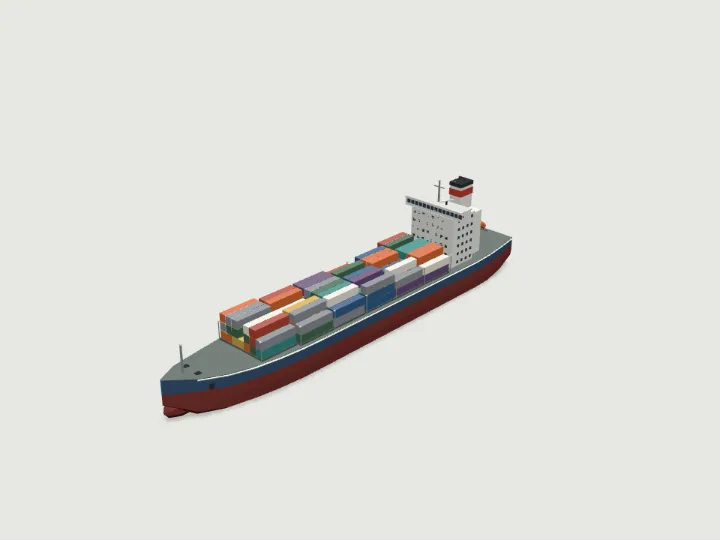 Cargo Ship
Air, Sea & Space · 2,941 tris
Swims
Cargo Ship
Air, Sea & Space · 2,941 tris
Swims
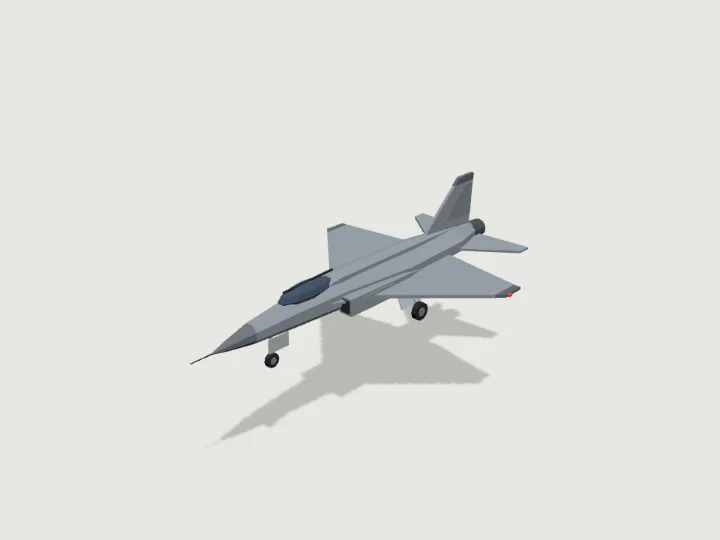 Fighter Jet
Air, Sea & Space · 946 tris
Flies
Fighter Jet
Air, Sea & Space · 946 tris
Flies
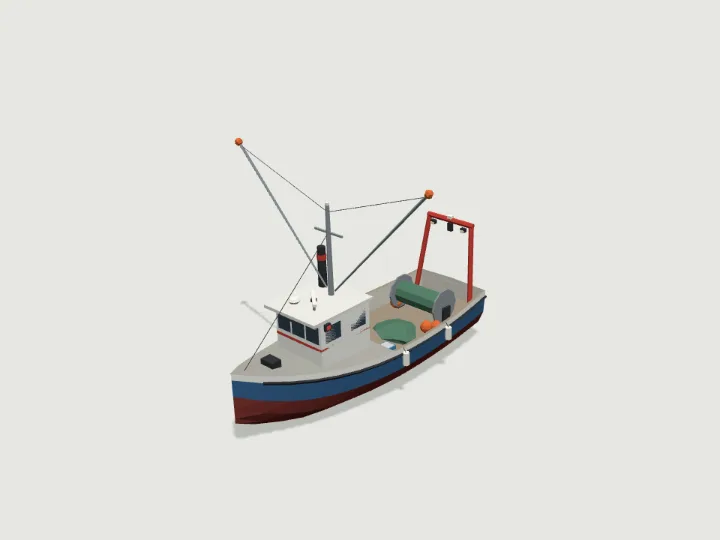 Fishing Boat
Air, Sea & Space · 2,505 tris
Swims
Fishing Boat
Air, Sea & Space · 2,505 tris
Swims
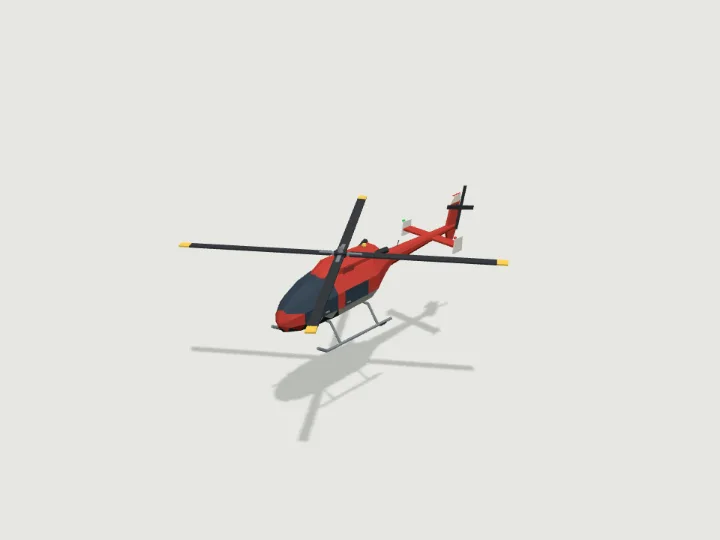 Helicopter
Air, Sea & Space · 1,296 tris
Flies
Helicopter
Air, Sea & Space · 1,296 tris
Flies
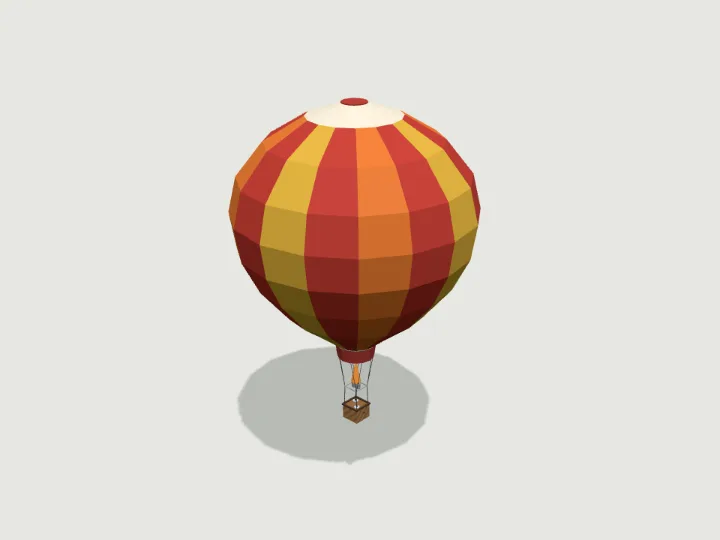 Hot Air Balloon
Air, Sea & Space · 1,426 tris
Flies
Hot Air Balloon
Air, Sea & Space · 1,426 tris
Flies
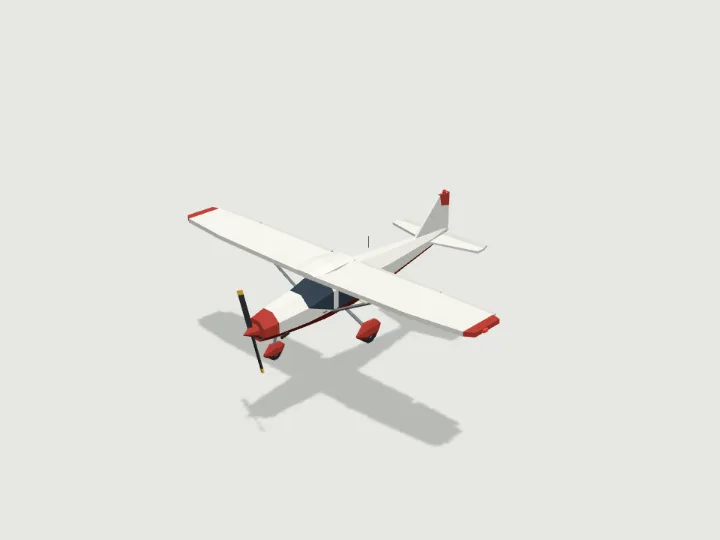 Propeller Plane
Air, Sea & Space · 1,086 tris
Flies
Propeller Plane
Air, Sea & Space · 1,086 tris
Flies
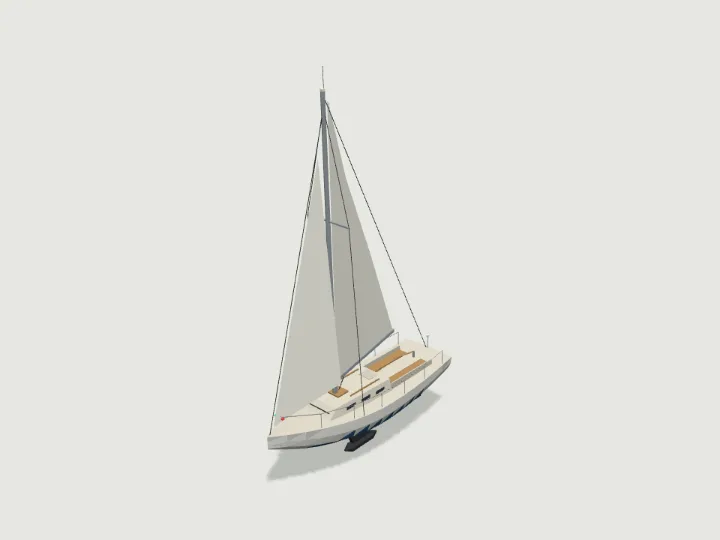 Sailboat
Air, Sea & Space · 1,145 tris
Swims
Sailboat
Air, Sea & Space · 1,145 tris
Swims