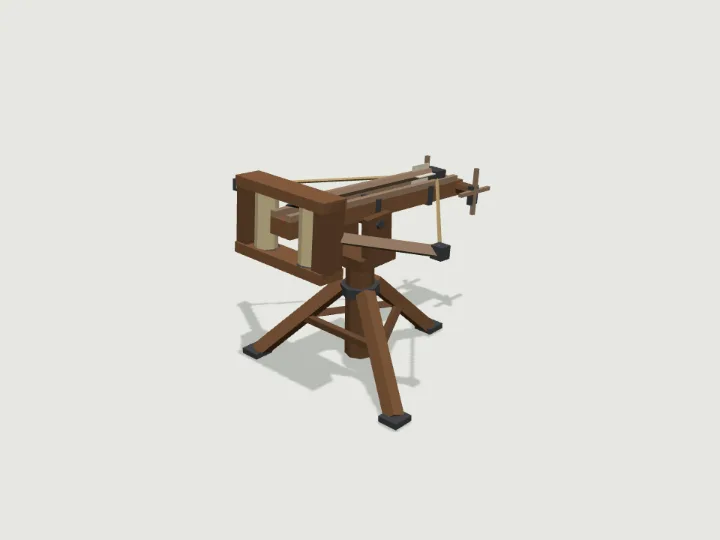
 Ballista
Castle · 820 tris
Moving parts
Ballista
Castle · 820 tris
Moving parts
drag to orbit
Building · Still
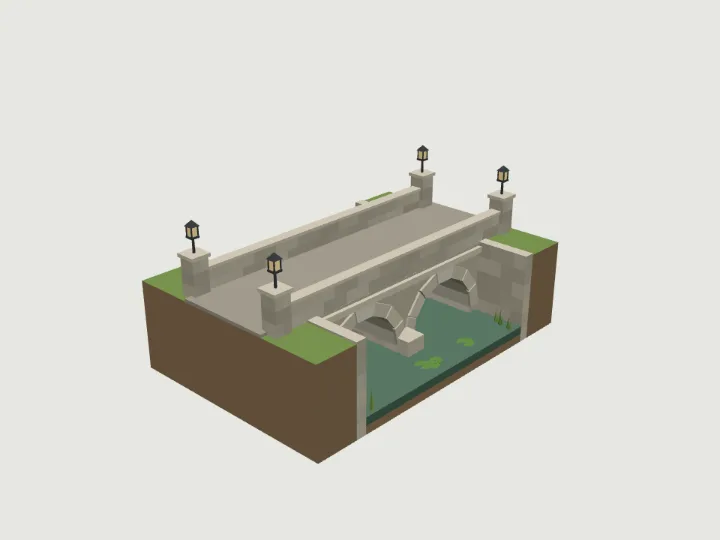
Castle Bridge
A stone arch bridge carrying a 3.4 m road across a castle moat, as a ready-made 8 m wide diorama tile: 1 to 3 round arches of 3 m span on cutwater piers, low parapets with end posts and lanterns, stone-faced banks and the moat water. Banks are 3.2 m above the moat bed (lower it by 3.2 m to meet your terrain); the road runs along Z, ready to meet the castle-gate drawbridge.
- Size
- 8.0 × 5.7 × 12.0 m
- Triangles
- 3,192
- Kit
- Castle
Tune it
4 knobs: Arches, Stone, Water, Lanterns.
Specs
- Size
- 8.0 × 5.7 × 12.0 m width × height × depth
- Triangles
- 3,192 of 6,000
- Draw calls
- 1 one vertex-colour material
- Knobs
- 4 3 presets
- Night lights
- 1 lantern
Passed the validator: real scale, rests on y = 0, front faces +Z, deterministic.
Use it
Code for the specimen as it is set up above; it follows your knobs.
import { createAsset } from 'https://gaitkit.com/cdn/castle-bridge.mjs';

const castleBridge = createAsset();
scene.add(castleBridge); // rests on y = 0, front faces +Zimport { useMemo } from 'react';
import { createAsset } from 'https://gaitkit.com/cdn/castle-bridge.mjs';
export function CastleBridge() {
const model = useMemo(() => createAsset(), []);
return <primitive object={model} />;
}# Import castle-bridge.glb (download below). It is a static mesh, one material per colour.
add_child(preload("res://castle-bridge.glb").instantiate())// Import castle-bridge.glb with glTFast (com.unity.cloud.gltfast).
// Drop it in the scene: 1 unit = 1 metre, +Z is its front.Use the gaitkit MCP server: get_variant({ "id": "castle-bridge", "want": "default look" })
then place the result.
# MCP endpoint
https://gaitkit.com/mcpKnobs
| Knob | Type | Values | Default | What it does |
|---|---|---|---|---|
arches | range | 1 to 3, step 1 | 2 | Number of 3 m arches. The moat is 4 m wide per arch and the tile is (arches + 1) x 4 m long along Z. |
stone | choice | limestone granite sandstone slate redstone | limestone | Stone for the whole kit: limestone (pale warm grey, classic), granite (neutral grey), sandstone (warm tan, desert fort), slate (dark blue-grey, grim northern hold), redstone (red-brown). Use the same value on every Castle piece so they match. |
water | choice | moat river dry | moat | moat (still green water with reeds), river (clearer blue water), dry (an empty grassy ditch, no water). |
lamps | toggle | on / off | true | Iron lanterns on the four end posts of the parapets; they glow at night. |
Presets: river crossing {"arches":3,"water":"river","stone":"granite"} · dry ditch {"arches":1,"water":"dry","stone":"sandstone","lamps":false} · moat approach {"arches":2,"water":"moat","stone":"limestone"}
Files
| File | What |
|---|---|
| castle-bridge.glb | GLB, default look · 427 KB |
| castle-bridge.mjs | ES module, every knob live |
| castle-bridge.obj | OBJ, static, no colour |
| castle-bridge-params.json | knob schema, presets, night zones |
Licence
Use it in games, apps, renders and client work, commercially and without credit. Do not resell it as an asset or train a 3D generator on it. The full licence.
More from Castle
Ballista
Castle · 820 tris
Moving parts
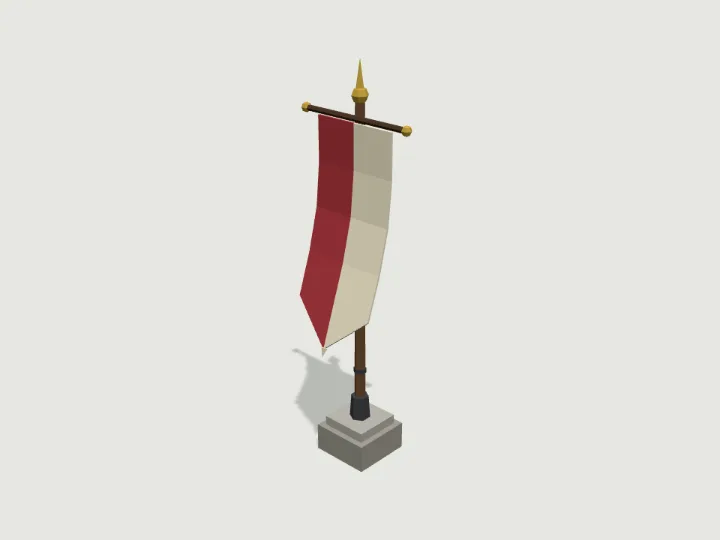 Banner Pole
Castle · 808 tris
Moving parts
Banner Pole
Castle · 808 tris
Moving parts
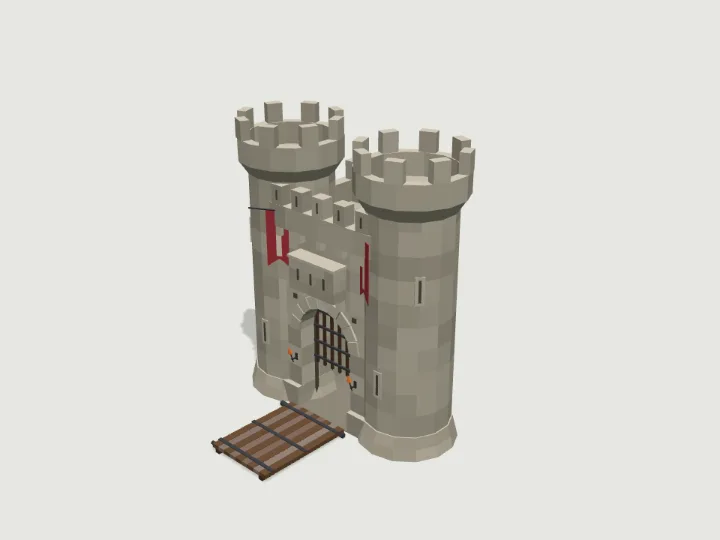 Castle Gatehouse
Castle · 3,948 tris
Moving parts
Castle Gatehouse
Castle · 3,948 tris
Moving parts
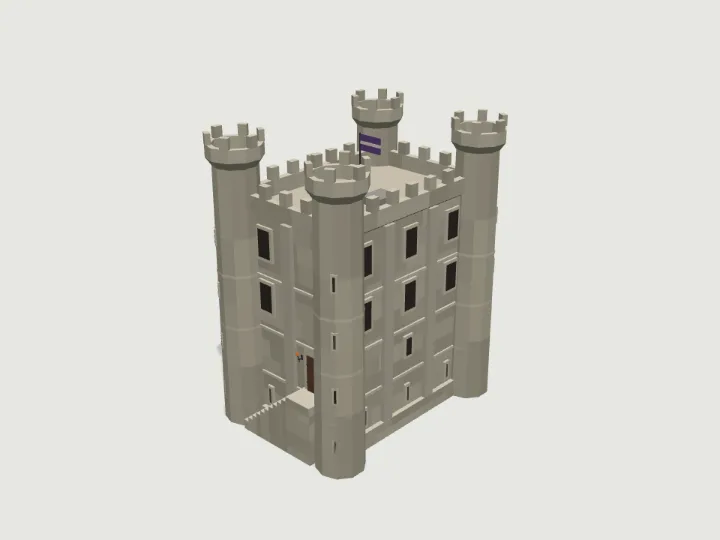 Castle Keep
Castle · 3,640 tris
Still
Castle Keep
Castle · 3,640 tris
Still
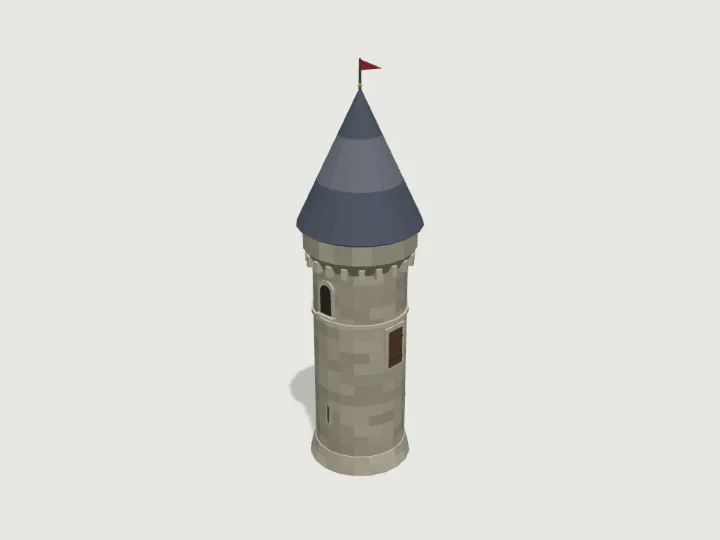 Castle Tower
Castle · 2,088 tris
Still
Castle Tower
Castle · 2,088 tris
Still
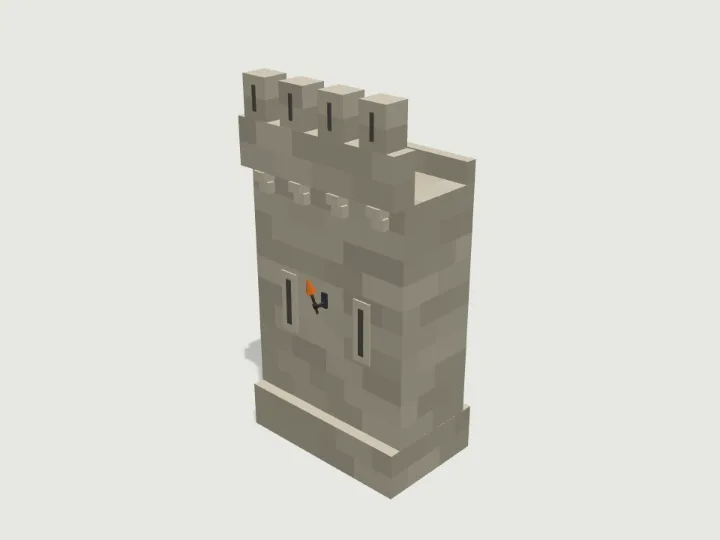 Castle Wall
Castle · 1,352 tris
Still
Castle Wall
Castle · 1,352 tris
Still
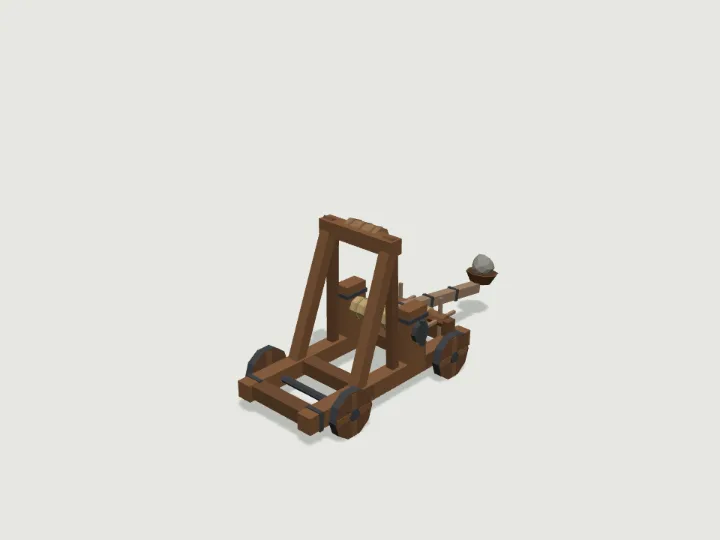 Siege Catapult
Castle · 1,344 tris
Moving parts
Siege Catapult
Castle · 1,344 tris
Moving parts
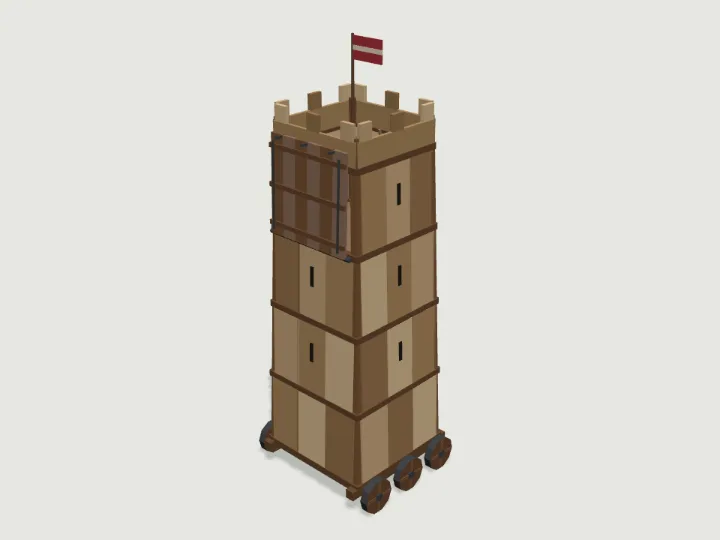 Siege Tower
Castle · 2,324 tris
Rolls
Siege Tower
Castle · 2,324 tris
Rolls