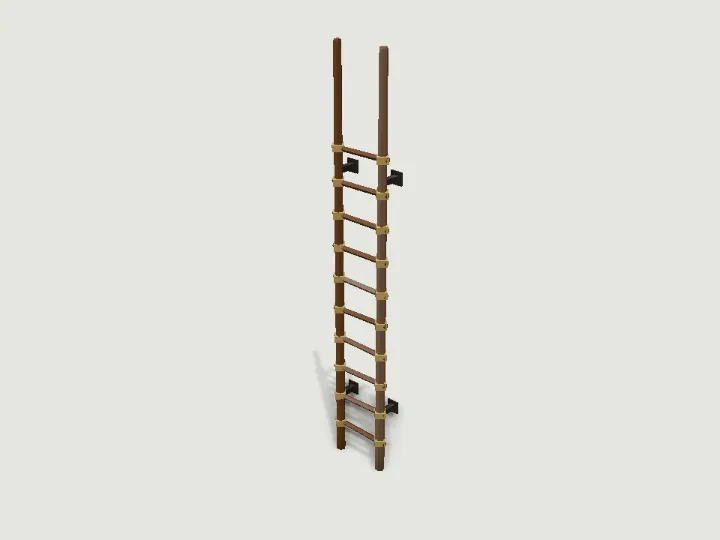
 Level Ladder
Modular Level Kit · 696 tris
StillPro
Level Ladder
Modular Level Kit · 696 tris
StillPro
drag to orbit
Building · Still
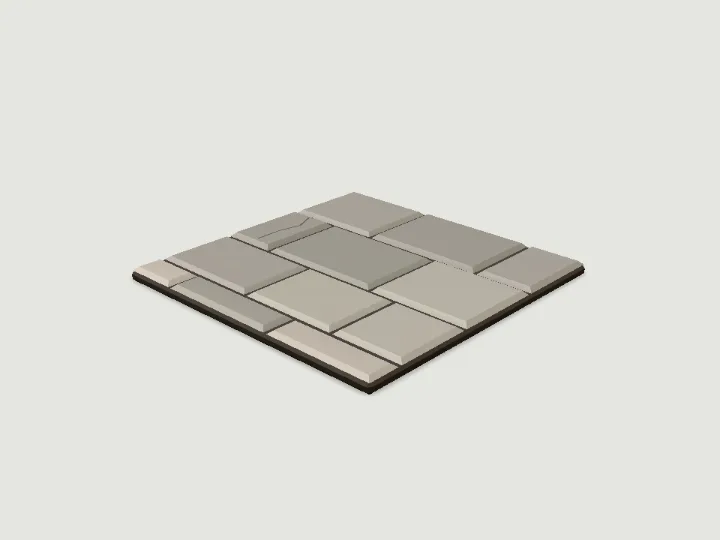
Floor Tile
A snap-together floor tile for 2 m grid levels, 2 x 2 m (or 4 x 4 m) and 0.1 m thick, in the Modular Level Kit styles: dungeon (pillowed flagstones over dark mortar), scifi (bevelled deck plates with grip strips and bolts) or house (staggered floorboards). Variants add a hinged hatch in the middle (iron drain grate, a glowing vent grille or a plank trapdoor, rig "hatch") or a pattern (dressed kerb with cobbles, a hazard-striped border with light strips, or checker tiles). Centred on its cell; the walking surface is at y = 0.1 as built, so place tiles at y = -0.1 to put the floor level with the base of walls, doors, stairs and pillars.
- Size
- 2.0 × 0.10 × 2.0 m
- Triangles
- 194
Tune it
5 knobs: Style, Colourway, Size, Variant, Wear.
Specs
- Size
- 2.0 × 0.10 × 2.0 m width × height × depth
- Triangles
- 194 of 6,000
- Draw calls
- 1 one vertex-colour material
- Knobs
- 5 3 presets
- Night lights
- 1 light
Passed the validator: real scale, rests on y = 0, front faces +Z, deterministic.
Use it
Code for the specimen as it is set up above; it follows your knobs.
import { createAsset } from 'https://gaitkit.com/cdn/floor-tile.mjs';

const floorTile = createAsset();
scene.add(floorTile); // rests on y = 0, front faces +Zimport { useMemo } from 'react';
import { createAsset } from 'https://gaitkit.com/cdn/floor-tile.mjs';
export function FloorTile() {
const model = useMemo(() => createAsset(), []);
return <primitive object={model} />;
}# Import floor-tile.glb (download below). It is a static mesh, one material per colour.
add_child(preload("res://floor-tile.glb").instantiate())// Import floor-tile.glb with glTFast (com.unity.cloud.gltfast).
// Drop it in the scene: 1 unit = 1 metre, +Z is its front.Use the gaitkit MCP server: get_variant({ "id": "floor-tile", "want": "default look" })
then place the result.
# MCP endpoint
https://gaitkit.com/mcpKnobs
| Knob | Type | Values | Default | What it does |
|---|---|---|---|---|
style | choice | dungeon scifi house | dungeon | Shared by every Modular Level Kit piece: dungeon (coursed stone blocks, iron and oak), scifi (bolted panels, trims and glowing light strips), house (plaster over wood or brick wainscot, timber trim). Use one value across a level. |
colorway | choice | classic dark warm | classic | Palette within the style, shared across the kit: classic (dungeon grey granite, scifi light grey with orange, house cream plaster and brown wood), dark (basalt, gunmetal with yellow, white plaster with black timber), warm (sandstone, beige retro with teal, ochre plaster with honey wood and brick). |
size | range | 1 to 2, step 1 | 1 | Grid cells per side: 1 = one 2 x 2 m cell, 2 = a 4 x 4 m tile covering four cells. Centred on the origin either way. |
variant | choice | plain hatch pattern | plain | plain (flagstones, deck plates or floorboards), hatch (a 0.9 m hinged hatch in the middle that opens up: iron drain grate, glowing vent grille, plank trapdoor), pattern (dressed kerb round small cobbles, a hazard-striped border with light strips, or checker tiles). |
wear | range | 0 to 1, step 0.1 | 0.3 | 0 = new; higher adds cracks, moss and missing stones (dungeon), grime and scorched plates (scifi), worn and missing boards (house). |
Presets: mossy crypt floor {"style":"dungeon","wear":0.8,"colorway":"dark"} · engine room deck {"style":"scifi","variant":"pattern","colorway":"dark"} · kitchen tiles {"style":"house","variant":"pattern","colorway":"dark"}
Files
| File | What |
|---|---|
| floor-tile.glb | GLB, default look · 29 KB |
| floor-tile.mjs | ES module, every knob live |
| floor-tile.obj | OBJ, static; colours in the .mtl |
| floor-tile.mtl | OBJ colours; keep it next to the .obj |
| floor-tile-params.json | knob schema, presets, night zones |
Licence
Use it in games, apps, renders and client work, commercially and without credit. Do not resell it as an asset or train a 3D generator on it. The full licence.
More from Modular Level Kit
The whole Modular Level Kit kit
Level Ladder
Modular Level Kit · 696 tris
StillPro
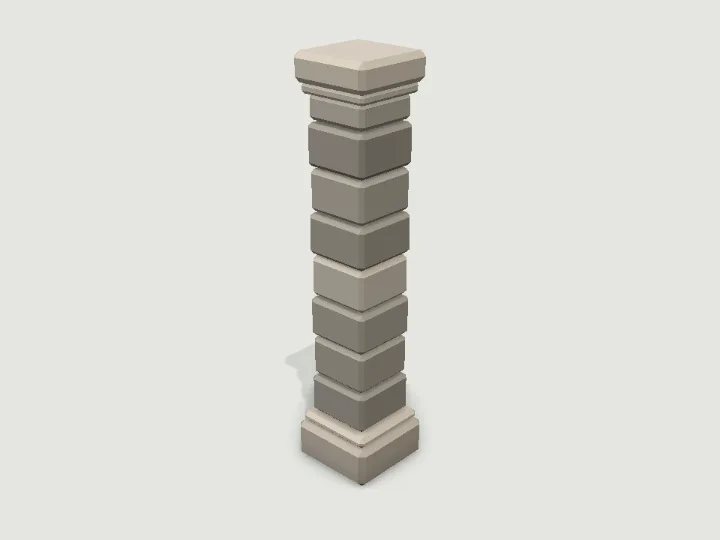 Level Pillar
Modular Level Kit · 528 tris
StillPro
Level Pillar
Modular Level Kit · 528 tris
StillPro
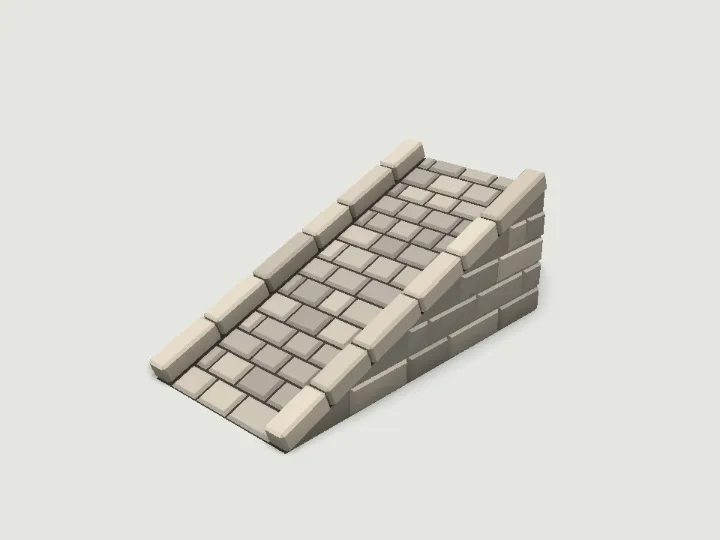 Level Ramp
Modular Level Kit · 1,664 tris
StillPro
Level Ramp
Modular Level Kit · 1,664 tris
StillPro
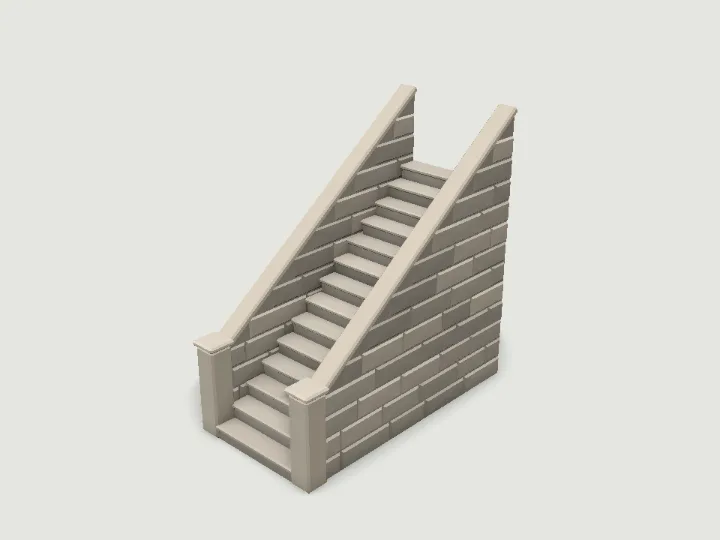 Level Stairs
Modular Level Kit · 3,440 tris
StillPro
Level Stairs
Modular Level Kit · 3,440 tris
StillPro
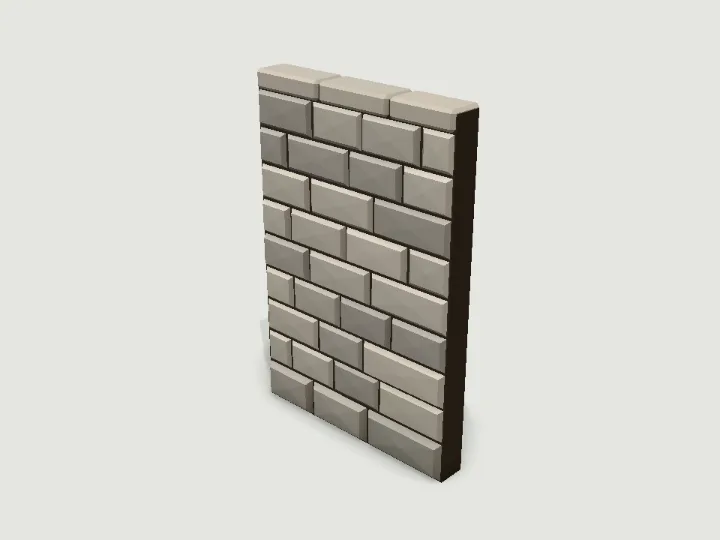 Level Wall
Modular Level Kit · 944 tris
StillPro
Level Wall
Modular Level Kit · 944 tris
StillPro
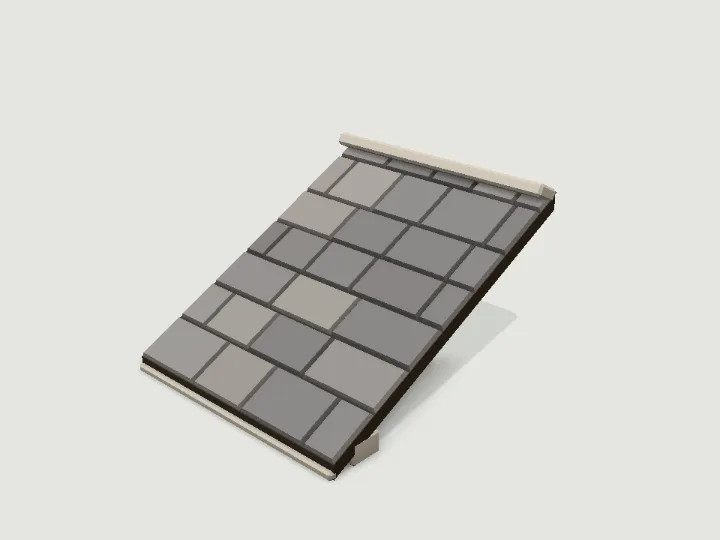 Roof Piece
Modular Level Kit · 620 tris
StillPro
Roof Piece
Modular Level Kit · 620 tris
StillPro
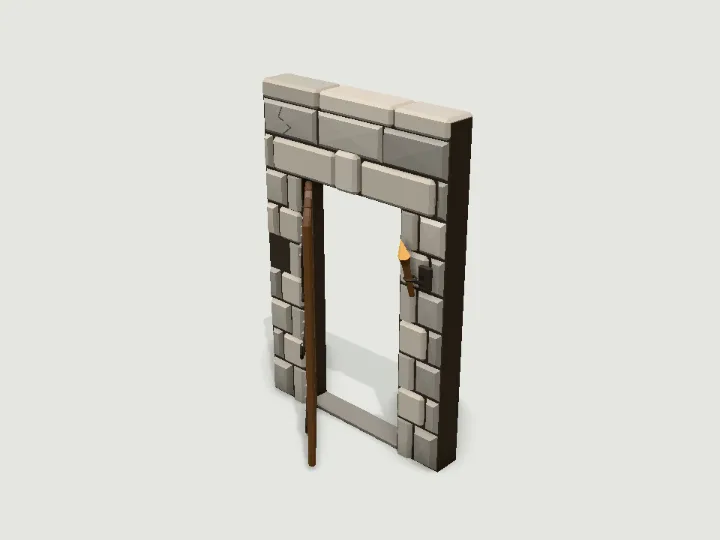 Wall with Door
Modular Level Kit · 2,364 tris
Moving partsPro
Wall with Door
Modular Level Kit · 2,364 tris
Moving partsPro
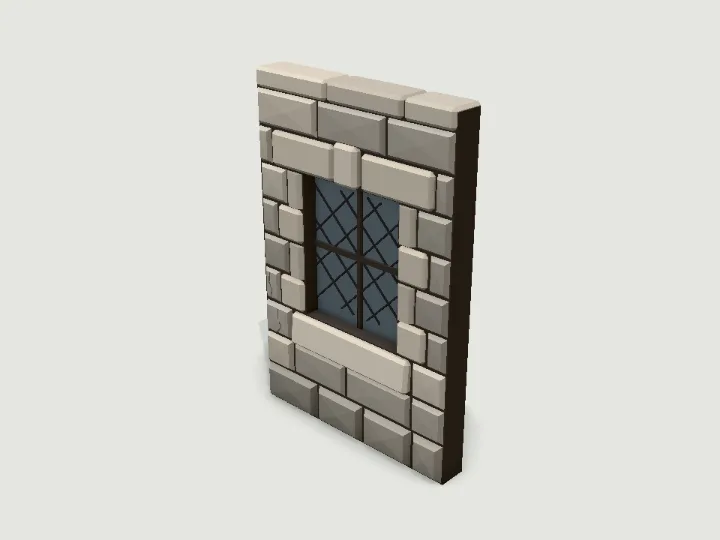 Wall with Window
Modular Level Kit · 1,374 tris
StillPro
Wall with Window
Modular Level Kit · 1,374 tris
StillPro