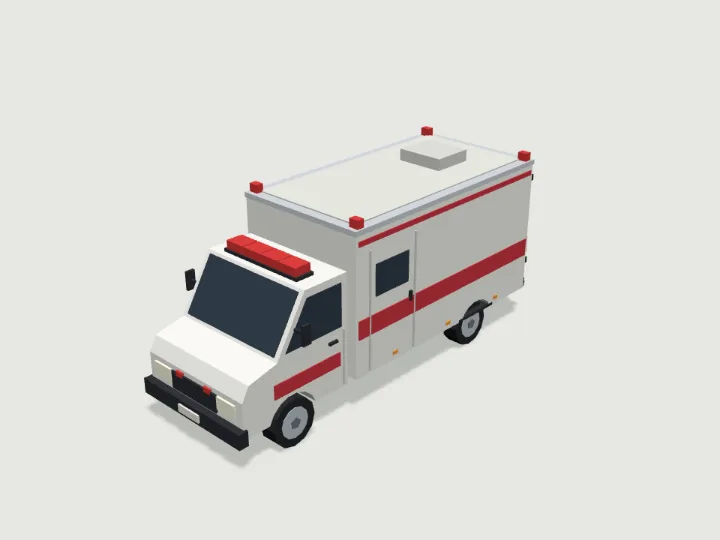
 Ambulance
Road Vehicles · 3,312 tris
RollsPro
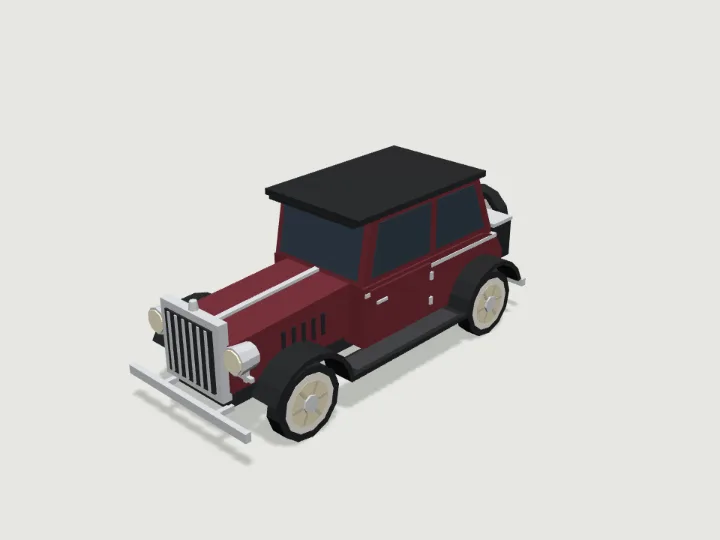
drag to orbit · tap the ground to send it
Vehicle · Rolls with distance
Vintage Car
A 4.3 m 1930s motor car: long louvred hood, tall chrome radiator shell with bars and a cap, separate sweeping fenders, running boards with tread strips, big drum headlamps on a bar, chrome bumpers and belt trim, spoked wheels with whitewalls, as a closed sedan or an open roadster. Wheels spin with distance driven, the rear-hinged doors swing (door_L, door_R); lamps glow at night.
- Size
- 1.7 × 1.8 × 4.3 m
- Triangles
- 3,040
Tune it
4 knobs: Paint, Body, Whitewalls, Spare wheel.
Specs
- Size
- 1.7 × 1.8 × 4.3 m width × height × depth
- Triangles
- 3,040 of 6,000
- Draw calls
- 1 one vertex-colour material
- Loop clip
- 2.262 m of travel per cycle
- Moving parts
- 6 wheel_0 · spin, wheel_1 · spin, wheel_2 · spin, wheel_3 · spin, door_L · rotate, door_R · rotate
- Knobs
- 4 3 presets
- Night lights
- 2 headlight, taillight
Passed the validator: real scale, rests on y = 0, front faces +Z, deterministic.
Use it
Code for the specimen as it is set up above; it follows your knobs.
import { createAsset } from 'https://gaitkit.com/cdn/vintage-car.mjs';

const vintageCar = createAsset();
scene.add(vintageCar);                      // rests on y = 0, front faces +Z

let dist = 0;
renderer.setAnimationLoop(() => {
  dist += speed * clock.getDelta();
  vintageCar.position.z = dist;
  vintageCar.userData.tick(dist);            // wheels roll exactly with the distance
  renderer.render(scene, camera);
});import { useGLTF, useAnimations } from '@react-three/drei';
import { useEffect } from 'react';
// vintage-car.glb from the Download button (it carries the knobs you set), saved in /public
export function VintageCar({ speed = 1 }) {
const { scene, animations } = useGLTF('/vintage-car.glb');
const { actions } = useAnimations(animations, scene);
useEffect(() => {
const clip = actions['Loop'];
clip?.play();
if (clip) clip.timeScale = speed / 2.262; // one Loop = 2.262 m of travel
}, [actions, speed]);
return <primitive object={scene} />;
}
// Live knobs or terrain-following feet: copy vintage-car.mjs and runtime/ into your project and use the three.js tab.# Import vintage-car.glb (download below). It carries an in-place "Loop" animation.
@onready var anim: AnimationPlayer = $VintageCar/AnimationPlayer
func _physics_process(delta):
velocity = transform.basis.z * speed
move_and_slide()
anim.play("Loop")
anim.speed_scale = speed / 2.262 # one Loop = 2.262 m of travel// Import vintage-car.glb with glTFast (com.unity.cloud.gltfast).
animator.Play("Loop");
animator.speed = speed / 2.262 // one Loop = 2.262 m of travelUse the gaitkit MCP server: get_variant({ "id": "vintage-car", "want": "default look" })
then place the result and drive it with userData.tick(distance).
# MCP endpoint
https://gaitkit.com/mcpKnobs
| Knob | Type | Values | Default | What it does |
|---|---|---|---|---|
paint | choice | maroon bottle navy cream black tan | maroon | Body colour (fenders stay black): maroon, bottle (green), navy, cream, black, tan. |
body | choice | sedan roadster | sedan | sedan (closed upright cabin with a flat roof) or roadster (open two-seater with a folded hood behind the seat). |
whitewalls | toggle | on / off | true | White sidewall tyres with cream wheel discs; off gives plain black tyres and black discs. |
spare | choice | rear sides none | rear | Where the spare wheel rides: rear (on the back with a trunk), sides (one sunk into each front fender), none. |
Presets: gangster sedan {"paint":"black","body":"sedan","spare":"sides"} · sunday roadster {"paint":"cream","body":"roadster"} · country doctor {"paint":"bottle","whitewalls":false}
Files
| File | What |
|---|---|
| vintage-car.glb Pro | GLB, default look · 384 KB |
| vintage-car.mjs Pro | ES module, every knob live |
| vintage-car.obj Pro | OBJ, static; colours in the .mtl |
| vintage-car.mtl | OBJ colours; keep it next to the .obj |
| vintage-car-params.json | knob schema, presets, night zones |
Licence
Use it in games, apps, renders and client work, commercially and without credit. Do not resell it as an asset or train a 3D generator on it. The full licence.
More from Road Vehicles
Ambulance
Road Vehicles · 3,312 tris
RollsPro
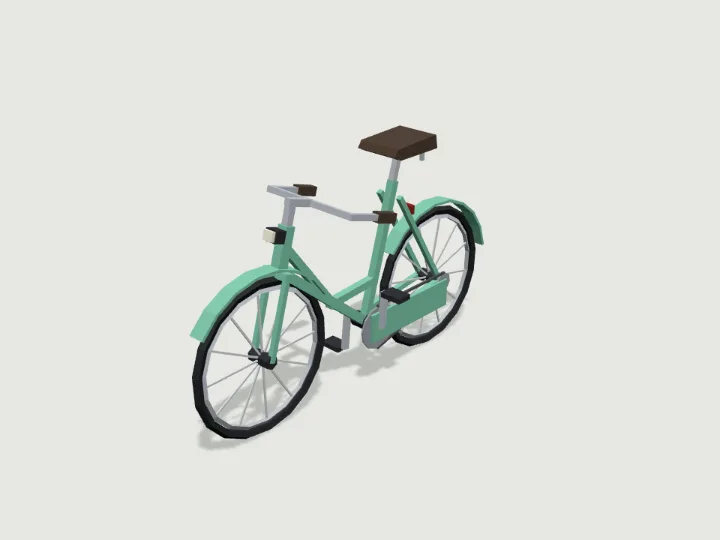 Bicycle
Road Vehicles · 1,884 tris
RollsFree
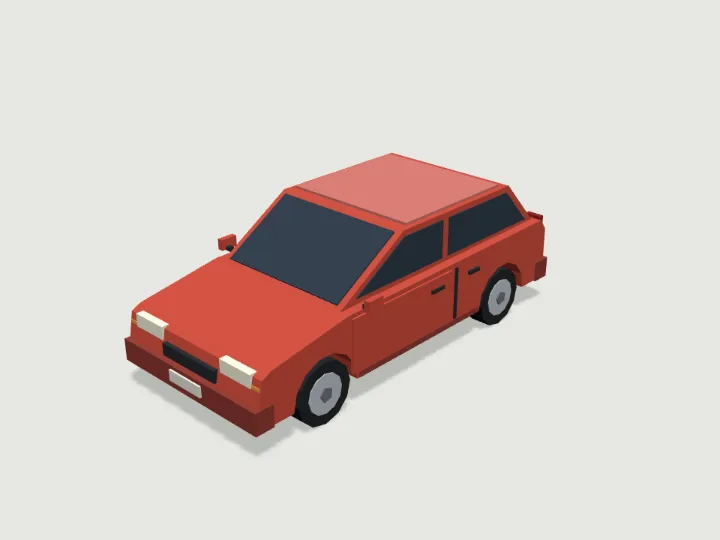 Hatchback
Road Vehicles · 3,112 tris
RollsPro
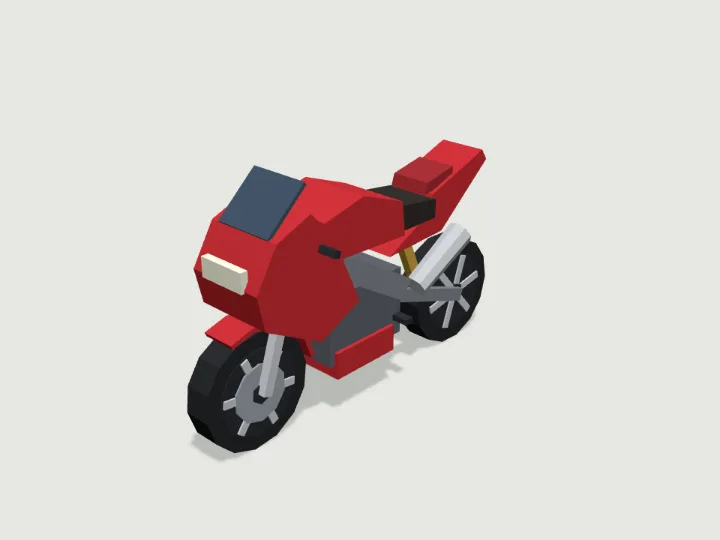 Motorcycle
Road Vehicles · 2,432 tris
RollsPro
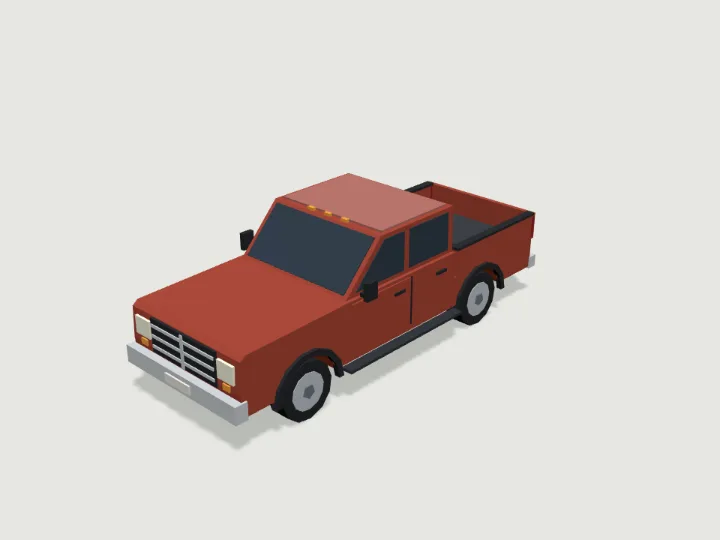 Pickup Truck
Road Vehicles · 3,148 tris
RollsPro
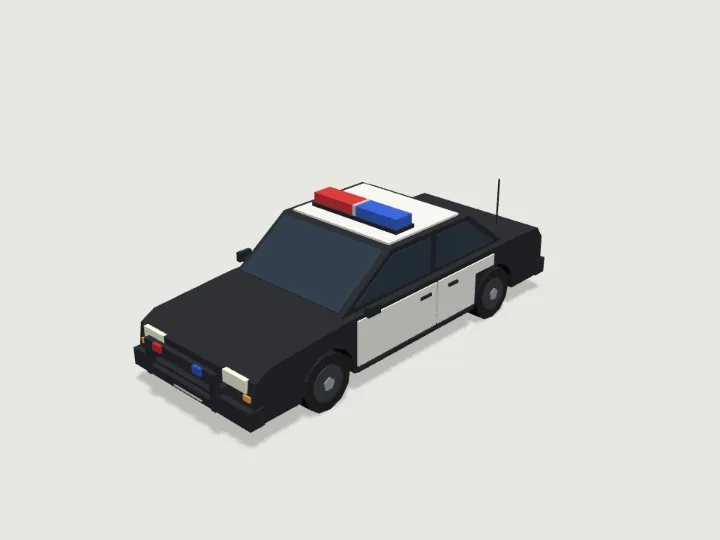 Police Car
Road Vehicles · 3,228 tris
RollsPro
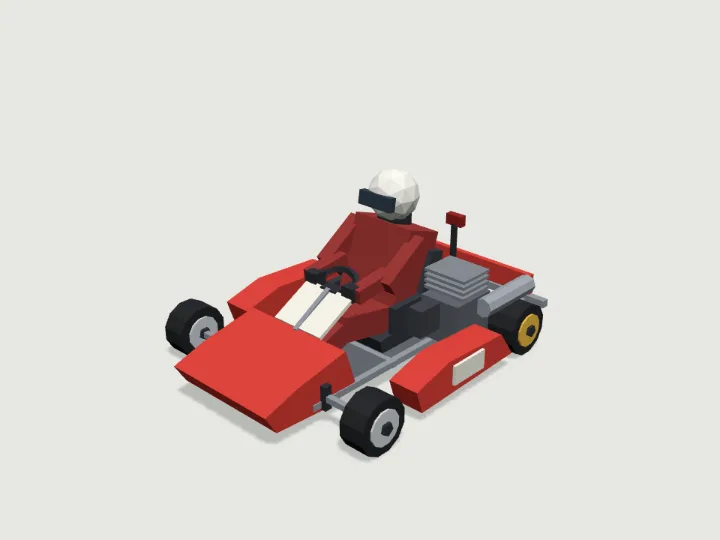 Race Kart
Road Vehicles · 2,944 tris
RollsPro
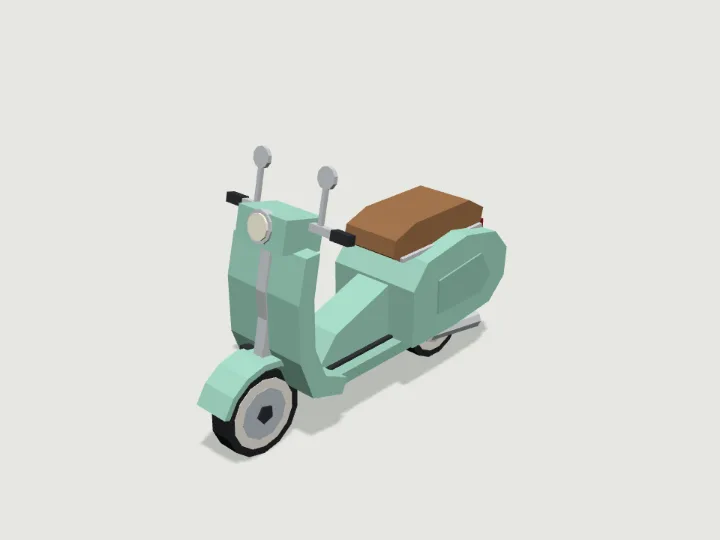 Scooter
Road Vehicles · 2,098 tris
RollsPro