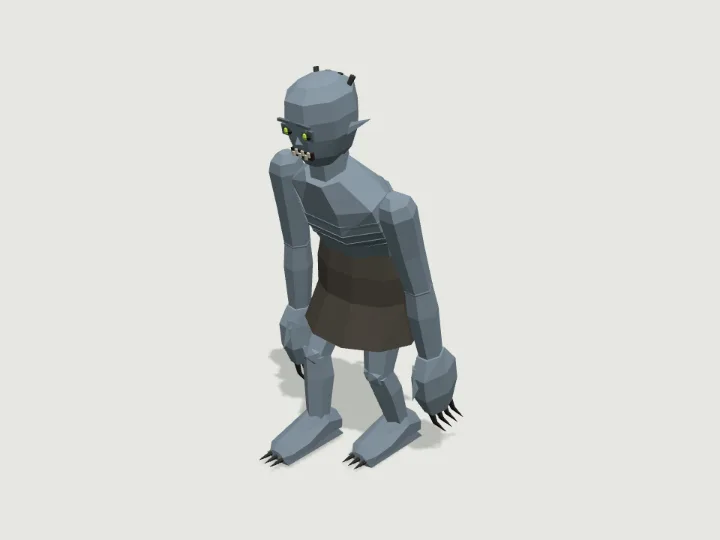
 Ghoul
Monster Horde · 2,456 tris
Walks · 2 legs
Ghoul
Monster Horde · 2,456 tris
Walks · 2 legs
drag to orbit · tap the ground to send it
Character · Walks on 2 legs
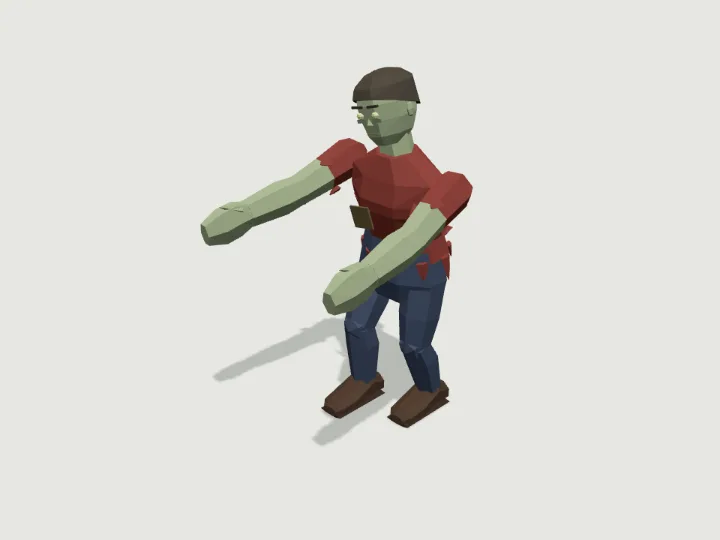
Zombie
A shambling zombie about 1.75 m tall with pale skin, a tilted head, dull glowing eyes and both arms stretched out in front, shuffling along in torn, patched everyday clothes (no gore). Skin, outfit, weapon, build and art style are knobs; with a weapon the right hand drags it low from grip_R.
- Size
- 0.93 × 1.7 × 1.1 m
- Triangles
- 1,944
Tune it
5 knobs: Style, Skin, Outfit, Weapon, Build.
Specs
- Size
- 0.93 × 1.7 × 1.1 m width × height × depth
- Triangles
- 1,944 of 6,000
- Draw calls
- 1 one vertex-colour material
- Legs
- 2 2 gait groups
- Stride
- 31 cm duty factor 0.6
- Foot slide
- 0.00 mm limit 1 mm
- Walk clip
- 0.767 m/s at playback speed 1
- Moving parts
- 7 spine · rotate, chest · rotate, neck · rotate, upperarm_L · rotate, forearm_L · rotate, upperarm_R · rotate, forearm_R · rotate
- Knobs
- 5 3 presets
- Night lights
- 1 eye
Passed the validator: real scale, rests on y = 0, front faces +Z, deterministic, planted feet never slide past 1 mm.
Use it
Code for the specimen as it is set up above; it follows your knobs.
import { createAsset } from 'https://gaitkit.com/cdn/zombie.mjs';
import { walker } from 'https://gaitkit.com/runtime/walk.mjs';

const zombie = createAsset();
scene.add(zombie);                      // rests on y = 0, front faces +Z
const gait = walker(zombie, { ground: (x, z) => terrainHeight(x, z) });   // or omit ground for a flat floor

let dist = 0;
renderer.setAnimationLoop(() => {
  dist += speed * clock.getDelta();
  zombie.position.z = dist;
  gait.poseAt(dist);                  // feet stay planted, at any frame rate
  renderer.render(scene, camera);
});import { useMemo, useRef } from 'react';
import { useFrame } from '@react-three/fiber';
import { createAsset } from 'https://gaitkit.com/cdn/zombie.mjs';
import { walker } from 'https://gaitkit.com/runtime/walk.mjs';
export function Zombie({ speed = 1 }) {
const model = useMemo(() => createAsset(), []);
const gait = useMemo(() => walker(model), [model]);
const dist = useRef(0);
useFrame((_, dt) => {
dist.current += speed * dt;
model.position.z = dist.current;
gait.poseAt(dist.current); // feet stay planted, at any frame rate
});
return <primitive object={model} />;
}# Import zombie.glb (download below). It carries an in-place "Walk" animation.
@onready var anim: AnimationPlayer = $Zombie/AnimationPlayer
func _physics_process(delta):
velocity = transform.basis.z * speed
move_and_slide()
anim.play("Walk")
anim.speed_scale = speed / 0.767 # Walk clip covers 0.767 m/s at 1x// Import zombie.glb with glTFast (com.unity.cloud.gltfast).
animator.Play("Walk");
animator.speed = speed / 0.767 // Walk clip covers 0.767 m/s at 1x
// Humanoid: the root node's extras.humanoid maps Unity bone names to nodes (Hips → body, Head → head …).Use the gaitkit MCP server: get_variant({ "id": "zombie", "want": "default look" })
then place the result and walk it with walker() so the feet stay planted.
# MCP endpoint
https://gaitkit.com/mcpKnobs
| Knob | Type | Values | Default | What it does |
|---|---|---|---|---|
style | choice | stylized realistic chibi blocky | stylized | Art style of the whole figure: stylized (chunky game look), realistic (adult proportions), chibi (big head, about 1.1 m) or blocky (voxel boxes). |
skin | choice | green grey blue | green | Pale skin tint: green, grey or blue. |
outfit | choice | farmer office rags | farmer | Torn clothes: farmer (red shirt, blue jeans), office (white shirt, tie, grey trousers) or rags (brown sackcloth). |
weapon | choice | none pipe shovel | none | None keeps both arms reaching forward; pipe or shovel makes the right hand drag a rusty pipe or an old shovel low in front. |
build | choice | average heavy slim | average | Body type: average, heavy (big and slow) or slim (gaunt). |
Presets: office worker {"outfit":"office","skin":"grey"} · farmhand with shovel {"outfit":"farmer","weapon":"shovel","build":"heavy"} · chibi shambler {"style":"chibi","outfit":"rags","skin":"blue"}
Files
| File | What |
|---|---|
| zombie.glb | GLB, default look · 217 KB |
| zombie.mjs | ES module, every knob live |
| zombie.obj | OBJ, static, no colour |
| zombie-params.json | knob schema, presets, night zones |
Licence
Use it in games, apps, renders and client work, commercially and without credit. Do not resell it as an asset or train a 3D generator on it. The full licence.
More from Monster Horde
Ghoul
Monster Horde · 2,456 tris
Walks · 2 legs
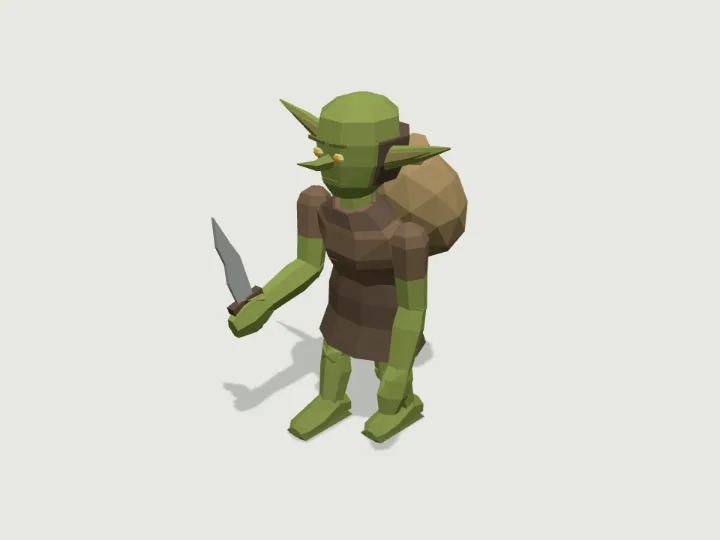 Goblin
Monster Horde · 1,992 tris
Walks · 2 legs
Goblin
Monster Horde · 1,992 tris
Walks · 2 legs
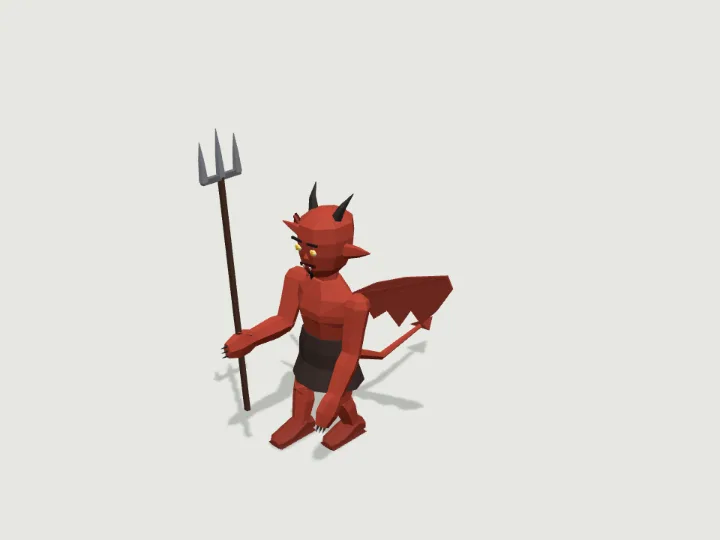 Imp
Monster Horde · 2,066 tris
Walks · 2 legs
Imp
Monster Horde · 2,066 tris
Walks · 2 legs
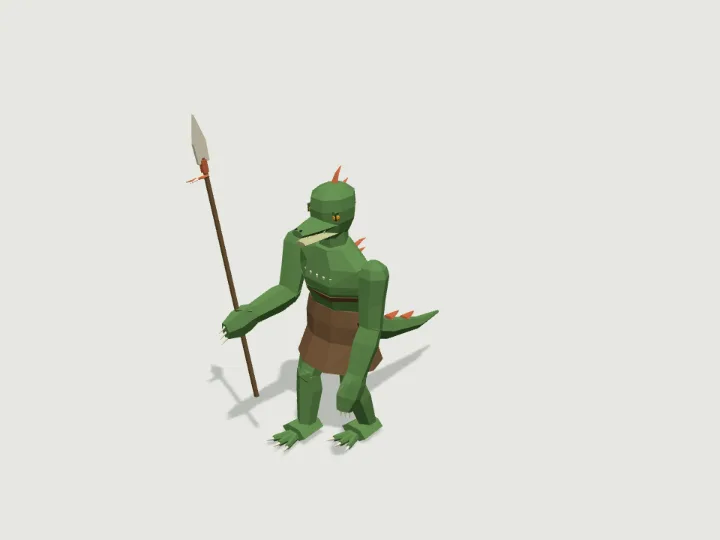 Lizardfolk
Monster Horde · 2,724 tris
Walks · 2 legs
Lizardfolk
Monster Horde · 2,724 tris
Walks · 2 legs
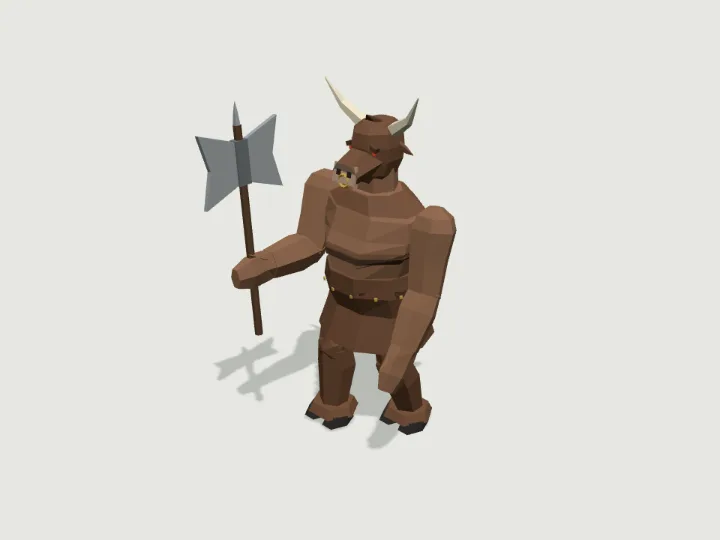 Minotaur
Monster Horde · 2,128 tris
Walks · 2 legs
Minotaur
Monster Horde · 2,128 tris
Walks · 2 legs
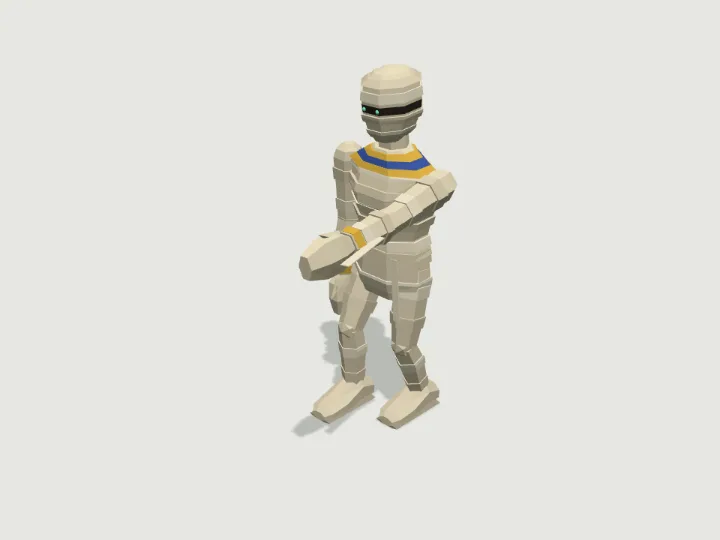 Mummy
Monster Horde · 2,356 tris
Walks · 2 legs
Mummy
Monster Horde · 2,356 tris
Walks · 2 legs
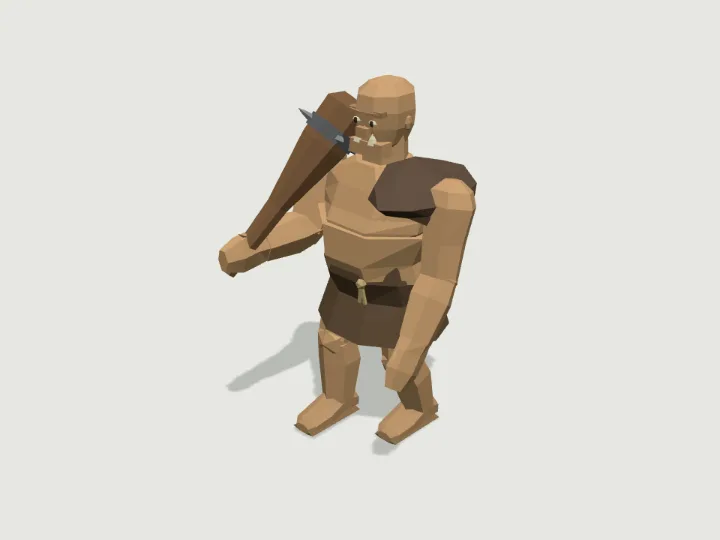 Ogre
Monster Horde · 2,104 tris
Walks · 2 legs
Ogre
Monster Horde · 2,104 tris
Walks · 2 legs
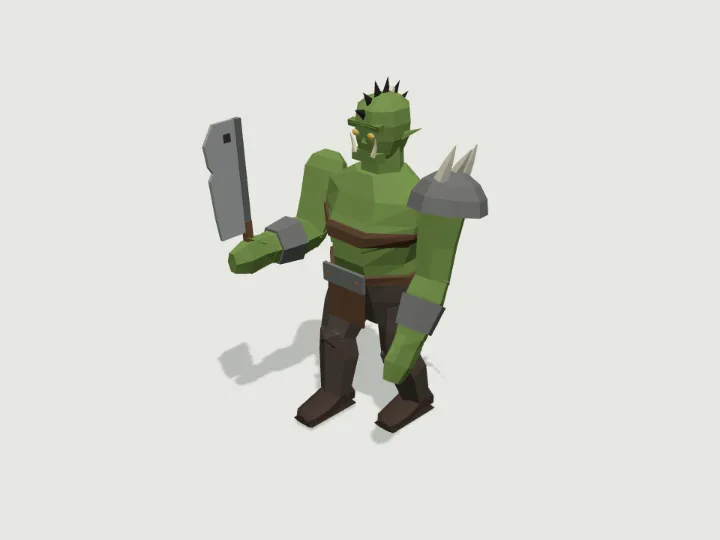 Orc
Monster Horde · 1,896 tris
Walks · 2 legs
Orc
Monster Horde · 1,896 tris
Walks · 2 legs