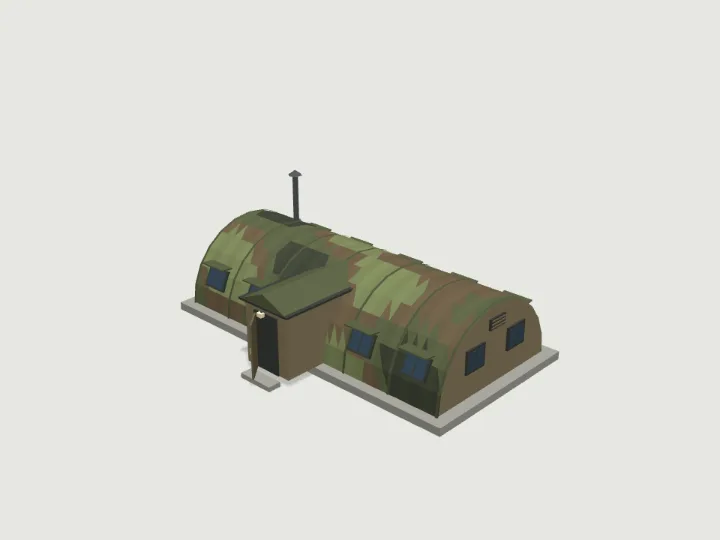
 Barracks
Military Base · 3,084 tris
Moving partsPro
drag to orbit
Building · 1 moving part
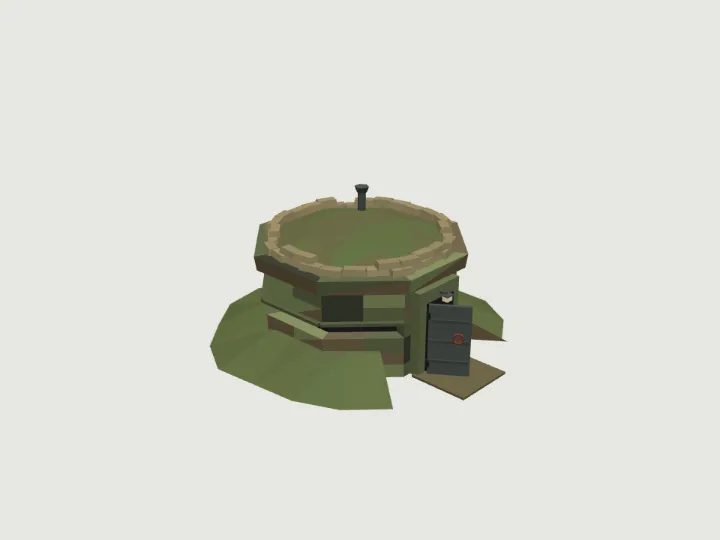
Bunker
A squat concrete pillbox half sunk in a grassy earth berm: poured walls with formwork lift lines, a dark firing slit wrapping the front faces under a chamfered eyebrow with a gun barrel poking out, a thick bevelled roof slab with a turf cap, a cowled vent and a periscope head, and a riveted steel blast door with hinges, locking dogs and a hand wheel in a concrete surround on its right side (part blast_door, hinged, swings out up to 110 degrees), flanked by low sandbag wing walls. Paint it in woodland, desert, arctic or grey camouflage or leave the concrete bare; a caged lamp over the door glows at night.
- Size
- 8.3 × 3.9 × 7.8 m
- Triangles
- 3,078
Tune it
5 knobs: Shape, Camo, Size, Sandbags, Door open.
Specs
- Size
- 8.3 × 3.9 × 7.8 m width × height × depth
- Triangles
- 3,078 of 6,000
- Draw calls
- 1 one vertex-colour material
- Moving parts
- 1 blast_door · rotate
- Knobs
- 5 3 presets
- Night lights
- 1 lamp
Passed the validator: real scale, rests on y = 0, front faces +Z, deterministic.
Use it
Code for the specimen as it is set up above; it follows your knobs.
import { createAsset } from 'https://gaitkit.com/cdn/bunker.mjs';

const bunker = createAsset();
scene.add(bunker);                      // rests on y = 0, front faces +Z

// 'blast_door' pivots on its hinge: -110° to 0° around y
bunker.getObjectByName('blast_door').rotation.y = THREE.MathUtils.degToRad(-110);import { useGLTF } from '@react-three/drei';
// bunker.glb from the Download button (it carries the knobs you set), saved in /public
export function Bunker() {
const { scene } = useGLTF('/bunker.glb');
scene.getObjectByName('blast_door').rotation.y = -1.920; // -110°, on its hinge
return <primitive object={scene} />;
}
// Live knobs or terrain-following feet: copy bunker.mjs and runtime/ into your project and use the three.js tab.# Import bunker.glb (download below). Moving parts are separate nodes, pivoted on their hinge.
$Bunker/blast_door.rotation_degrees.y = -110// Import bunker.glb with glTFast (com.unity.cloud.gltfast).
transform.Find("blast_door").localEulerAngles = new Vector3(/* y: */ -110, 0, 0);Use the gaitkit MCP server: get_variant({ "id": "bunker", "want": "default look" })
then place the result.
# MCP endpoint
https://gaitkit.com/mcpKnobs
| Knob | Type | Values | Default | What it does |
|---|---|---|---|---|
shape | choice | octagon round square | octagon | Plan of the pillbox: octagon (classic eight-sided), round (twelve-sided, almost a drum) or square (a boxy blockhouse with one front slit). |
camo | choice | woodland desert arctic grey bare | woodland | Paint scheme on the concrete and the colour of the earth berm: woodland (olive, brown and black blotches on grass), desert (sand and tan), arctic (white and pale grey in snow), grey (urban greys), bare (unpainted weathered concrete). |
size | range | 2 to 3.5, step 0.25 | 2.6 | Corner radius of the bunker in metres; 2 is a two-man pillbox, 3.5 a command blockhouse about 7 m across. |
sandbags | toggle | on / off | true | A ring of sandbags around the edge of the roof slab and low sandbag wing walls beside the door path. |
doorOpen | toggle | on / off | false | Swings the steel blast door wide open (110 degrees), showing the dark doorway. |
Presets: desert strongpoint {"camo":"desert","shape":"square","size":3} · arctic pillbox {"camo":"arctic","shape":"round","sandbags":false} · old concrete {"camo":"bare","size":2.25,"doorOpen":true}
Files
| File | What |
|---|---|
| bunker.glb Pro | GLB, default look · 725 KB |
| bunker.mjs Pro | ES module, every knob live |
| bunker.obj Pro | OBJ, static; colours in the .mtl |
| bunker.mtl | OBJ colours; keep it next to the .obj |
| bunker-params.json | knob schema, presets, night zones |
Licence
Use it in games, apps, renders and client work, commercially and without credit. Do not resell it as an asset or train a 3D generator on it. The full licence.
More from Military Base
Barracks
Military Base · 3,084 tris
Moving partsPro
 Camo Net
Military Base · 1,189 tris
StillPro
 Checkpoint Gate
Military Base · 3,498 tris
Moving partsPro
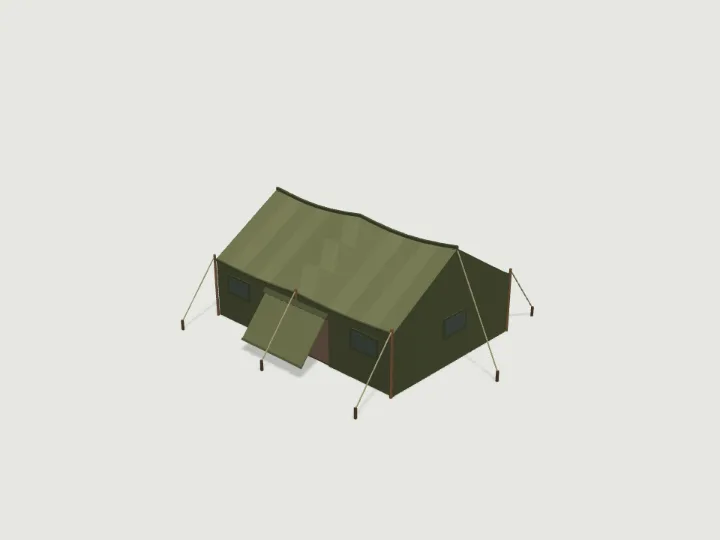 Command Tent
Military Base · 3,220 tris
Moving partsPro
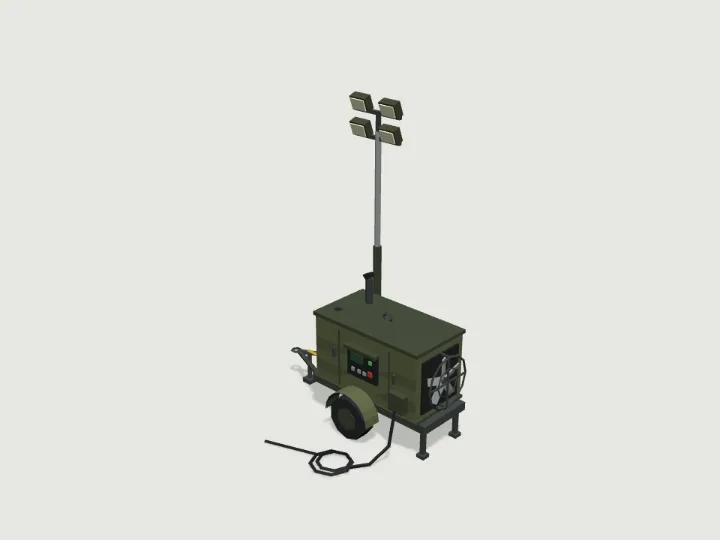 Field Generator
Military Base · 1,998 tris
Moving partsPro
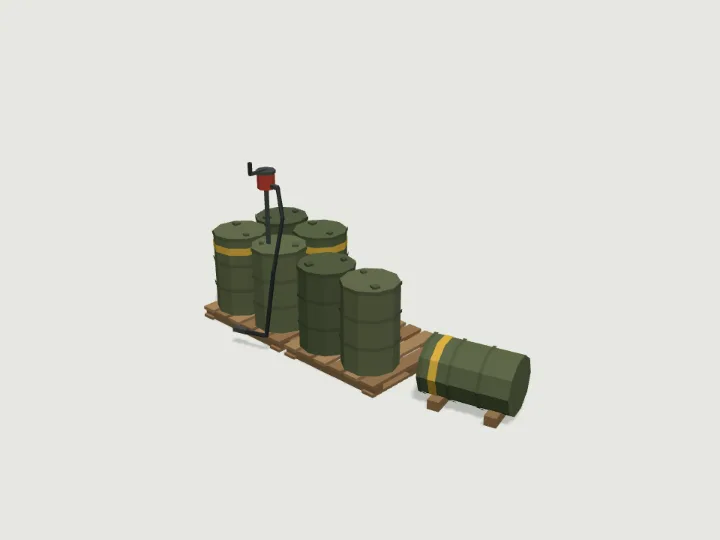 Fuel Drums
Military Base · 1,633 tris
StillPro
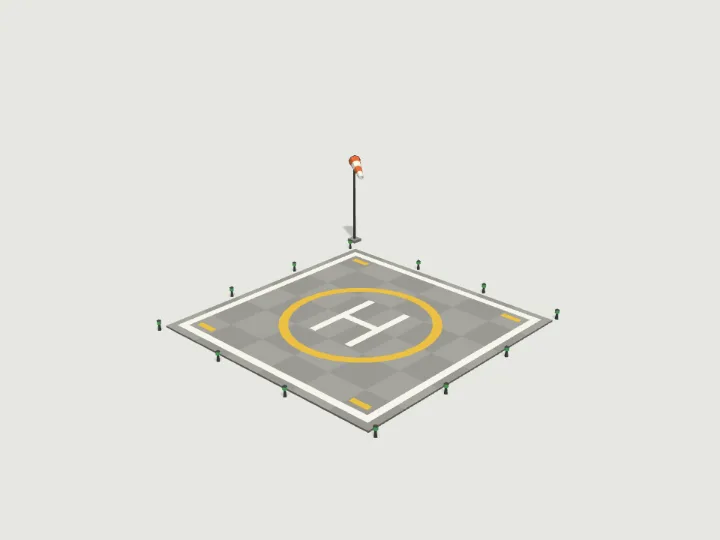 Helipad
Military Base · 1,176 tris
StillPro
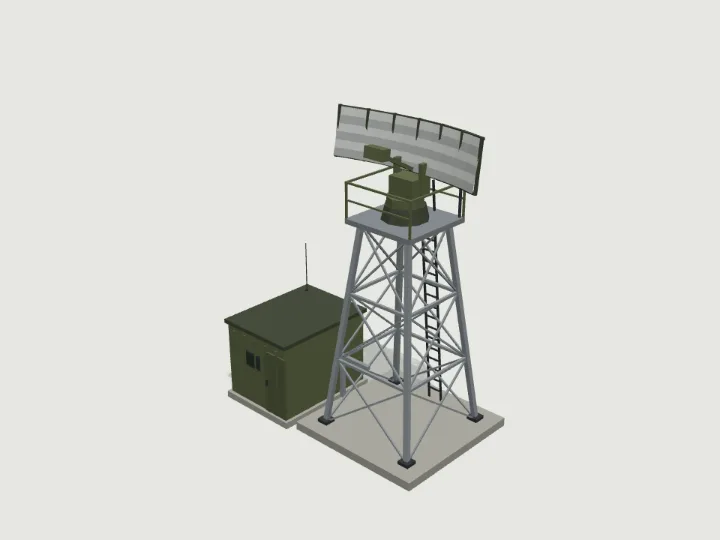 Radar Station
Military Base · 3,414 tris
Moving partsPro