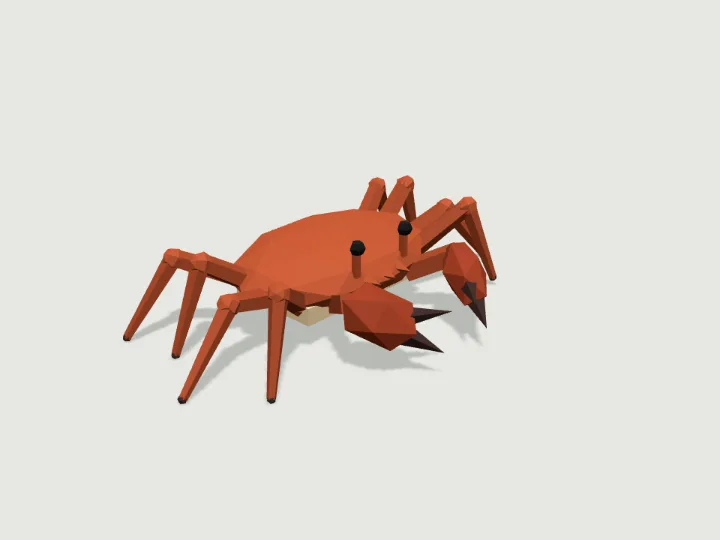
 Rock Crab
Coastal Town · 3,408 tris
Walks · 8 legsPro
drag to orbit
Building · 1 moving part
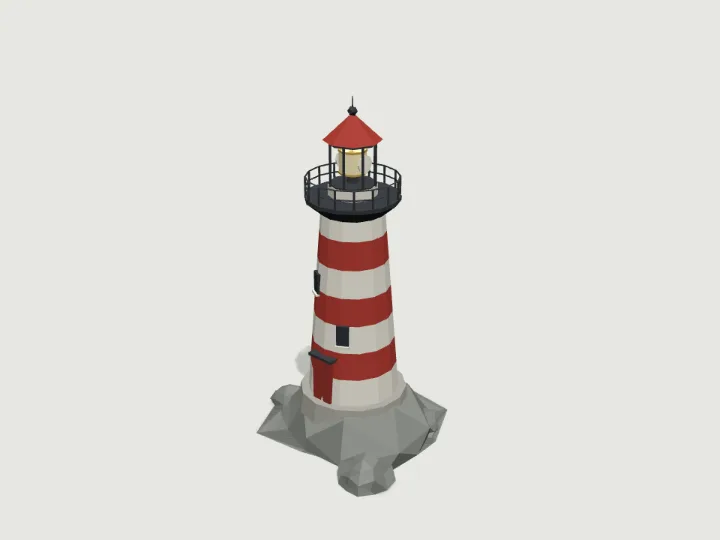
Lighthouse
A tapered striped lighthouse tower with a flared base, an entrance porch with a gabled roof, framed keeper's windows with sills, a corbelled iron gallery with a double railing, and a lantern room with glazing bars, a ribbed domed roof, ventilator ball and lightning rod. The lamp is a part named lamp (a ribbed Fresnel lens with brass bands and four bullseye panels) that spins about y and glows after dark; the keeper's windows glow too. Stands on a craggy turf-topped granite outcrop or a coursed stone plinth with steps. The door faces +Z.
- Size
- 8.9 × 14.1 × 8.3 m
- Triangles
- 3,986
- Kit
- Coastal Town
Tune it
4 knobs: Stripe colour, Stripes, Height, Base.
Specs
- Size
- 8.9 × 14.1 × 8.3 m width × height × depth
- Triangles
- 3,986 of 6,000
- Draw calls
- 1 one vertex-colour material
- Loop clip
- 1 m of travel per cycle
- Moving parts
- 1 lamp · spin
- Knobs
- 4 3 presets
- Night lights
- 2 lamp, window
Passed the validator: real scale, rests on y = 0, front faces +Z, deterministic.
Use it
Code for the specimen as it is set up above; it follows your knobs.
import { createAsset } from 'https://gaitkit.com/cdn/lighthouse.mjs';

const lighthouse = createAsset();
scene.add(lighthouse); // rests on y = 0, front faces +Zimport { useGLTF } from '@react-three/drei';
// lighthouse.glb from the Download button (it carries the knobs you set), saved in /public
export function Lighthouse() {
const { scene } = useGLTF('/lighthouse.glb');
return <primitive object={scene} />;
}
// Live knobs or terrain-following feet: copy lighthouse.mjs and runtime/ into your project and use the three.js tab.# Import lighthouse.glb (download below). Moving parts are separate nodes, pivoted on their hinge.
add_child(preload("res://lighthouse.glb").instantiate())// Import lighthouse.glb with glTFast (com.unity.cloud.gltfast).
// Drop it in the scene: 1 unit = 1 metre, +Z is its front.Use the gaitkit MCP server: get_variant({ "id": "lighthouse", "want": "default look" })
then place the result.
# MCP endpoint
https://gaitkit.com/mcpKnobs
| Knob | Type | Values | Default | What it does |
|---|---|---|---|---|
stripeColor | choice | red black blue green | red | Colour of the bands on the white tower, the lantern roof, the porch roof and the door: red, black, blue or green. |
stripes | range | 0 to 6, step 1 | 3 | Number of coloured bands around the tower. 0 gives a plain white tower. |
height | range | 8 to 24, step 0.5 | 14 | Total height in metres from the ground to the tip of the roof. 8 is a harbour-wall light, 24 a major coastal landmark. |
base | choice | rock plain | rock | rock (tower stands on a craggy granite outcrop with turf on top and steps cut down the front, for a headland or an islet) or plain (round coursed stone plinth with steps, for a pier or a town). |
Presets: headland light {"stripeColor":"red","stripes":3,"height":18,"base":"rock"} · harbour light {"stripeColor":"green","stripes":1,"height":9,"base":"plain"} · storm coast {"stripeColor":"black","stripes":5,"height":22}
Files
| File | What |
|---|---|
| lighthouse.glb Pro | GLB, default look · 727 KB |
| lighthouse.mjs Pro | ES module, every knob live |
| lighthouse.obj Pro | OBJ, static; colours in the .mtl |
| lighthouse.mtl | OBJ colours; keep it next to the .obj |
| lighthouse-params.json | knob schema, presets, night zones |
Licence
Use it in games, apps, renders and client work, commercially and without credit. Do not resell it as an asset or train a 3D generator on it. The full licence.
More from Coastal Town
Rock Crab
Coastal Town · 3,408 tris
Walks · 8 legsPro
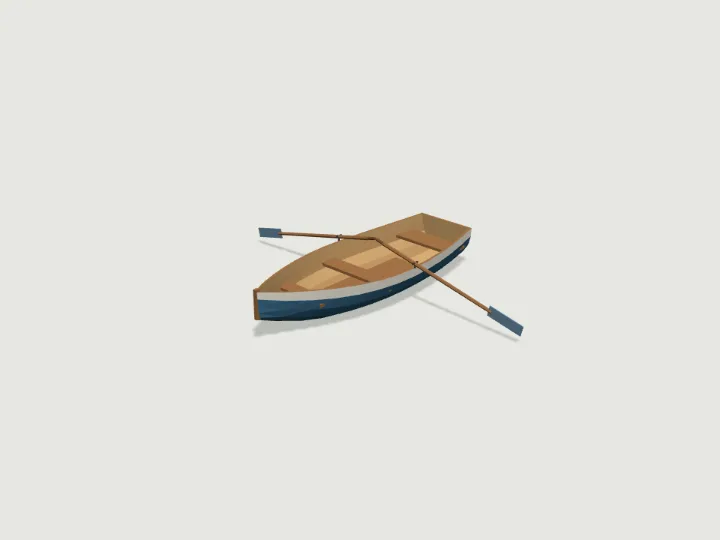 Rowing Boat
Coastal Town · 3,436 tris
Moving partsPro
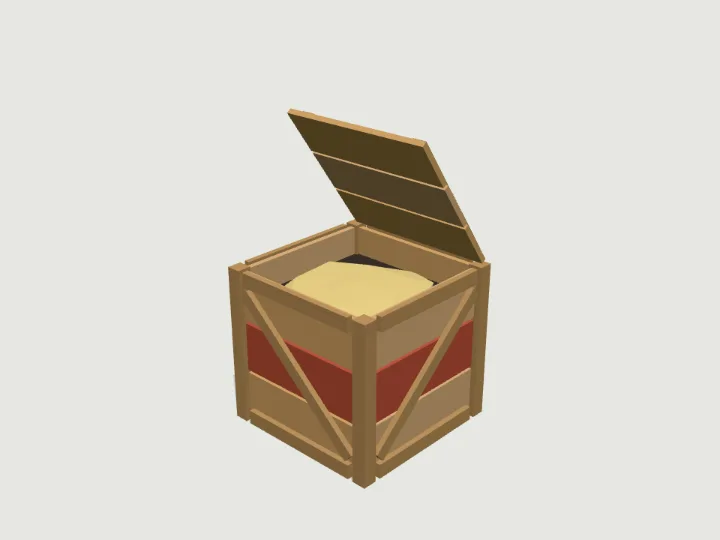 Wooden Crate
Coastal Town · 1,720 tris
Moving partsFree
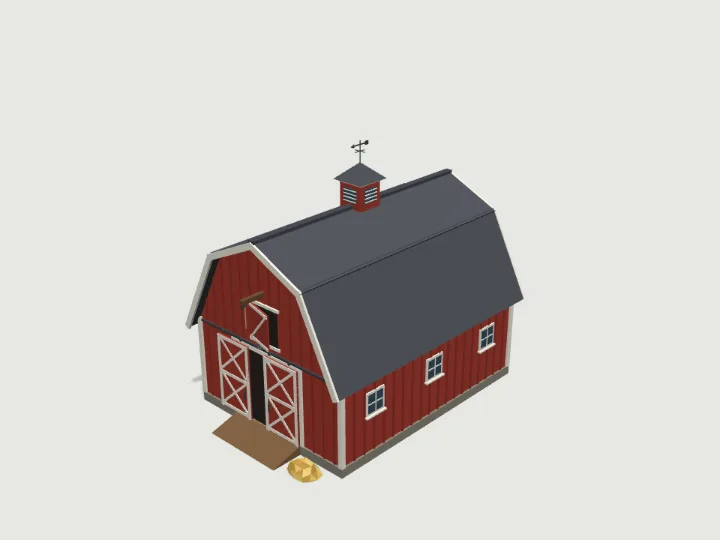 Barn
Farm · 3,984 tris
Moving partsPro
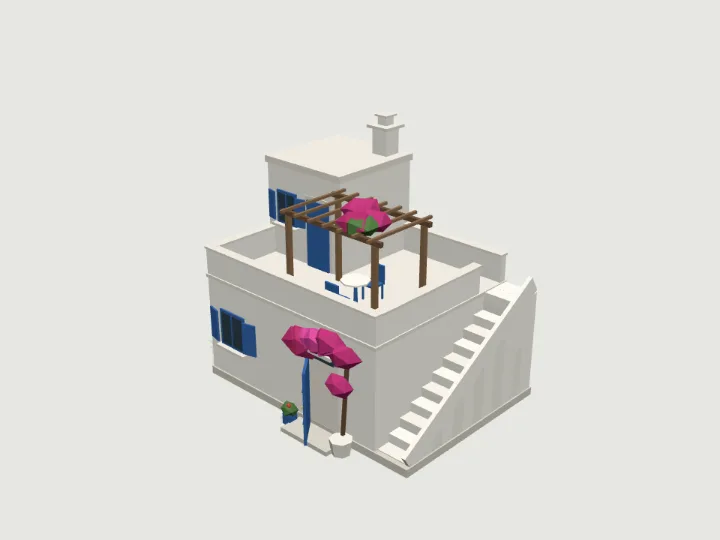 Mediterranean House
World Architecture · 3,984 tris
Moving partsPro
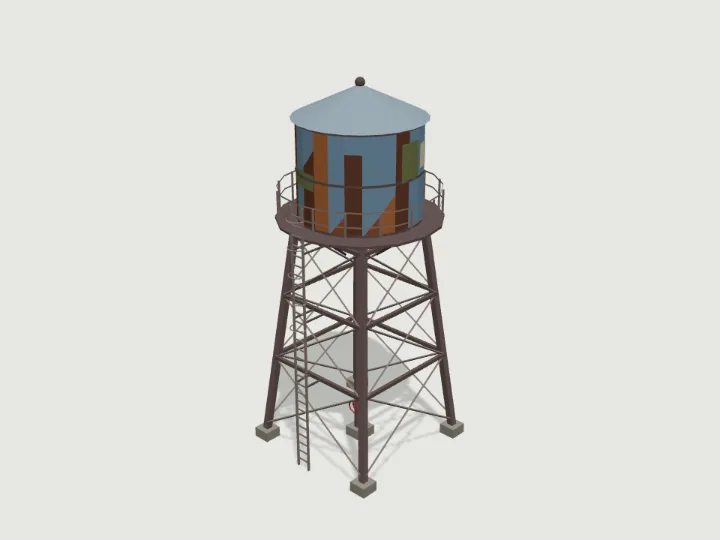 Water Tower
Wasteland · 3,997 tris
StillPro
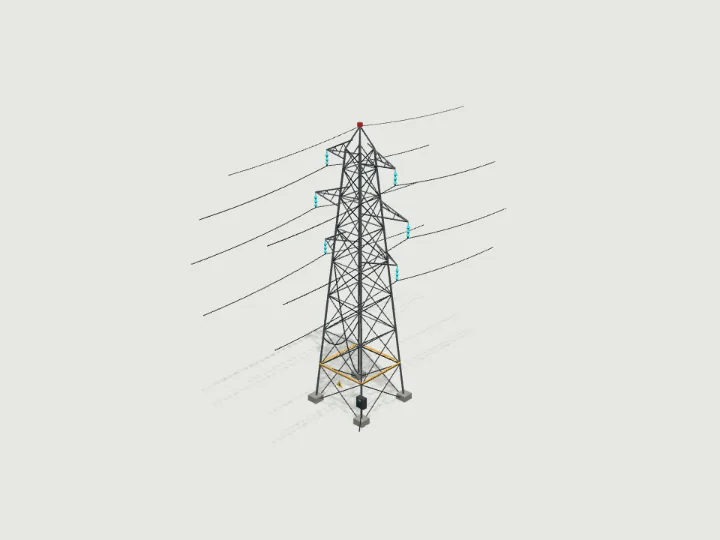 Power Pylon
Cyberpunk · 4,005 tris
StillPro
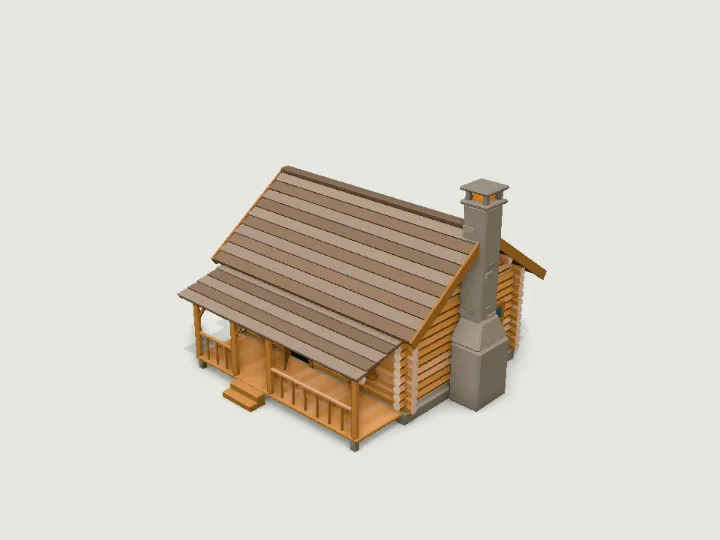 Log Cabin
Town Buildings · 4,016 tris
Moving partsPro