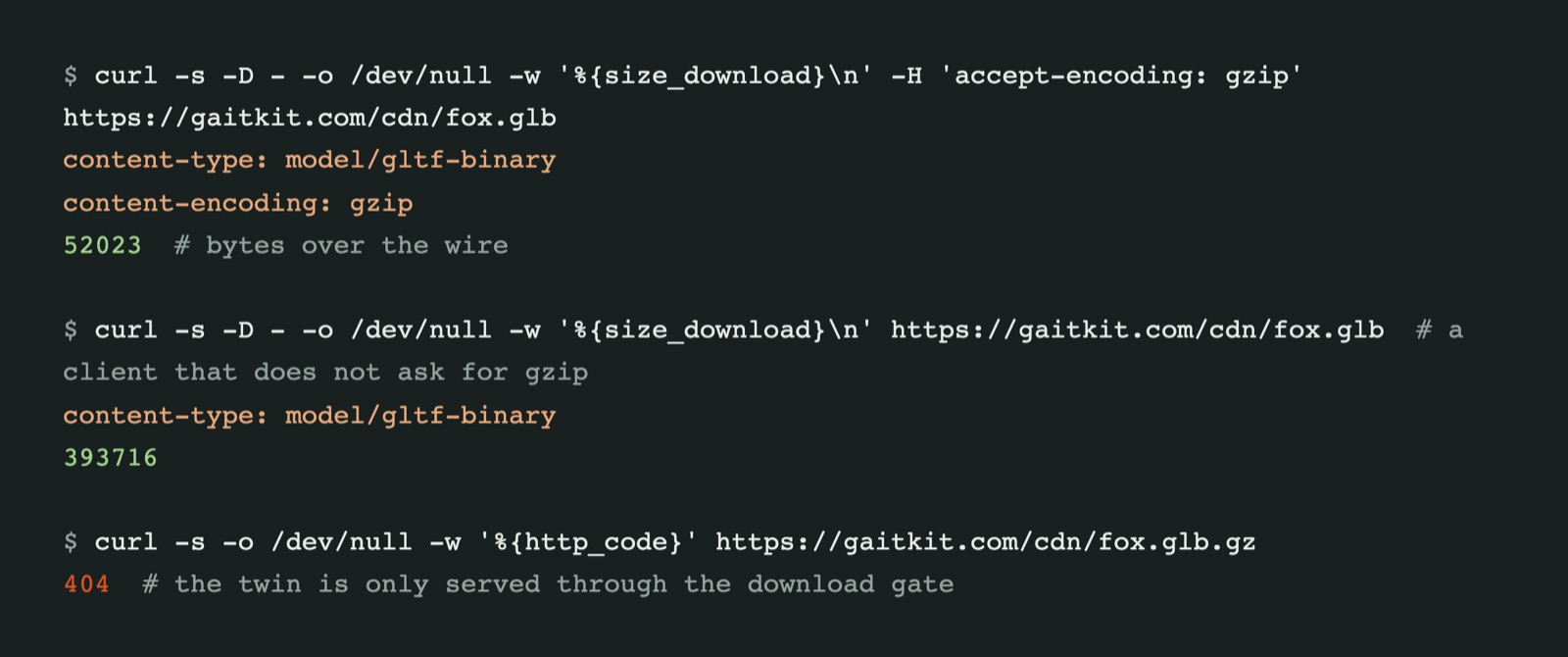
A GLB file is mostly vertex data, and vertex data compresses well. Ours were going over the wire uncompressed anyway: the fox was 394 KB on every download. We now write a gzipped copy of each GLB at build time and have the Worker send it to any client that asks for gzip. The fox is 52 KB, about 7.6 times smaller, and the whole catalogue went from 203 MB to 25 MB.
Why the files were not compressed
The CDN compresses text for you: HTML, CSS, JavaScript, JSON. A GLB is served as model/gltf-binary, and in our tests it left uncompressed, whatever the browser asked for. Our ES modules, which describe the same models as code, were compressed, which is how we noticed the gap.
The obvious fix is to compress in the Worker on every request. We decided against it. The free Workers plan allows about 10 ms of CPU per request, and gzipping a few hundred kilobytes at a high level on every download would spend most of that and more. The files only change when we rebuild, so the compression can happen once, at build time.
A gzip twin per file
The build writes fox.glb.gz next to fox.glb, using the highest gzip level, and only when the GLB is newer than its twin. Downloads of GLB files already pass through the Worker, because Pro files are checked against the buyer's plan before they are sent. After that check, the Worker looks at Accept-Encoding:
const wantsGzip = /\bgzip\b/.test(request.headers.get('accept-encoding') ?? '');
const twin = wantsGzip ? await env.ASSETS.fetch(new URL(url.pathname + '.gz', url)) : null;
if (twin?.ok) return new Response(twin.body, {
  encodeBody: 'manual',                          // the bytes are already gzip: do not encode them again
  headers: { 'content-type': 'model/gltf-binary', 'content-encoding': 'gzip', vary: 'Accept-Encoding' },
});
encodeBody: 'manual' is the important line. Without it, the runtime treats the body as plain bytes and may compress or re-encode it, so the browser receives something it cannot open. With it, the gzipped bytes pass through untouched, and the browser unpacks them before three.js, Godot's importer or a download dialog ever sees the file. A client that does not send Accept-Encoding: gzip gets the original file.
Keeping the twin behind the gate
A second file is also a second URL. /cdn/spider-bot.glb.gz would have been an unguarded copy of a Pro model, served straight from static storage without any plan check. So that path is routed through the Worker as well, and the Worker answers it with a 404. The only way to receive a twin is to ask for the .glb and pass the gate.
Two smaller fixes from the same day
- Loop clips no longer pin parts they do not move. A vehicle's Loop clip used to key every rigged part, including ones the loop leaves alone, such as the tipping bed of the dump truck. While the clip played, the bed could not be posed. The exporter now keys only parts that actually turn during the loop.
- React Three Fiber snippets work in bundled apps. Asset pages showed an R3F snippet that imported the model module from our CDN. Vite and webpack do not load
https://modules, so it failed in a real project. The snippet now loads the GLB withuseGLTFand plays its clip withuseAnimationsat the right speed; the R3F guide covers the module route for live knobs.
Every model in the free collection benefits from the smaller files already; nothing changes in your code.
Questions
Does gzip change the GLB file I download?
No. The browser or HTTP client removes the gzip layer before saving or parsing, so the file on disk is byte for byte the original GLB.
Would Draco or meshopt compression be better?
They shrink geometry further, but the reader then needs a decoder, and the files stop being plain GLB for tools that lack one. Gzip is transparent to every client. Geometry compression could come later as an extra download option.
Is it worth doing for small files?
For a few kilobytes, no. For models in the hundreds of kilobytes, and for pages that load several at once, a sevenfold cut in transfer size is one of the cheapest speed wins available.
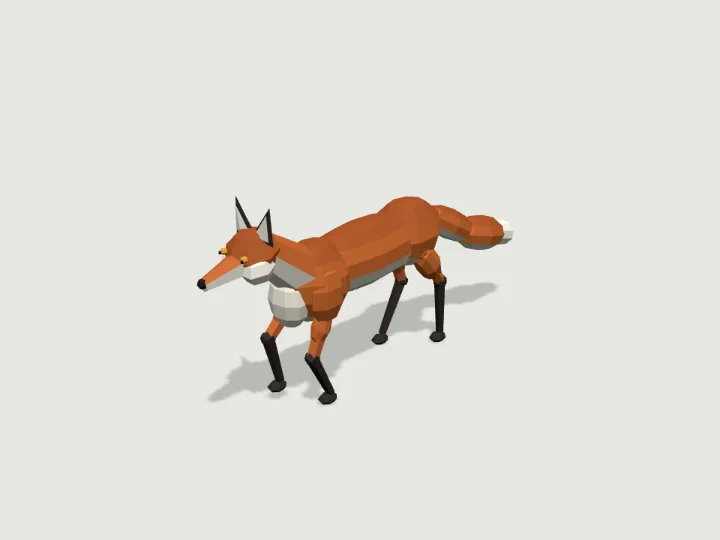 Fox
Fox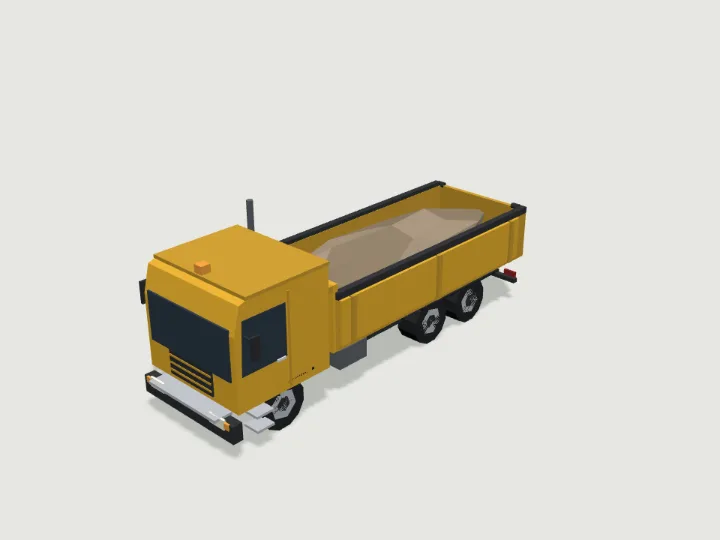 Dump Truck
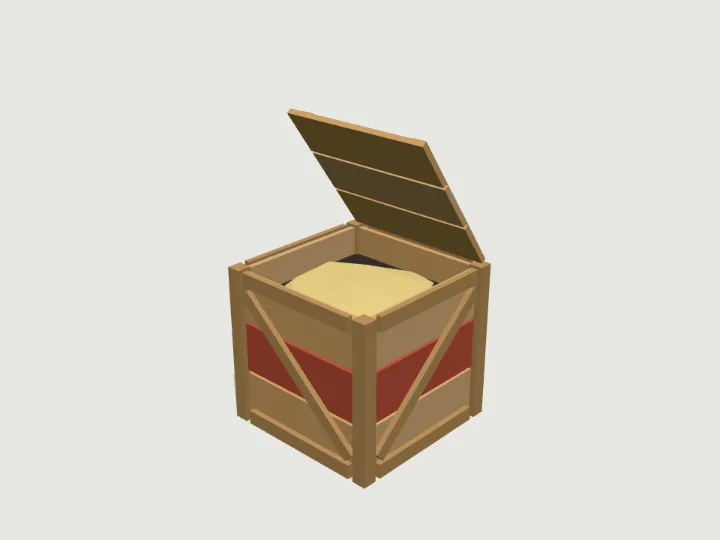 Wooden Crate