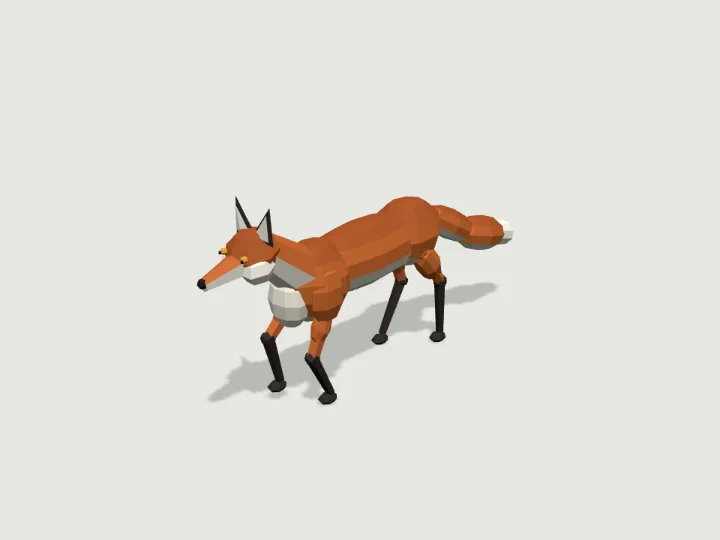
 Fox
Wildlife · 2,572 tris
Walks · 4 legsFree
Fox
Wildlife · 2,572 tris
Walks · 4 legsFree
Guide
How to add an animated low-poly model to React Three Fiber
Load https://gaitkit.com/cdn/{id}.glb with useGLTF from @react-three/drei, play its Walk (or Loop) clip with useAnimations, and move the group yourself in useFrame, setting the action timeScale to your speed divided by the clip speed. Or build the model from its ES module with createAsset() inside useMemo, mount it as a primitive object, and call walker(model).poseAt(distance) in useFrame.
Updated 2026-10-22By Gaitkit
The GLB with useGLTF and useAnimations
This is the shortest route and needs nothing beyond @react-three/fiber and @react-three/drei. The fox below is a free specimen whose GLB carries one in-place clip named Walk. The component plays the clip, moves its group forward in useFrame, and scales the clip so the feet keep pace with the body.
import { Suspense, useEffect, useMemo, useRef } from 'react';
import { Canvas, useFrame } from '@react-three/fiber';
import { useGLTF, useAnimations } from '@react-three/drei';

const URL = 'https://gaitkit.com/cdn/fox.glb';

function Fox({ speed = 0.4 }) {
  const root = useRef();
  const { scene, animations } = useGLTF(URL);
  const model = useMemo(() => scene.clone(true), [scene]);   // one copy per instance
  const { actions } = useAnimations(animations, root);

  // stride and duty come from the GLB's extras; together with the clip length they give its speed
  const g = scene.children[0].userData.gait;
  const clip = animations.find(a => a.name === 'Walk');
  const clipSpeed = g.stride / g.duty / clip.duration;     // 0.375 m/s for the fox

  useEffect(() => {
    const walk = actions.Walk;
    walk.reset().play();
    walk.timeScale = speed / clipSpeed;
    return () => { walk.stop(); };
  }, [actions, speed, clipSpeed]);

  useFrame((_, dt) => { root.current.position.z += speed * dt; });
  return <group ref={root}><primitive object={model} /></group>;
}
useGLTF.preload(URL);

export default function App() {
  return (
    <Canvas camera={{ position: [1.2, 0.8, 1.6], fov: 40 }}>
      <hemisphereLight args={['#ffffff', '#8a8f80', 2.5]} />
      <Suspense fallback={null}><Fox /></Suspense>
    </Canvas>
  );
}
A few details make this work:
useGLTFcaches the file, so every component that asks for the same URL gets the same scene object. Cloning it inuseMemogives each instance its own nodes. Gaitkit models are rigid parts with no skinning, so a plainclone(true)is enough.useAnimations(animations, root)binds the clip to the group you pass. The clip's tracks name nodes such aship_0andknee_0, which the mixer finds anywhere under that group.- The GLB's root node carries the gait in
userData(stride and duty), which together with the clip length gives the clip speed. You can also readgait.clip_speedfrom/catalog.json.
The module as a primitive
The GLB is the published default look. To change knobs at runtime (a different coat, bigger ears, a longer tail) or to walk over uneven ground, use the ES module instead: createAsset(knobs) returns a THREE.Group, and <primitive object={model} /> mounts it.
Bundlers such as Vite and webpack resolve three from your node_modules, but they do not fetch https imports, and a module loaded straight from the CDN could not find your copy of three. Copy the module and the runtime into your source tree once; the module imports ../runtime/kit.mjs, so keep the two folders side by side.
mkdir -p src/gaitkit/cdn src/gaitkit/runtime
curl -o src/gaitkit/cdn/fox.mjs https://gaitkit.com/cdn/fox.mjs
for f in kit humanoid walk; do curl -o src/gaitkit/runtime/$f.mjs https://gaitkit.com/runtime/$f.mjs; doneimport { useMemo, useRef } from 'react';
import { useFrame } from '@react-three/fiber';
import { createAsset } from './gaitkit/cdn/fox.mjs';
import { walker } from './gaitkit/runtime/walk.mjs';
export function Fox({ coat = 'red', speed = 0.4 }) {
const model = useMemo(() => createAsset({ coat }), [coat]); // a new knob value builds a new model
const gait = useMemo(() => walker(model), [model]);
const dist = useRef(0);
useFrame((_, dt) => {
dist.current += speed * dt;
model.position.z = dist.current; // move first...
gait.poseAt(dist.current); // ...then pose the legs for that distance
});
return <primitive object={model} />;
}Because createAsset runs inside useMemo, changing a knob prop rebuilds the model, and walker is rebuilt with it. For uneven ground, pass a height function: walker(model, { ground: (x, z) => heightAt(x, z) }).
Vehicles, flyers and props: the Loop clip
Specimens that roll, fly or swim carry a clip named Loop instead of Walk. One Loop covers loop_m metres of travel at playback speed 1: for a vehicle that is one wheel turn, so a 0.52 m wheel gives 3.27 m. Play it at your speed divided by that distance and the wheels roll without skidding. The value sits in the GLB root's userData.loop and in the catalogue as loop_m.
function DumpTruck({ speed = 3 }) {
  const root = useRef();
  const { scene, animations } = useGLTF('https://gaitkit.com/cdn/dump-truck.glb');
  const { actions } = useAnimations(animations, root);
  const loopM = scene.children[0].userData.loop;   // metres of travel per Loop (3.27 m: one wheel turn)
  useEffect(() => { actions.Loop.reset().play().timeScale = speed / loopM; }, [actions, speed, loopM]);
  useFrame((_, dt) => { root.current.position.z += speed * dt; });
  return <group ref={root}><primitive object={scene} /></group>;
}
Flyers and swimmers still rest on y = 0 in the file. Hold them at userData.altitude metres above your ground in the module route, or pick your own height for the GLB.
The Loop clip keys every rigged part, including parts that do not move during the loop, such as the dump truck's tipping bed. To pose such a part yourself, stop the clip first, or set the rotation after useFrame has run the mixer.
Scale, lighting and shadows
- Metres and +Z. One unit is one metre, every model rests on y = 0 and faces +Z. The fox is about 0.95 m nose to tail, the dump truck about 9 m, so frame the camera accordingly.
- Light. The materials are flat-shaded and non-metallic. A hemisphere light plus one directional light is enough; add
<Environment preset="city" />from drei for softer fill. - Shadows. Set
shadowson theCanvasandcastShadowon the meshes you care about; module meshes already havecastShadowon. - Night. Specimens with lamps, eyes or windows list glowing zones in their
nightexport; the GLB already carries those parts as emissive materials. See night lights.
Questions
Why does my second copy of the model disappear?
useGLTF returns one cached scene, and an object can only have one parent. Clone the scene per component with useMemo(() => scene.clone(true), [scene]).
How do I stop the feet from sliding in R3F?
Move the group by speed times delta in useFrame and set the Walk action timeScale to speed divided by gait.clip_speed. With the module route, move the model and call poseAt with the same distance.
Can I change colours on the GLB?
The GLB has one material per colour, so you can recolour by material, but named looks are knobs on the module. Use createAsset with the knobs, or download a GLB with your knobs baked in from the lab.
Does it work with Next.js?
Yes, inside a client component, since the Canvas runs in the browser. Copy the module and runtime into your source for the module route; the GLB route only needs the URL.
Try it with
Fox
Wildlife · 2,572 tris
Walks · 4 legsFree
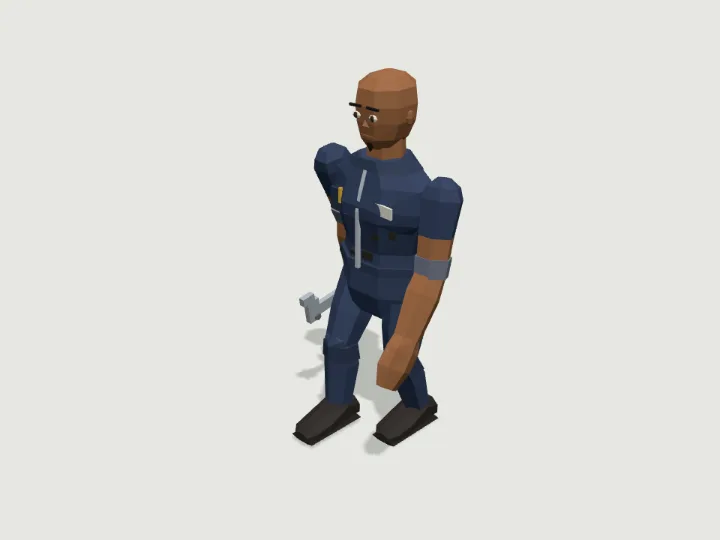 Mechanic
Townsfolk · 2,680 tris
Walks · 2 legsFree
Mechanic
Townsfolk · 2,680 tris
Walks · 2 legsFree
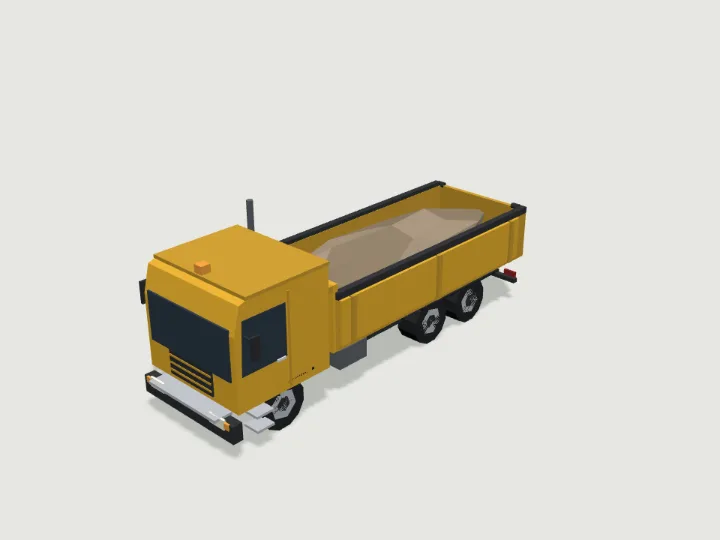 Dump Truck
Heavy Vehicles · 2,932 tris
RollsFree
Dump Truck
Heavy Vehicles · 2,932 tris
RollsFree
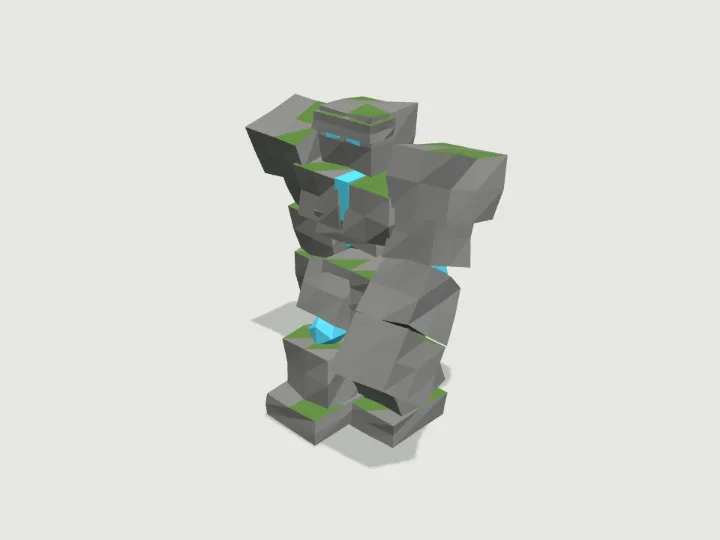 Stone Golem
Monster Horde · 2,350 tris
Walks · 2 legsFree
Stone Golem
Monster Horde · 2,350 tris
Walks · 2 legsFree
Keep looking
Browse by type
Low-poly charactersLow-poly creaturesLow-poly vehiclesLow-poly buildingsLow-poly robots and mechsLow-poly propsLow-poly trees, rocks and terrainLow-poly furnitureLow-poly weaponsLow-poly sci-fi assetsLow-poly fantasy and medievalModular level kits
By engine
3D models for three.js3D models for React Three FiberLow-poly 3D models for GodotLow-poly 3D models for Unity3D assets for AI agents
Kits
Adventurer GearAir, Sea & SpaceAlien WorldAncient WorldAnimalsBiomesBirds & Sea LifeBug WorldCastleCharactersCity StreetCoastal TownCyberpunkDungeonEveryday PropsFantasy CreaturesFantasy HeroesFarmFoodForest & WildsGarden BugsHalloweenHeavy VehiclesHistoricalHome & GardenHome FurnitureInteriorsKitchen & BathMachinesMech HangarMedieval VillageMilitary BaseModern ArsenalModular Level KitMonster HordeMonstersOffice & TechOutdoorsPiratesPlatformerPlayground & SportsPublic InteriorsRoad VehiclesRobotsSci-Fi CrewSeasonalShop & MarketSolarpunkSpace ColonySports & SkateTabletopTerrainTower DefenseTown BuildingsTownsfolkUnderwaterWastelandWild WestWildlifeWorld Architecture