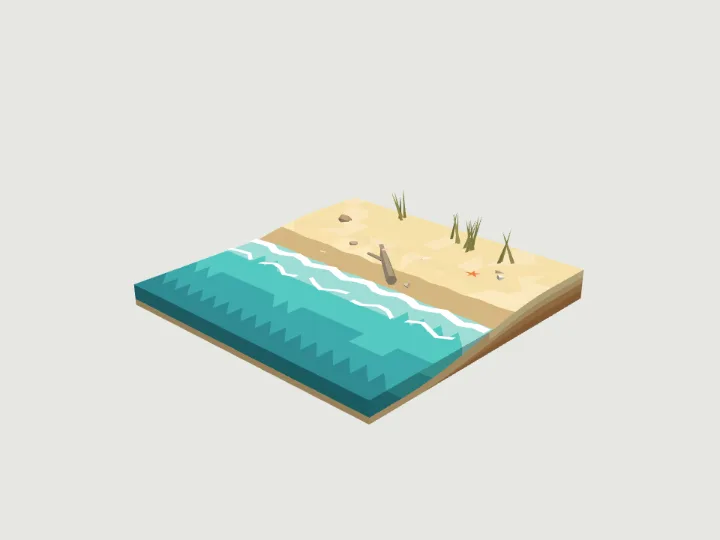
 Beach Tile
Terrain · 1,722 tris
Moving parts
Beach Tile
Terrain · 1,722 tris
Moving parts
drag to orbit
Nature · Still
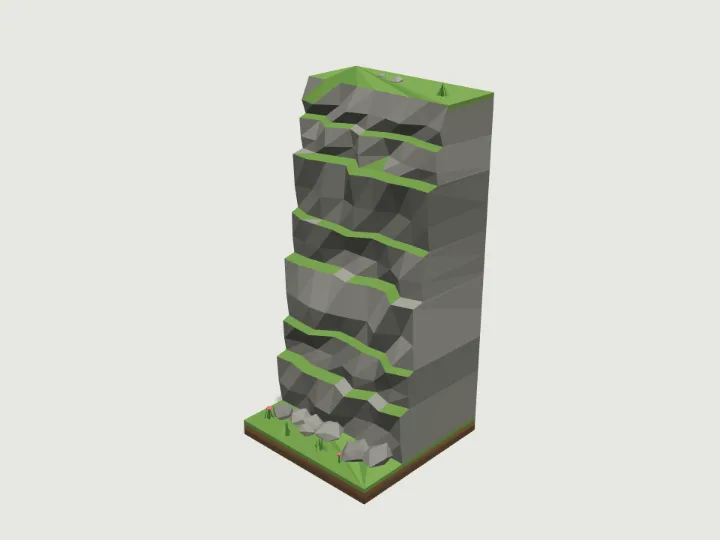
Cliff Tile
A 4 x 4 m terrain tile that steps the ground up 4, 8 or 12 m with a layered rock face: straight, corner-out (a convex point of high ground) or corner-in (a concave bay). High ground is on the -Z side, the face looks to +Z; the face profile depends only on height, so equal-height cliffs chain seamlessly and meet ground tiles at 0.4 m (low side) and 4.4, 8.4 or 12.4 m (high side).
- Size
- 4.0 × 8.7 × 4.0 m
- Triangles
- 872
- Kit
- Terrain
Tune it
5 knobs: Piece, Height, Biome, Strata, Seed.
Specs
- Size
- 4.0 × 8.7 × 4.0 m width × height × depth
- Triangles
- 872 of 6,000
- Draw calls
- 1 one vertex-colour material
- Knobs
- 5 3 presets
- Night lights
- 2 lava, glow
Passed the validator: real scale, rests on y = 0, front faces +Z, deterministic.
Use it
Code for the specimen as it is set up above; it follows your knobs.
import { createAsset } from 'https://gaitkit.com/cdn/cliff-tile.mjs';

const cliffTile = createAsset();
scene.add(cliffTile); // rests on y = 0, front faces +Zimport { useMemo } from 'react';
import { createAsset } from 'https://gaitkit.com/cdn/cliff-tile.mjs';
export function CliffTile() {
const model = useMemo(() => createAsset(), []);
return <primitive object={model} />;
}# Import cliff-tile.glb (download below). It is a static mesh, one material per colour.
add_child(preload("res://cliff-tile.glb").instantiate())// Import cliff-tile.glb with glTFast (com.unity.cloud.gltfast).
// Drop it in the scene: 1 unit = 1 metre, +Z is its front.Use the gaitkit MCP server: get_variant({ "id": "cliff-tile", "want": "default look" })
then place the result.
# MCP endpoint
https://gaitkit.com/mcpKnobs
| Knob | Type | Values | Default | What it does |
|---|---|---|---|---|
piece | choice | straight corner-out corner-in | straight | straight (face runs W to E, high ground behind), corner-out (high ground only in the back-left; the face wraps from the W edge round to the N edge), corner-in (high ground everywhere except the front-right; the face bends from the S edge round to the E edge). Rotate in 90 degree steps. |
height | range | 4 to 12, step 4 | 8 | Cliff height in metres: 4, 8 or 12, one to three 4 m levels. |
biome | choice | grass desert snow rock volcanic alien | grass | Rock, ledge and ground colours, shared by every Terrain piece: grass (grey rock, turf ledges), desert (orange sandstone), snow (blue-grey rock, snowy ledges), rock (bare grey, mossy ledges), volcanic (black basalt, ember rocks glow at night), alien (blue rock, glowing teal plants). |
strata | toggle | on / off | true | Layered rock with overhanging lips and ledges between bands. Off gives a rough single-slope face. |
seed | range | 1 to 50, step 1 | 5 | Changes the crags in the face, the scree and the decor. Edges match for every seed. |
Presets: red mesa wall {"biome":"desert","height":12,"piece":"straight"} · snowy bluff {"biome":"snow","height":8,"piece":"corner-out","seed":11} · mossy bay {"biome":"rock","height":4,"piece":"corner-in"}
Files
| File | What |
|---|---|
| cliff-tile.glb | GLB, default look · 110 KB |
| cliff-tile.mjs | ES module, every knob live |
| cliff-tile.obj | OBJ, static, no colour |
| cliff-tile-params.json | knob schema, presets, night zones |
Licence
Use it in games, apps, renders and client work, commercially and without credit. Do not resell it as an asset or train a 3D generator on it. The full licence.
More from Terrain
Beach Tile
Terrain · 1,722 tris
Moving parts
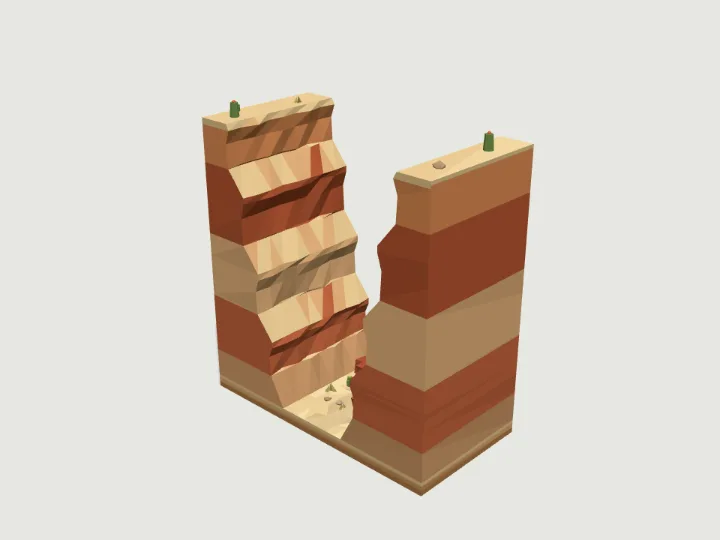 Canyon Wall
Terrain · 1,556 tris
Still
Canyon Wall
Terrain · 1,556 tris
Still
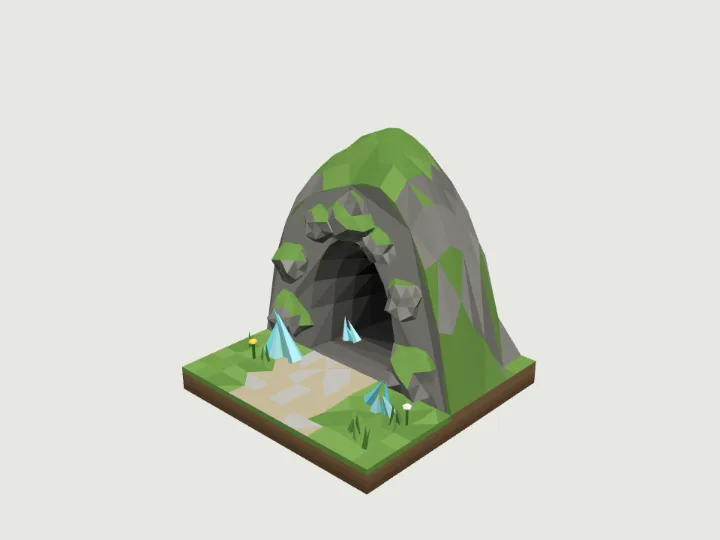 Cave Entrance
Terrain · 1,860 tris
Still
Cave Entrance
Terrain · 1,860 tris
Still
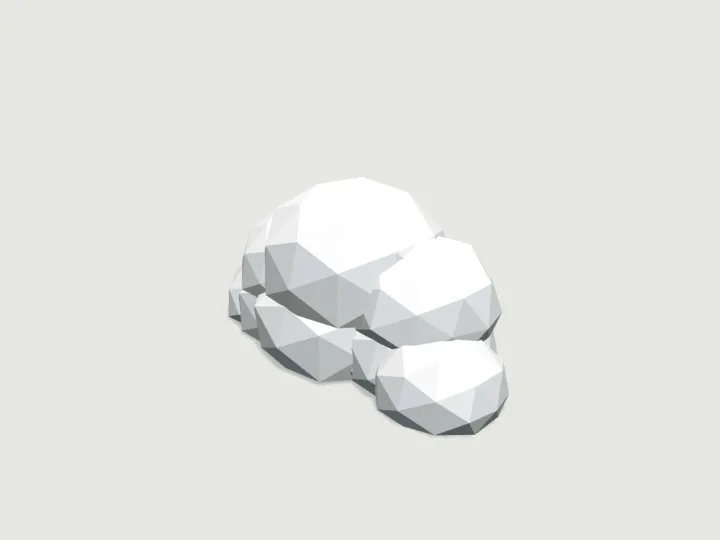 Cloud Puff
Terrain · 720 tris
Moving parts
Cloud Puff
Terrain · 720 tris
Moving parts
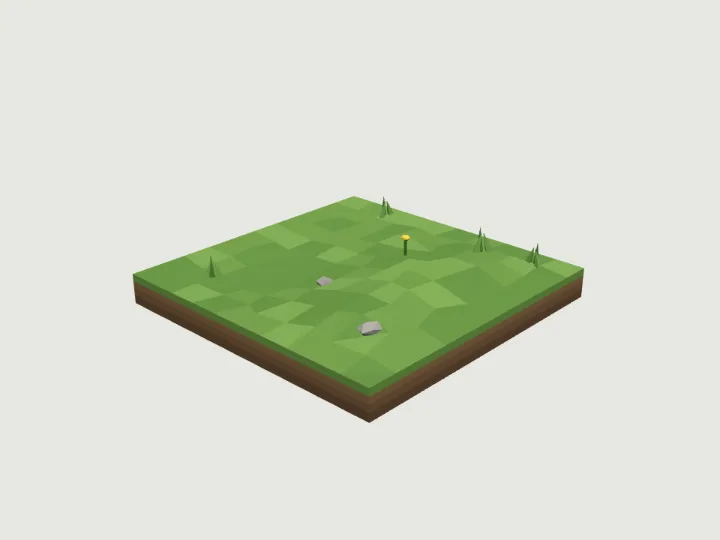 Ground Tile
Terrain · 666 tris
Still
Ground Tile
Terrain · 666 tris
Still
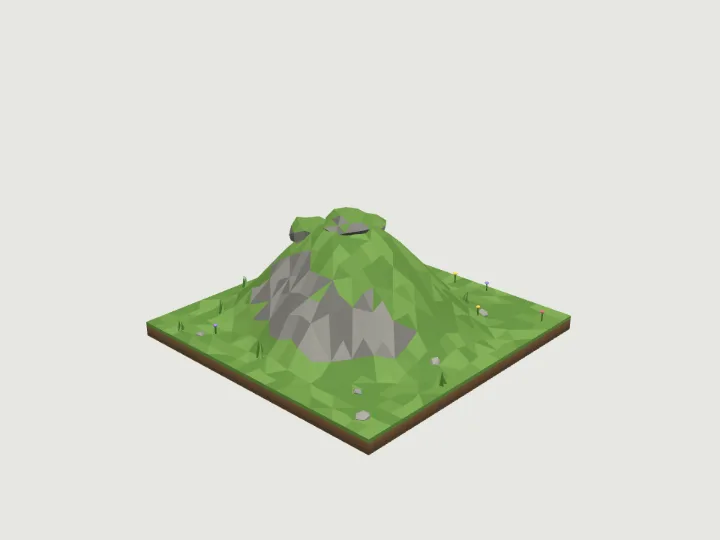 Hill Mound
Terrain · 2,428 tris
Still
Hill Mound
Terrain · 2,428 tris
Still
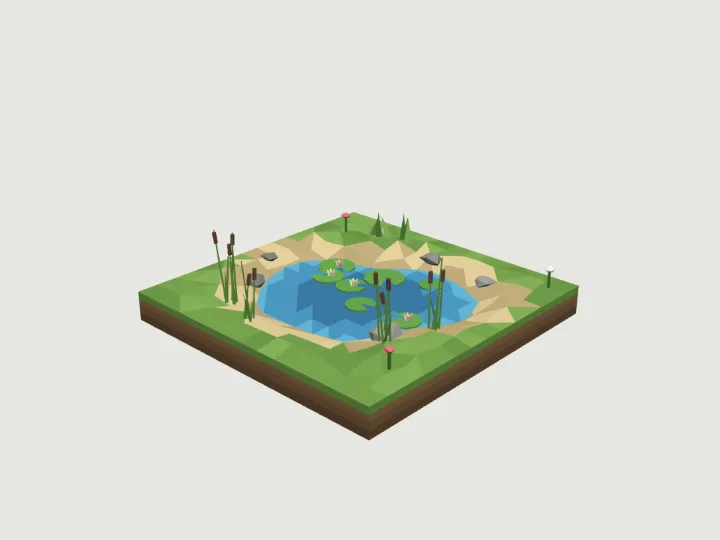 Lake Pond
Terrain · 2,168 tris
Still
Lake Pond
Terrain · 2,168 tris
Still
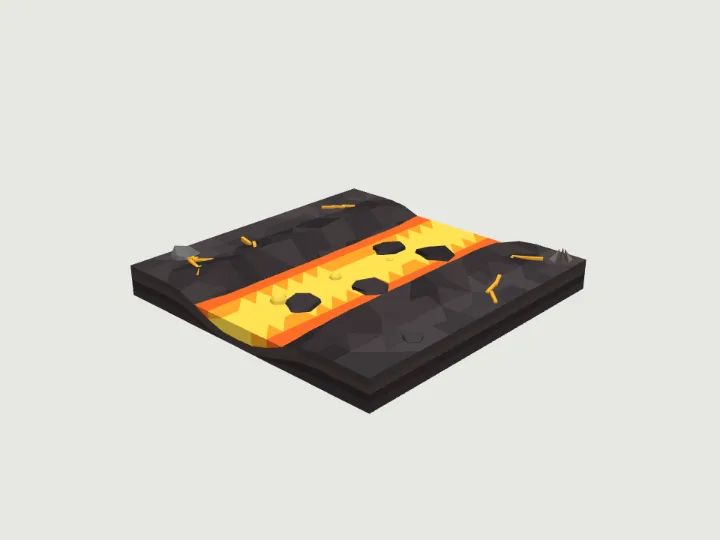 Lava Flow Tile
Terrain · 1,792 tris
Moving parts
Lava Flow Tile
Terrain · 1,792 tris
Moving parts