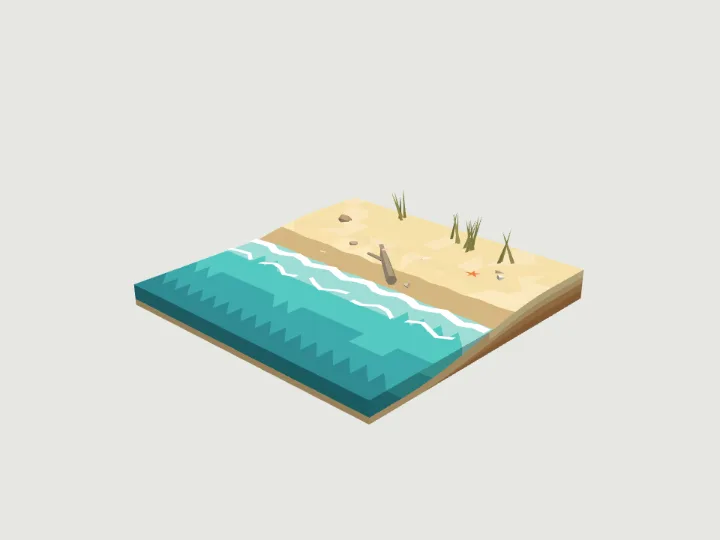
 Beach Tile
Terrain · 1,906 tris
Moving partsPro
drag to orbit
Nature · Still
Canyon Wall
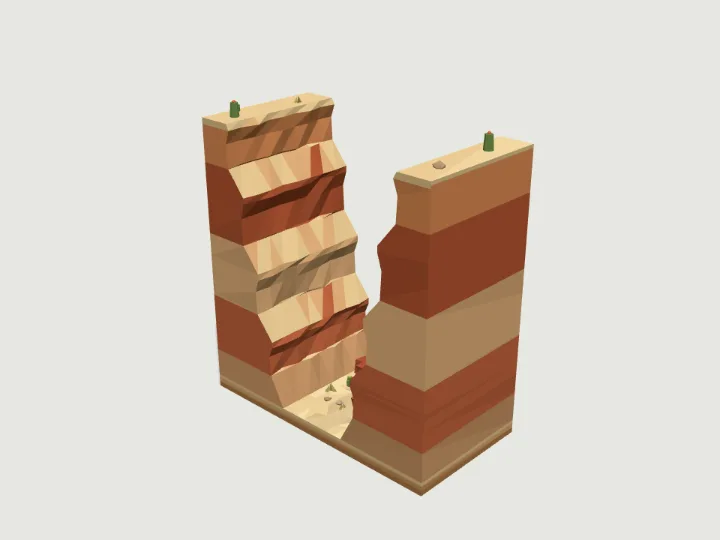
A canyon segment with stepped, banded walls: vertical cliff bands with overhanging caps alternate with sloping talus, in red, cream and orange layers. One side (a 4 x 4 m tile, wall at -Z facing +Z, like cliff-tile) or both sides (an 8 m wide, 4 m long corridor with a dry wash floor running along Z). The wall profile depends only on height and layer count, so segments of equal settings chain seamlessly; floor and mesa top meet ground tiles at 0.4 m and 0.4 m plus the height.
- Size
- 8.1 × 8.7 × 4.1 m
- Triangles
- 2,514
- Kit
- Terrain
Tune it
5 knobs: Sides, Height, Layers, Biome, Seed.
Specs
- Size
- 8.1 × 8.7 × 4.1 m width × height × depth
- Triangles
- 2,514 of 6,000
- Draw calls
- 1 one vertex-colour material
- Knobs
- 5 3 presets
- Night lights
- 2 lava, glow
Passed the validator: real scale, rests on y = 0, front faces +Z, deterministic.
Use it
Code for the specimen as it is set up above; it follows your knobs.
import { createAsset } from 'https://gaitkit.com/cdn/canyon-wall.mjs';

const canyonWall = createAsset();
scene.add(canyonWall); // rests on y = 0, front faces +Zimport { useGLTF } from '@react-three/drei';
// canyon-wall.glb from the Download button (it carries the knobs you set), saved in /public
export function CanyonWall() {
const { scene } = useGLTF('/canyon-wall.glb');
return <primitive object={scene} />;
}
// Live knobs or terrain-following feet: copy canyon-wall.mjs and runtime/ into your project and use the three.js tab.# Import canyon-wall.glb (download below). It is a static mesh, one material per colour.
add_child(preload("res://canyon-wall.glb").instantiate())// Import canyon-wall.glb with glTFast (com.unity.cloud.gltfast).
// Drop it in the scene: 1 unit = 1 metre, +Z is its front.Use the gaitkit MCP server: get_variant({ "id": "canyon-wall", "want": "default look" })
then place the result.
# MCP endpoint
https://gaitkit.com/mcpKnobs
| Knob | Type | Values | Default | What it does |
|---|---|---|---|---|
sides | choice | one both | both | one (a single wall on a 4 x 4 m tile, high ground at -Z, chains along X) or both (an 8 x 4 m corridor with walls on the W and E sides and the floor running N-S, chains along Z). |
height | range | 4 to 16, step 4 | 8 | Wall height in metres: 4, 8, 12 or 16 (one to four 4 m levels). |
layers | range | 2 to 6, step 1 | 4 | Number of hard cliff bands stacked up the wall, with sloping talus between them. More layers reads as a deeper, older canyon. |
biome | choice | desert grass snow rock volcanic alien | desert | Rock and ground colours shared with every Terrain piece: desert (red, cream and orange sandstone), grass (grey limestone with green ledges), snow (blue-grey bands with snowy ledges), rock (grey), volcanic (black and rust basalt), alien (blue and violet bands). |
seed | range | 1 to 50, step 1 | 3 | Changes the crags, fallen blocks and the scatter on the floor. Edges match for every seed. |
Presets: slot canyon {"sides":"both","height":16,"layers":6} · mesa edge {"sides":"one","height":12,"layers":3} · green gorge {"sides":"both","biome":"grass","height":8}
Files
| File | What |
|---|---|
| canyon-wall.glb Pro | GLB, default look · 730 KB |
| canyon-wall.mjs Pro | ES module, every knob live |
| canyon-wall.obj Pro | OBJ, static; colours in the .mtl |
| canyon-wall.mtl | OBJ colours; keep it next to the .obj |
| canyon-wall-params.json | knob schema, presets, night zones |
Licence
Use it in games, apps, renders and client work, commercially and without credit. Do not resell it as an asset or train a 3D generator on it. The full licence.
More from Terrain
Beach Tile
Terrain · 1,906 tris
Moving partsPro
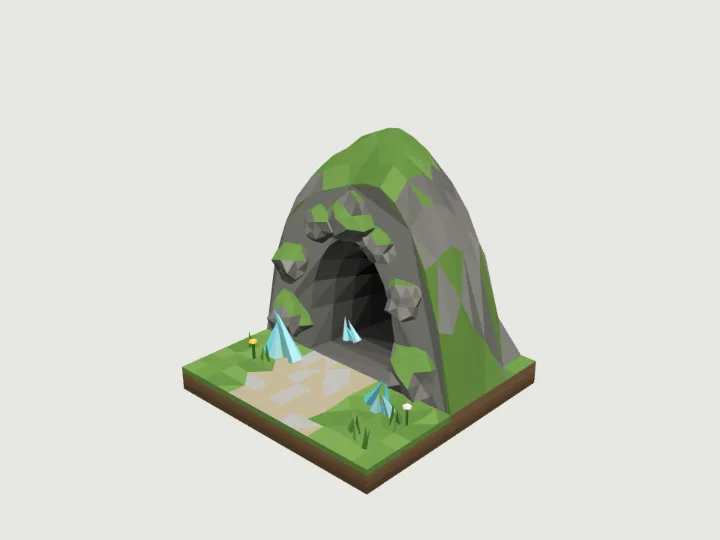 Cave Entrance
Terrain · 2,413 tris
StillPro
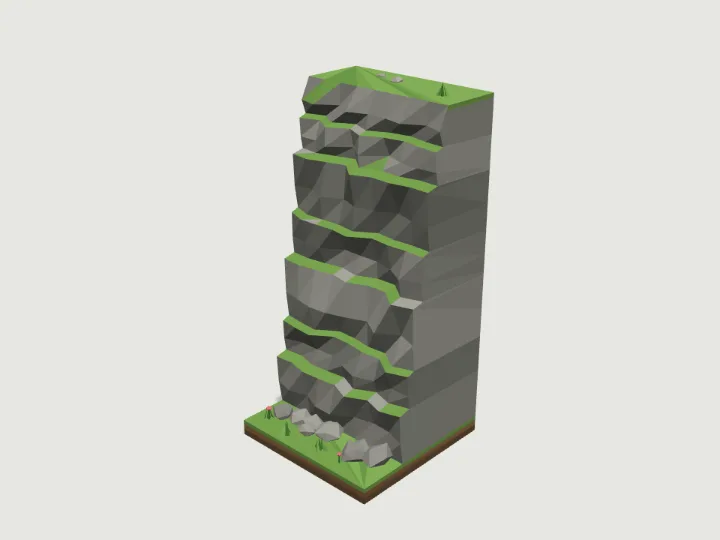 Cliff Tile
Terrain · 1,637 tris
StillPro
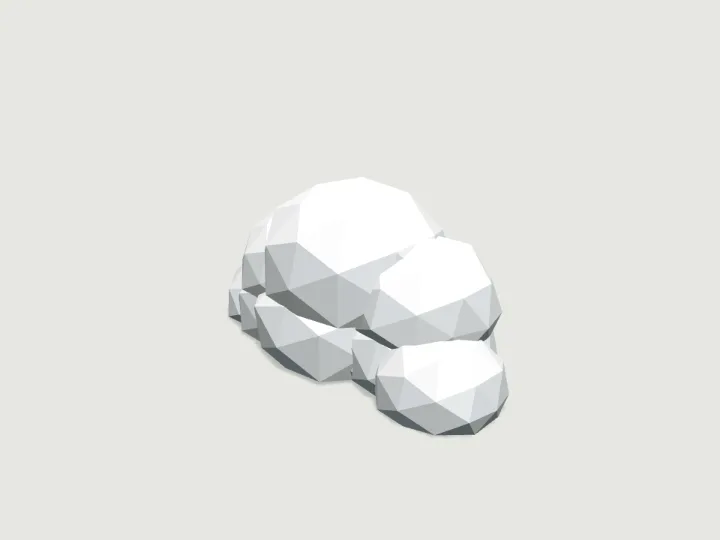 Cloud Puff
Terrain · 960 tris
Moving partsPro
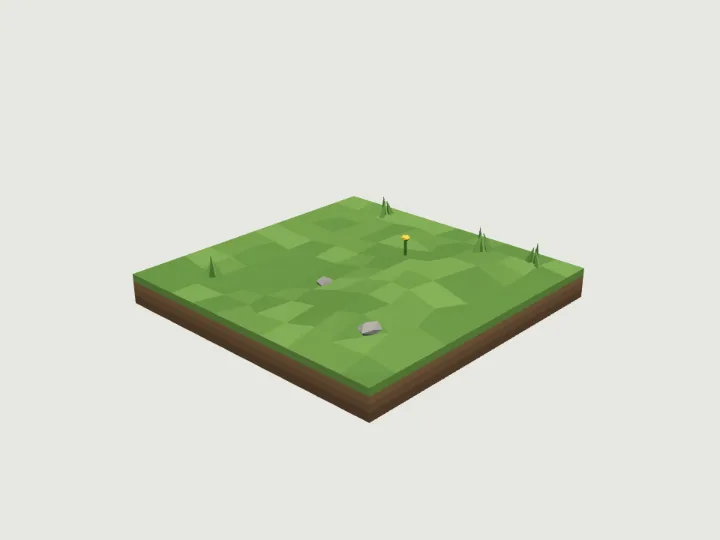 Ground Tile
Terrain · 905 tris
StillFree
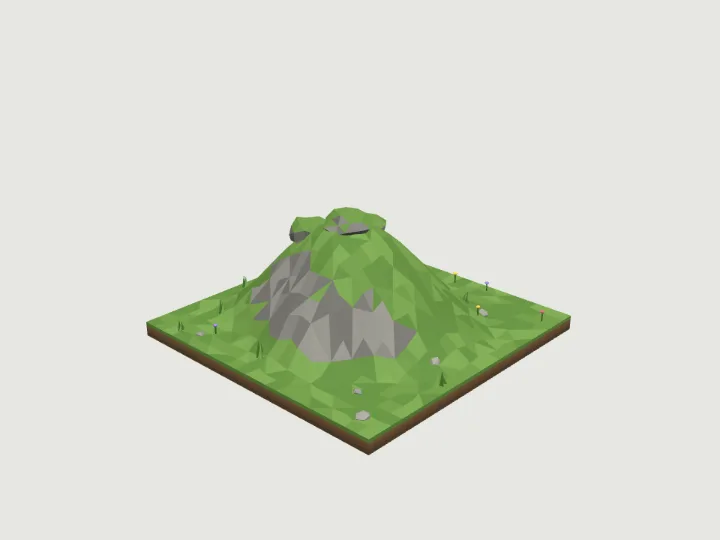 Hill Mound
Terrain · 1,720 tris
StillPro
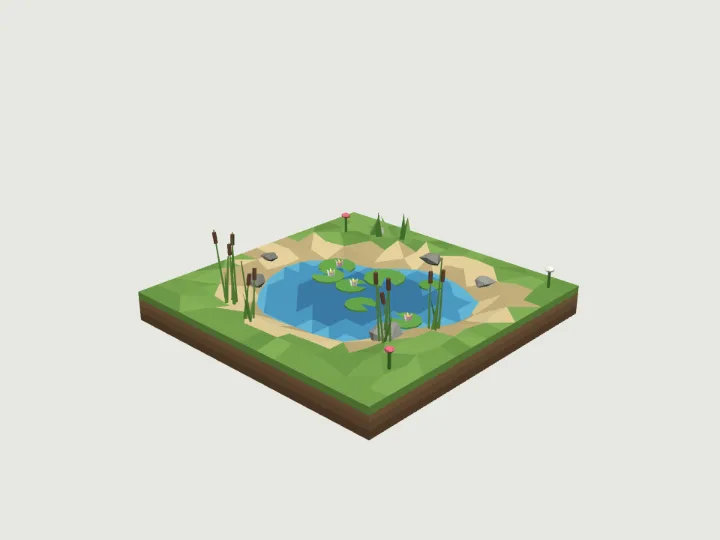 Lake Pond
Terrain · 1,448 tris
StillPro
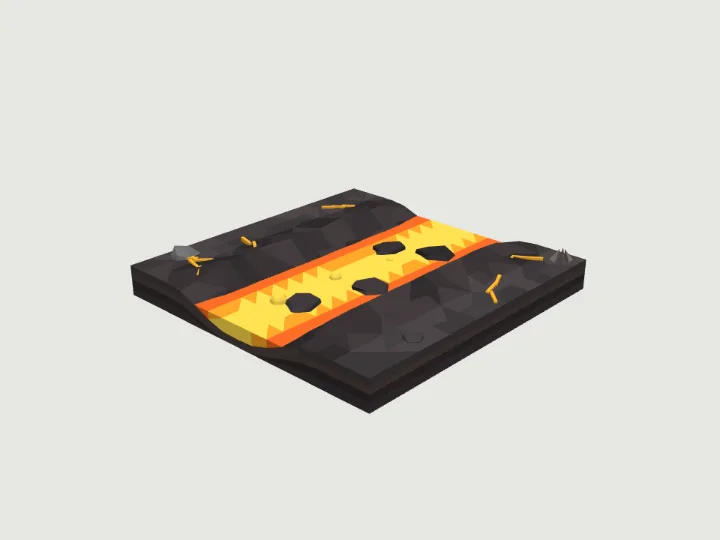 Lava Flow Tile
Terrain · 1,657 tris
Moving partsPro