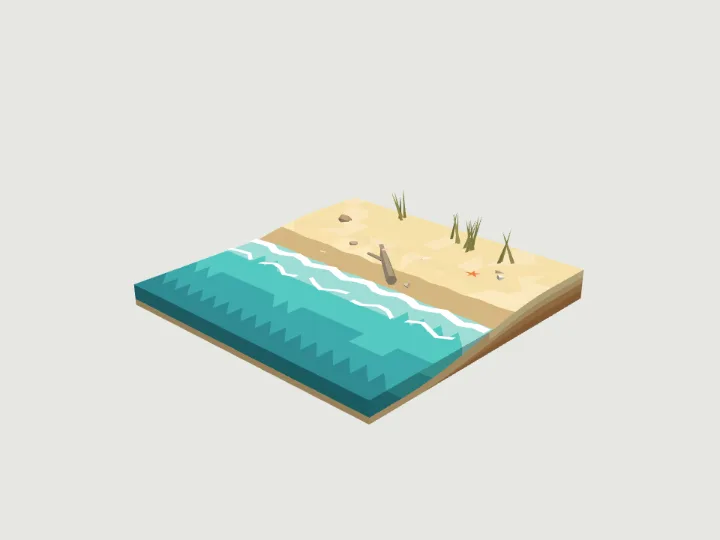
 Beach Tile
Terrain · 1,722 tris
Moving parts
Beach Tile
Terrain · 1,722 tris
Moving parts
drag to orbit
Nature · 4 moving parts
Lava Flow Tile
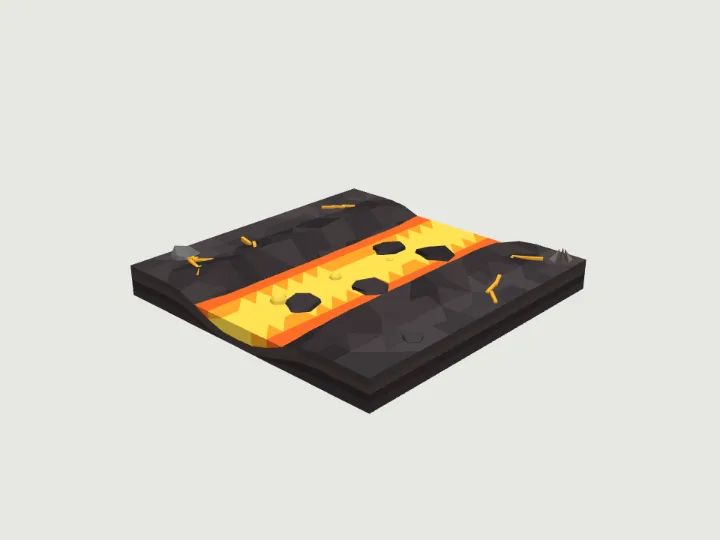
A 4 x 4 m terrain tile with a channel of molten lava between cooled black levees: straight (N to S), bend (S to E) or vent (a small spatter cone in the middle pouring lava out through S). Dark crust plates float on it, glowing cracks run through the ground beside it, and lava bubbles swell and pop in a loop. It glows at night. The channel meets each open edge with the same cross-section as river-tile, so lava flows join river pieces in the volcanic biome; the ground around it can be any biome.
- Size
- 4.0 × 0.60 × 4.0 m
- Triangles
- 1,792
- Kit
- Terrain
Tune it
5 knobs: Piece, Ground, Heat, Crust, Seed.
Specs
- Size
- 4.0 × 0.60 × 4.0 m width × height × depth
- Triangles
- 1,792 of 6,000
- Draw calls
- 1 one vertex-colour material
- Loop clip
- 1 m of travel per cycle
- Moving parts
- 4 lava_bubble_0 · slide, lava_bubble_1 · slide, lava_bubble_2 · slide, lava_bubble_3 · slide
- Knobs
- 5 3 presets
- Night lights
- 2 lava, glow
Passed the validator: real scale, rests on y = 0, front faces +Z, deterministic.
Use it
Code for the specimen as it is set up above; it follows your knobs.
import { createAsset } from 'https://gaitkit.com/cdn/lava-flow-tile.mjs';

const lavaFlowTile = createAsset();
scene.add(lavaFlowTile); // rests on y = 0, front faces +Zimport { useMemo } from 'react';
import { createAsset } from 'https://gaitkit.com/cdn/lava-flow-tile.mjs';
export function LavaFlowTile() {
const model = useMemo(() => createAsset(), []);
return <primitive object={model} />;
}# Import lava-flow-tile.glb (download below). Moving parts are separate nodes, pivoted on their hinge.
add_child(preload("res://lava-flow-tile.glb").instantiate())// Import lava-flow-tile.glb with glTFast (com.unity.cloud.gltfast).
// Drop it in the scene: 1 unit = 1 metre, +Z is its front.Use the gaitkit MCP server: get_variant({ "id": "lava-flow-tile", "want": "default look" })
then place the result.
# MCP endpoint
https://gaitkit.com/mcpKnobs
| Knob | Type | Values | Default | What it does |
|---|---|---|---|---|
piece | choice | straight bend vent | straight | straight (lava from N edge to S edge), bend (from S edge round to E edge), vent (a spatter cone in the middle feeding a flow out through S). Rotate in 90 degree steps. |
biome | choice | volcanic grass desert snow rock alien | volcanic | The ground the lava cuts through, shared with every Terrain piece: volcanic (black basalt and ash), grass (a fresh flow through a meadow), desert, snow (lava meeting snow), rock, alien. The lava itself stays lava. |
heat | choice | molten cooling | molten | molten (bright yellow-orange, few plates) or cooling (deep red with a thick broken crust). |
crust | range | 0 to 1, step 0.1 | 0.5 | How many dark crust plates float on the lava. 0 is a clear molten stream. |
seed | range | 1 to 50, step 1 | 8 | Moves the crust plates, cracks, bubbles and decor. The channel and edges never change. |
Presets: erupting vent {"piece":"vent","heat":"molten","crust":0.3} · cooling flow {"heat":"cooling","crust":1} · lava through snow {"biome":"snow","piece":"bend"}
Files
| File | What |
|---|---|
| lava-flow-tile.glb | GLB, default look · 193 KB |
| lava-flow-tile.mjs | ES module, every knob live |
| lava-flow-tile.obj | OBJ, static, no colour |
| lava-flow-tile-params.json | knob schema, presets, night zones |
Licence
Use it in games, apps, renders and client work, commercially and without credit. Do not resell it as an asset or train a 3D generator on it. The full licence.
More from Terrain
Beach Tile
Terrain · 1,722 tris
Moving parts
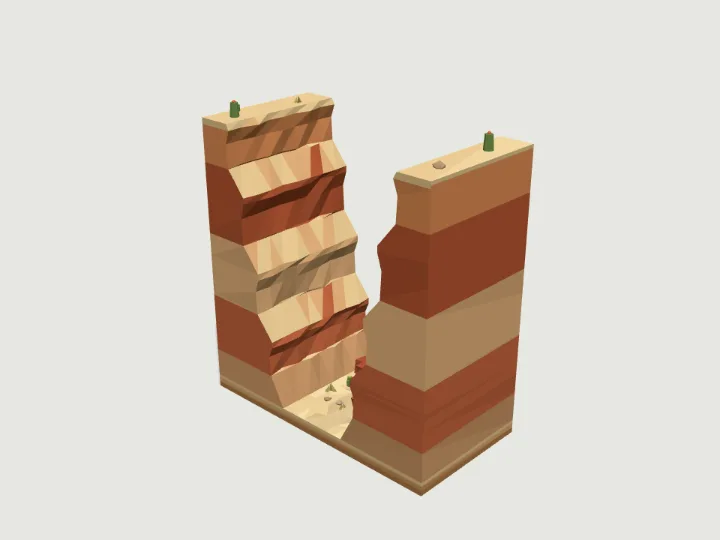 Canyon Wall
Terrain · 1,556 tris
Still
Canyon Wall
Terrain · 1,556 tris
Still
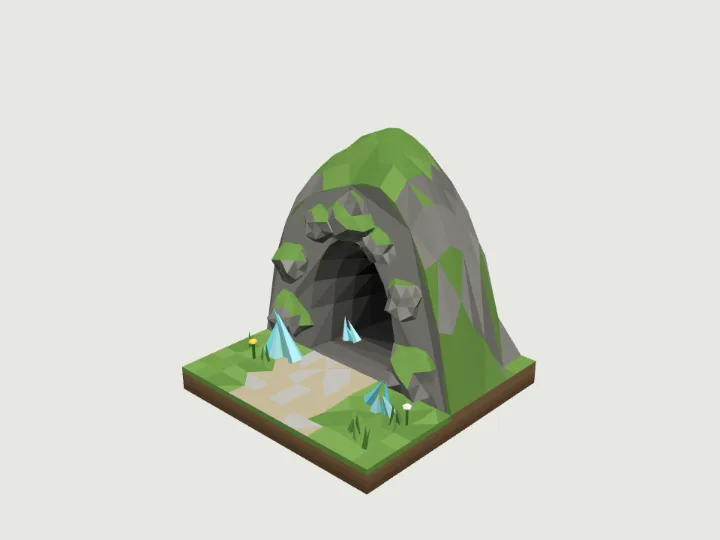 Cave Entrance
Terrain · 1,860 tris
Still
Cave Entrance
Terrain · 1,860 tris
Still
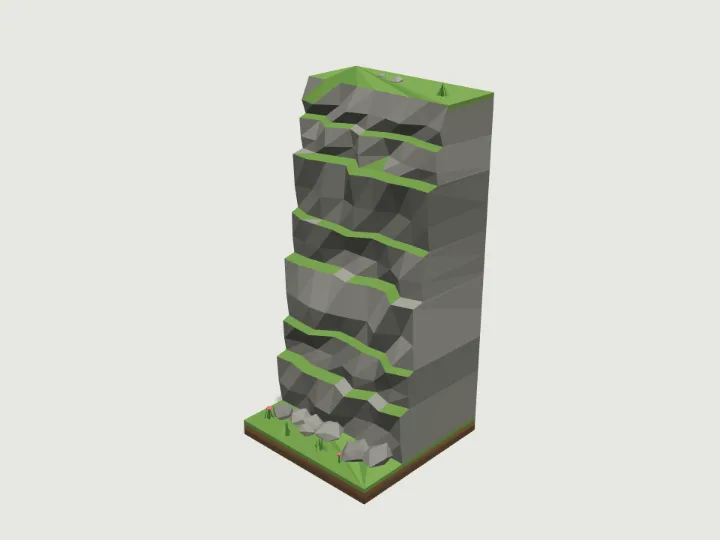 Cliff Tile
Terrain · 872 tris
Still
Cliff Tile
Terrain · 872 tris
Still
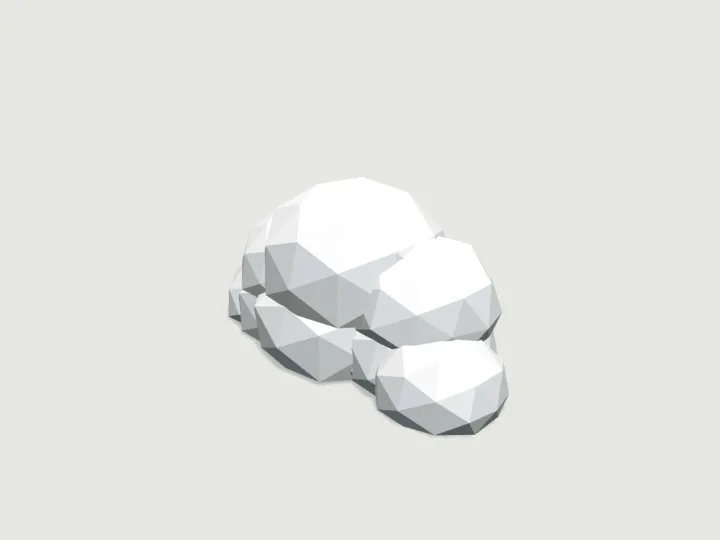 Cloud Puff
Terrain · 720 tris
Moving parts
Cloud Puff
Terrain · 720 tris
Moving parts
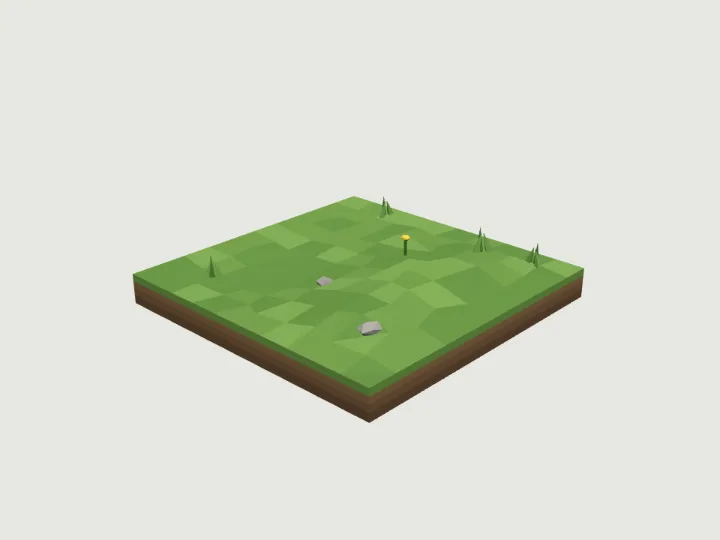 Ground Tile
Terrain · 666 tris
Still
Ground Tile
Terrain · 666 tris
Still
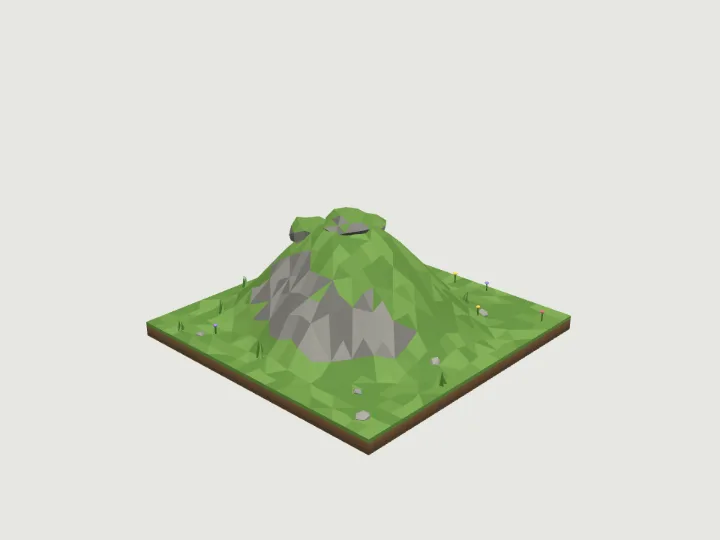 Hill Mound
Terrain · 2,428 tris
Still
Hill Mound
Terrain · 2,428 tris
Still
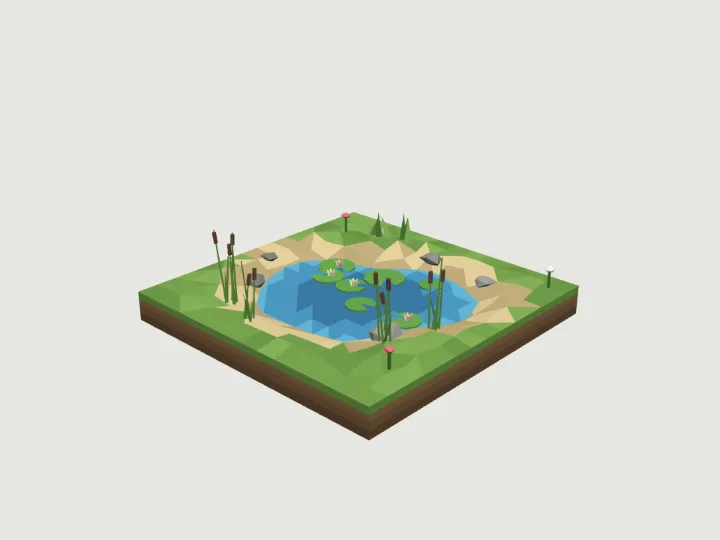 Lake Pond
Terrain · 2,168 tris
Still
Lake Pond
Terrain · 2,168 tris
Still