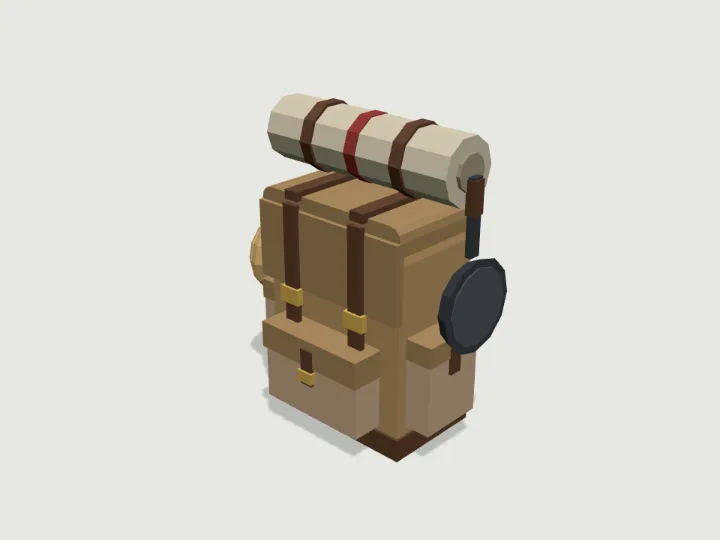
 Adventurer Pack
Adventurer Gear · 1,970 tris
StillPro
drag to orbit
Prop · Still
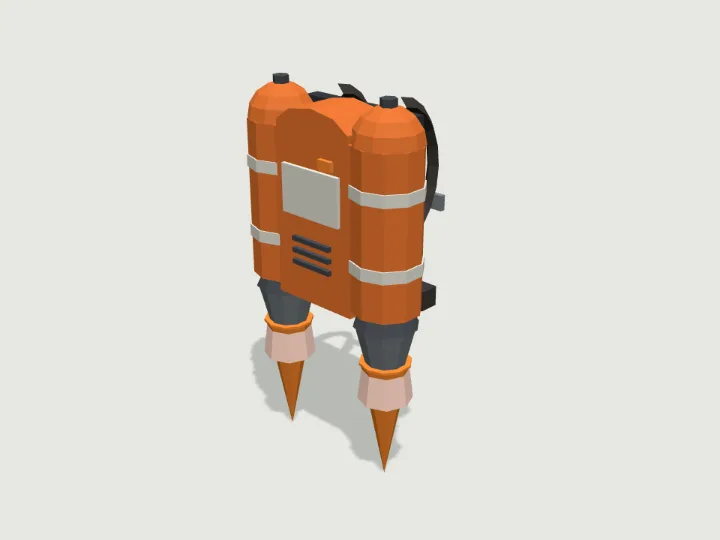
Jetpack
A wearable jetpack about 60 cm tall standing upright, the thrusters and shell toward +Z and the padded harness with shoulder straps behind (-Z): twin banded rocket tanks with valves, braided hoses and bell nozzles, twin ducted turbines whose bladed fans turn, or a retro single rocket-bodied tank with a porthole and bevelled fins. A chamfered housing with panel seams, a recessed gauge, vents, bolts and a carry handle; a quilted harness with buckled straps. Nozzles, the gauge and the optional exhaust flames glow at night; optional fold-out wings (parts wing_L and wing_R tip about z). An empty node named mount marks the centre of the harness for attaching it to a back.
- Size
- 0.51 × 0.95 × 0.36 m
- Triangles
- 1,768
Tune it
5 knobs: Style, Colour, Flame, Exhaust, Wings.
Specs
- Size
- 0.51 × 0.95 × 0.36 m width × height × depth
- Triangles
- 1,768 of 6,000
- Draw calls
- 1 one vertex-colour material
- Knobs
- 5 3 presets
- Night lights
- 1 glow
Passed the validator: real scale, rests on y = 0, front faces +Z, deterministic.
Use it
Code for the specimen as it is set up above; it follows your knobs.
import { createAsset } from 'https://gaitkit.com/cdn/jetpack.mjs';

const jetpack = createAsset();
scene.add(jetpack); // rests on y = 0, front faces +Zimport { useGLTF } from '@react-three/drei';
// jetpack.glb from the Download button (it carries the knobs you set), saved in /public
export function Jetpack() {
const { scene } = useGLTF('/jetpack.glb');
return <primitive object={scene} />;
}
// Live knobs or terrain-following feet: copy jetpack.mjs and runtime/ into your project and use the three.js tab.# Import jetpack.glb (download below). It is a static mesh, one material per colour.
add_child(preload("res://jetpack.glb").instantiate())// Import jetpack.glb with glTFast (com.unity.cloud.gltfast).
// Drop it in the scene: 1 unit = 1 metre, +Z is its front.Use the gaitkit MCP server: get_variant({ "id": "jetpack", "want": "default look" })
then place the result.
# MCP endpoint
https://gaitkit.com/mcpKnobs
| Knob | Type | Values | Default | What it does |
|---|---|---|---|---|
style | choice | rocket turbine retro | rocket | rocket (two fuel tanks with domed tops and bell nozzles), turbine (two ducted fans with intake rings that spin, exhaust cones below) or retro (one big rounded tank in the middle with tail fins and a single large nozzle, 1950s pulp sci-fi). |
colour | choice | orange white olive red chrome | orange | Shell paint and trim: orange (with cream), white (with blue, clean space agency look without insignia), olive (army green with brass), red (with gold) or chrome (polished with orange). |
flame | toggle | on / off | true | Exhaust flames under the nozzles, as if firing. Off shows idle nozzles that still glow faintly. |
glow | color | any colour | #ff8a2a | Colour of the exhaust flames and nozzle glow. #ff8a2a rocket orange, #4fd8ff ion blue, #7dff6a green plasma, #c070ff violet. |
wings | toggle | on / off | false | Short stub wings folded out from the sides for gliding. |
Presets: rocket ranger {"style":"retro","colour":"chrome","glow":"#ff8a2a","wings":true} · ion turbine pack {"style":"turbine","colour":"white","glow":"#4fd8ff"} · army jump pack {"style":"rocket","colour":"olive","flame":false}
Files
| File | What |
|---|---|
| jetpack.glb Pro | GLB, default look · 208 KB |
| jetpack.mjs Pro | ES module, every knob live |
| jetpack.obj Pro | OBJ, static; colours in the .mtl |
| jetpack.mtl | OBJ colours; keep it next to the .obj |
| jetpack-params.json | knob schema, presets, night zones |
Licence
Use it in games, apps, renders and client work, commercially and without credit. Do not resell it as an asset or train a 3D generator on it. The full licence.
More from Adventurer Gear
Adventurer Pack
Adventurer Gear · 1,970 tris
StillPro
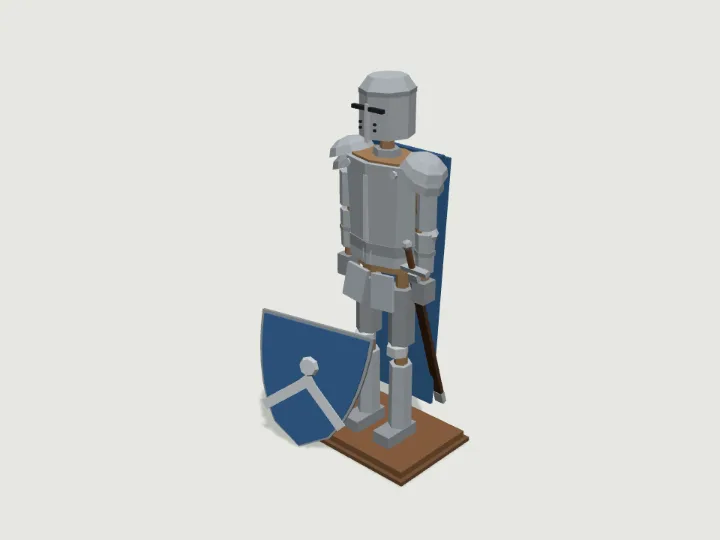 Armour Stand
Adventurer Gear · 1,732 tris
StillPro
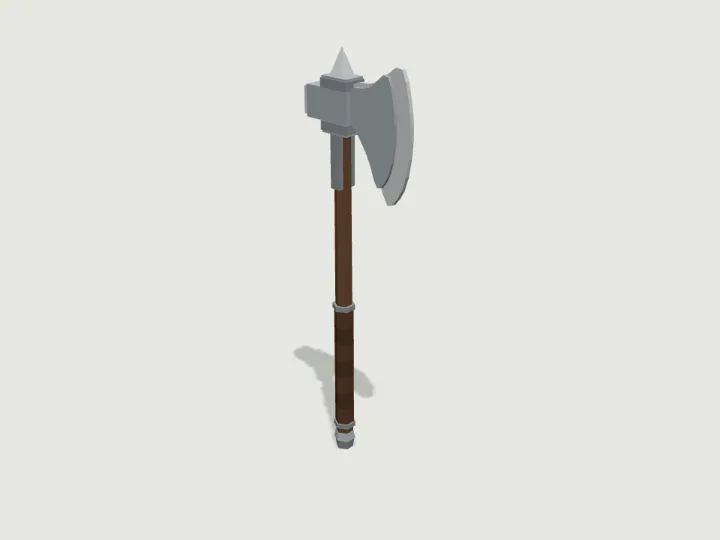 Battle Axe
Adventurer Gear · 1,324 tris
StillPro
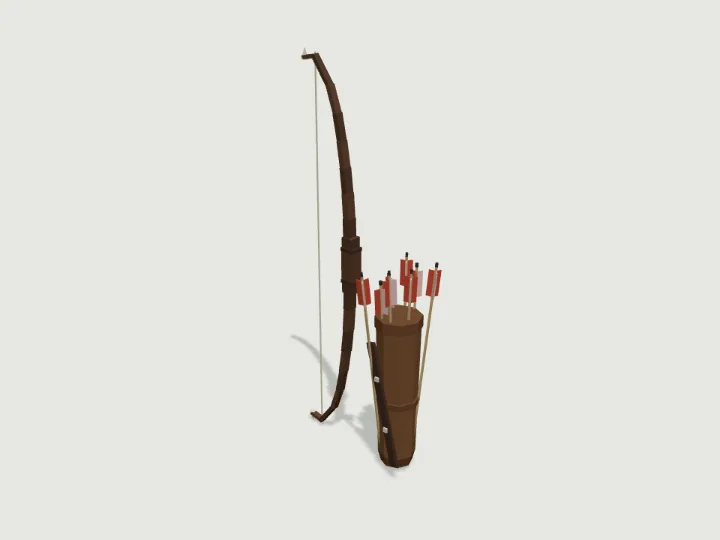 Bow and Quiver
Adventurer Gear · 1,670 tris
StillPro
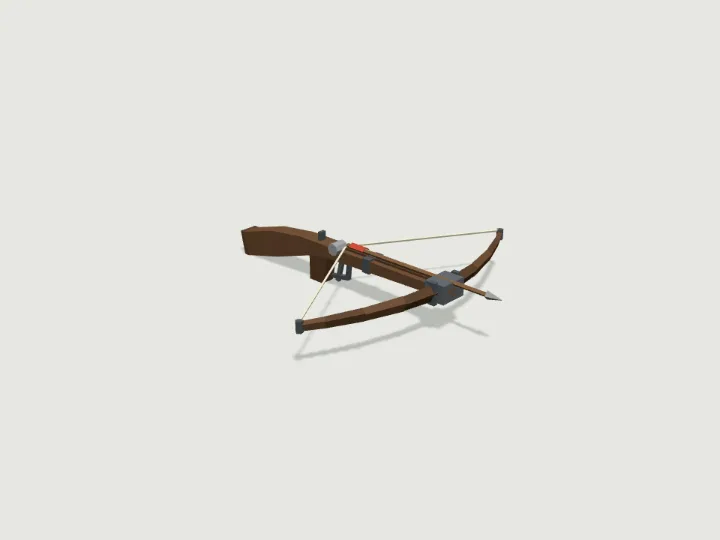 Crossbow
Adventurer Gear · 1,358 tris
StillFree
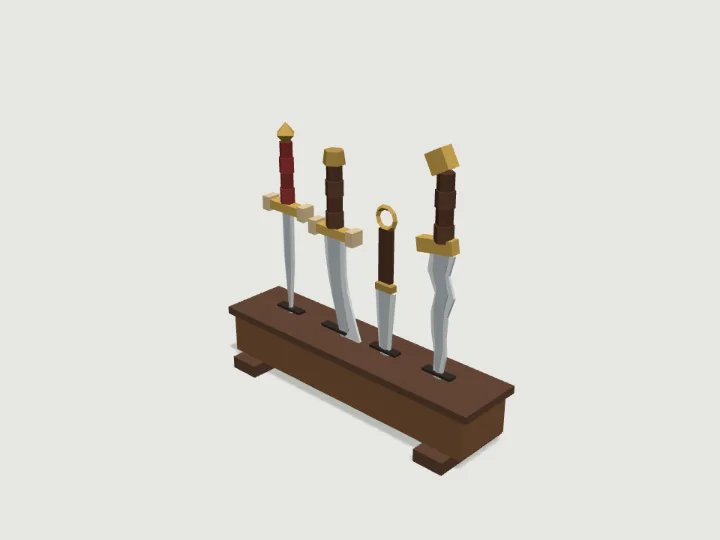 Dagger Set
Adventurer Gear · 1,428 tris
StillPro
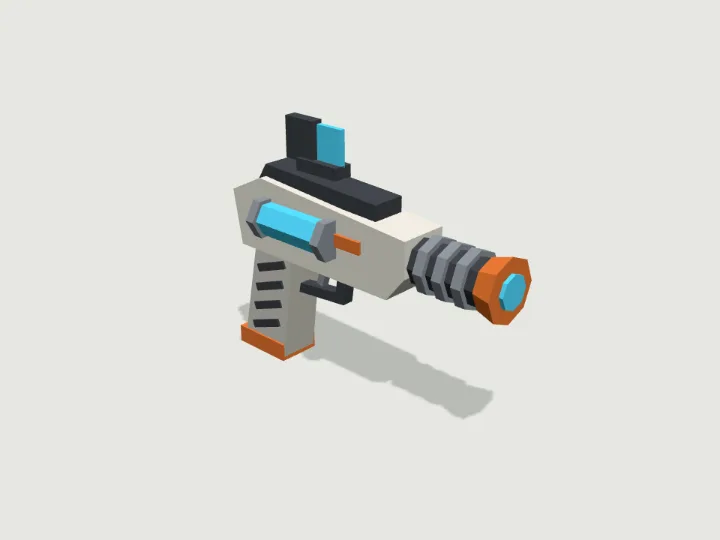 Energy Blaster
Adventurer Gear · 1,632 tris
StillPro
 Energy Sword
Adventurer Gear · 756 tris
StillPro