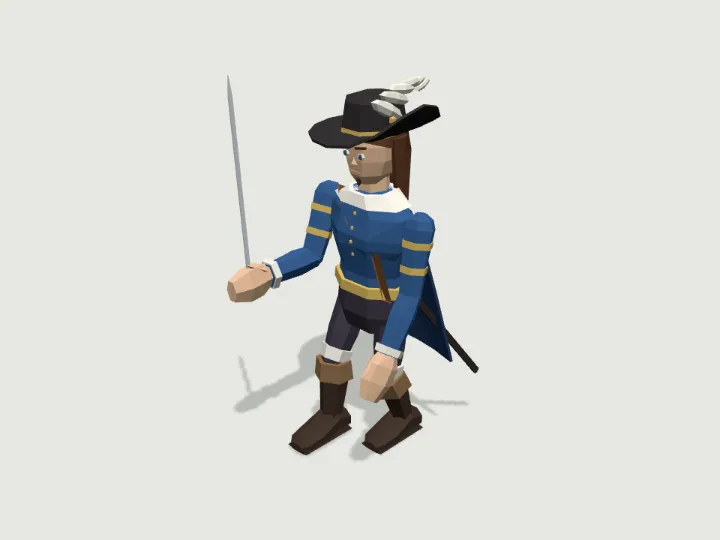
 Cavalier
Historical · 3,884 tris
Walks · 2 legsPro
drag to orbit · tap the ground to send it
Character · Walks on 2 legs
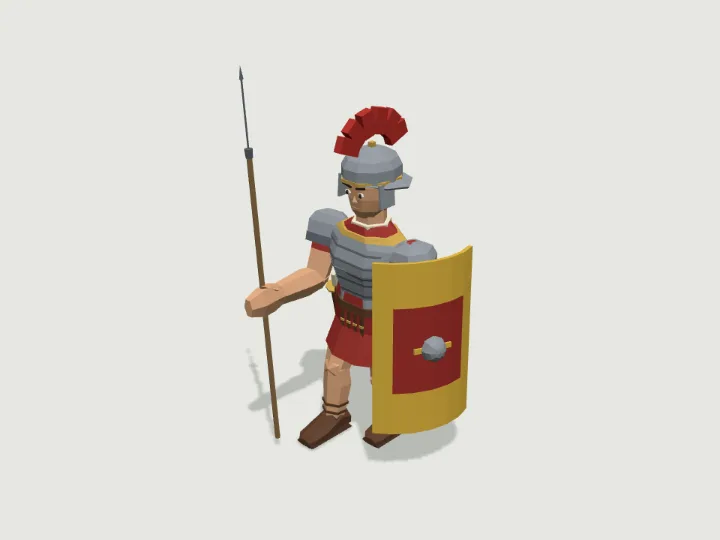
Roman Legionary
A walking Roman-style foot soldier about 1.75 m tall: segmented iron armour bands with riveted edges, brass closure plates and layered shoulder plates over a red tunic with a darker hem, a belt of brass plates with a studded leather apron ending in pendants, a dagger on the left hip, neck scarf, strapped sandals, a helmet with a brow band, riveted cheek guards and a neck guard, a big curved rectangular shield with a riveted border, a bar and a ringed boss (no lettering or emblems), and a javelin with a weighted shank or a short sword. Style, crest, weapon and shield are knobs; pairs with the Ancient World kit.
- Size
- 1.1 × 2.3 × 1.0 m
- Triangles
- 3,930
- Kit
- Historical
Tune it
4 knobs: Style, Crest, Weapon, Shield.
Specs
- Size
- 1.1 × 2.3 × 1.0 m width × height × depth
- Triangles
- 3,930 of 6,000
- Draw calls
- 1 one vertex-colour material
- Legs
- 2 2 gait groups
- Stride
- 44 cm duty factor 0.6
- Foot slide
- 0.00 mm limit 1 mm
- Walk clip
- 1.095 m/s at playback speed 1
- Moving parts
- 3 spine · rotate, chest · rotate, neck · rotate
- Knobs
- 4 3 presets
- Night lights
- 0 none
Passed the validator: real scale, rests on y = 0, front faces +Z, deterministic, planted feet never slide past 1 mm.
Use it
Code for the specimen as it is set up above; it follows your knobs.
import { createAsset } from 'https://gaitkit.com/cdn/roman-legionary.mjs';
import { walker } from 'https://gaitkit.com/runtime/walk.mjs';

const romanLegionary = createAsset();
scene.add(romanLegionary);                      // rests on y = 0, front faces +Z
const gait = walker(romanLegionary, { ground: (x, z) => terrainHeight(x, z) });   // or omit ground for a flat floor

let dist = 0;
renderer.setAnimationLoop(() => {
  dist += speed * clock.getDelta();
  romanLegionary.position.z = dist;
  gait.poseAt(dist);                  // feet stay planted, at any frame rate
  renderer.render(scene, camera);
});import { useGLTF, useAnimations } from '@react-three/drei';
import { useEffect } from 'react';
// roman-legionary.glb from the Download button (it carries the knobs you set), saved in /public
export function RomanLegionary({ speed = 1 }) {
const { scene, animations } = useGLTF('/roman-legionary.glb');
const { actions } = useAnimations(animations, scene);
useEffect(() => {
const clip = actions['Walk'];
clip?.play();
if (clip) clip.timeScale = speed / 1.095; // the Walk clip covers 1.095 m/s at 1x
}, [actions, speed]);
return <primitive object={scene} />;
}
// Live knobs or terrain-following feet: copy roman-legionary.mjs and runtime/ into your project and use the three.js tab.# Import roman-legionary.glb (download below). It carries an in-place "Walk" animation.
@onready var anim: AnimationPlayer = $RomanLegionary/AnimationPlayer
func _physics_process(delta):
velocity = transform.basis.z * speed
move_and_slide()
anim.play("Walk")
anim.speed_scale = speed / 1.095 # Walk clip covers 1.095 m/s at 1x// Import roman-legionary.glb with glTFast (com.unity.cloud.gltfast).
animator.Play("Walk");
animator.speed = speed / 1.095 // Walk clip covers 1.095 m/s at 1x
// Humanoid: the root node's extras.humanoid maps Unity bone names to nodes (Hips → body, Head → head …).Use the gaitkit MCP server: get_variant({ "id": "roman-legionary", "want": "default look" })
then place the result and walk it with walker() so the feet stay planted.
# MCP endpoint
https://gaitkit.com/mcpKnobs
| Knob | Type | Values | Default | What it does |
|---|---|---|---|---|
style | choice | stylized realistic chibi blocky | stylized | Art style of the whole figure: stylized (5.5 heads, chunky adventure-game look), realistic (about 7 heads, adult proportions), chibi (big head, 1.1 m) or blocky (voxel boxes). |
crest | choice | none plume transverse | plume | Helmet crest: none (plain marching helmet), a front-to-back red plume, or a side-to-side transverse crest that marks an officer. |
weapon | choice | javelin short sword | javelin | A heavy javelin held upright in the right hand (the short sword then hangs sheathed on the right hip), or the short sword drawn. |
shield | choice | red blue green none | red | The curved rectangular shield on the left arm: red with a gold border, blue with a pale border, green with a gold border, or no shield. |
Presets: line infantry {"crest":"none","weapon":"javelin","shield":"red"} · centurion {"crest":"transverse","weapon":"short sword","shield":"red","style":"realistic"} · little legionary {"crest":"plume","weapon":"short sword","shield":"blue","style":"chibi"}
Files
| File | What |
|---|---|
| roman-legionary.glb Pro | GLB, default look · 445 KB |
| roman-legionary.mjs Pro | ES module, every knob live |
| roman-legionary.obj Pro | OBJ, static; colours in the .mtl |
| roman-legionary.mtl | OBJ colours; keep it next to the .obj |
| roman-legionary-params.json | knob schema, presets, night zones |
Licence
Use it in games, apps, renders and client work, commercially and without credit. Do not resell it as an asset or train a 3D generator on it. The full licence.
More from Historical
Cavalier
Historical · 3,884 tris
Walks · 2 legsPro
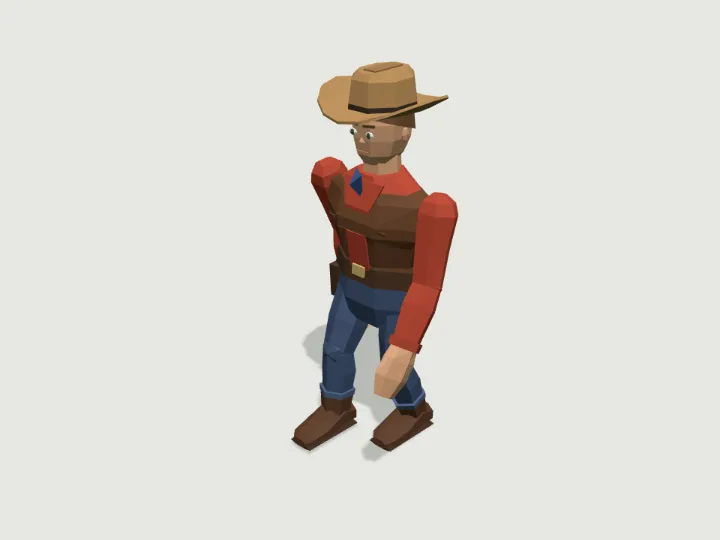 Cowboy
Historical · 3,284 tris
Walks · 2 legsPro
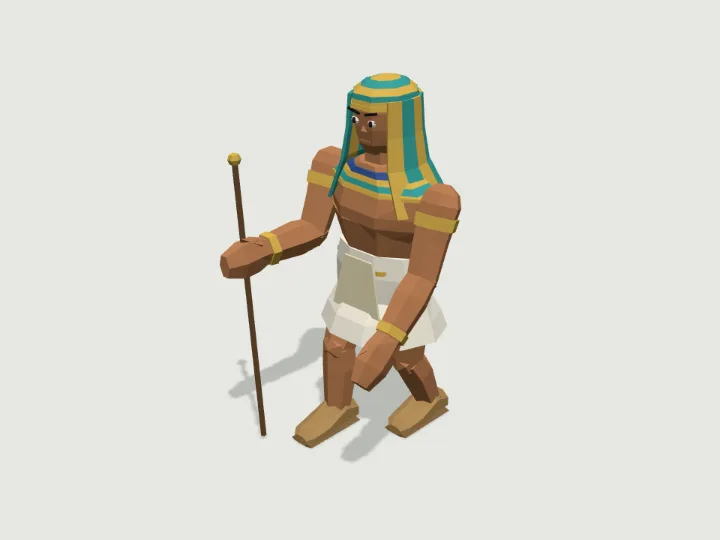 Egyptian Noble
Historical · 3,330 tris
Walks · 2 legsPro
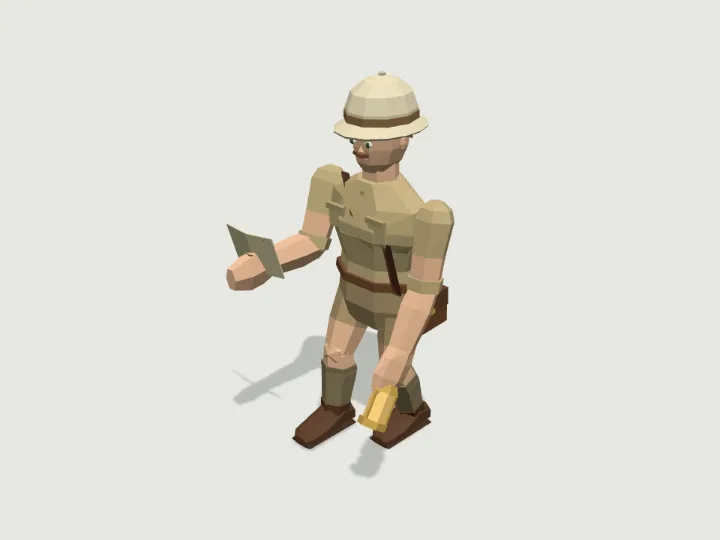 Explorer
Historical · 3,546 tris
Walks · 2 legsPro
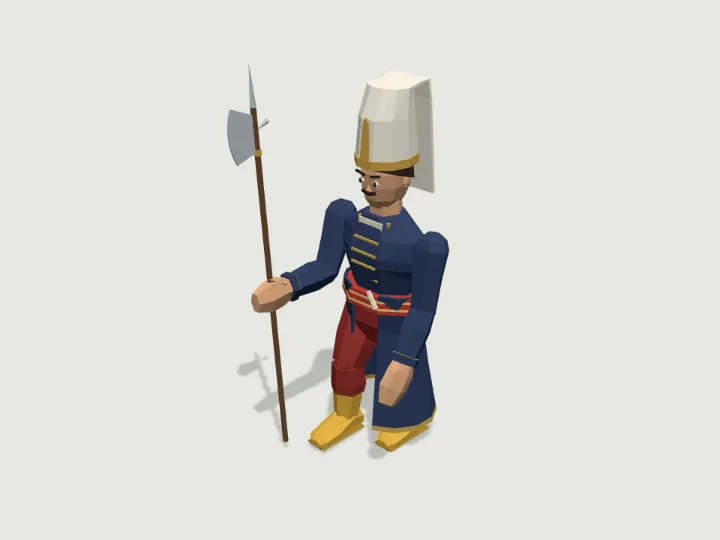 Janissary-style Guard
Historical · 3,642 tris
Walks · 2 legsPro
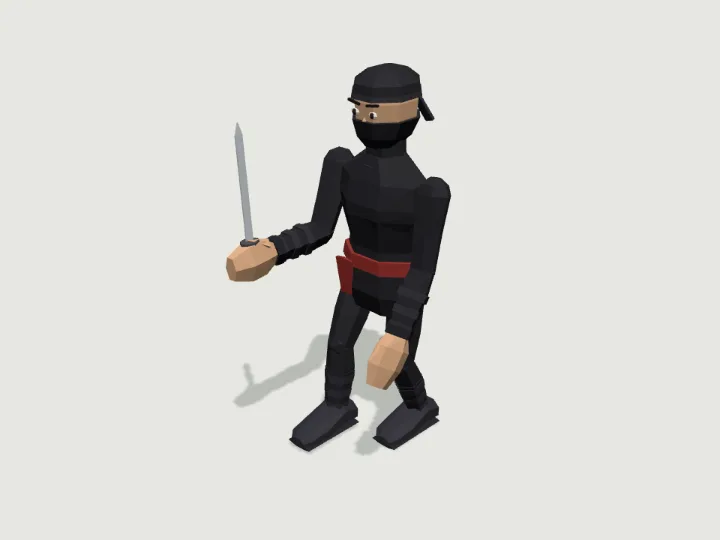 Ninja
Historical · 3,162 tris
Walks · 2 legsPro
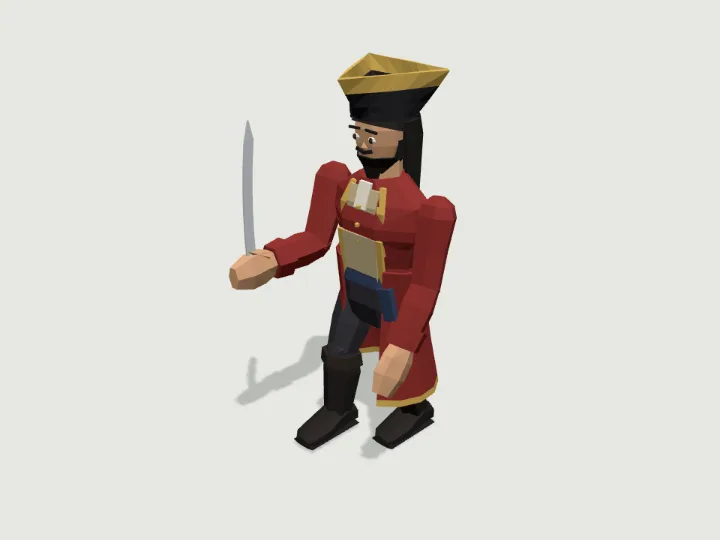 Pirate Captain
Historical · 3,742 tris
Walks · 2 legsPro
 Pirate Sailor
Historical · 2,864 tris
Walks · 2 legsFree