To find a 3D model from a description, send the words to GET https://gaitkit.com/api/assets?q=.... It returns the matching models and says whether the match is good. Then send the rest of the description to /api/assets/{id}/variant?want=.... It turns the words into the model's knob values, ready to pass to createAsset(). Both calls are free, need no key, and are also available to AI agents through our MCP server.
Step 1: search the catalogue with the words you have
The search takes the words a person would type, not a category tree:
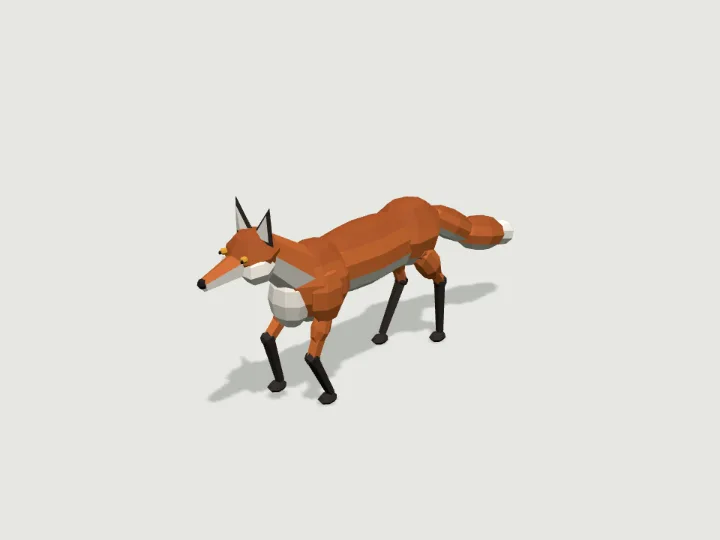
curl 'https://gaitkit.com/api/assets?q=fox'Each result has the model's id, its class and motion (walk, drive, fly, swim or still), the leg count, the triangle count, its size in metres, a written description, the names of its knobs, whether it is a free or Pro download, and links to its page, ES module and GLB file. Narrow the list with legs, class and max_triangles; for example, ?q=spider&legs=8 returns the eight-legged spider robot and two other eight-legged walkers.
The answer starts with a coverage field, and that field matters more than the list. It is ok when one model really is the thing you asked for, poor when the closest models only share a word or two with the request, and none when nothing is close. A search for grand piano returns poor along with a note to say so honestly, because the catalogue has a bank with a "grand" preset and a set of musical instruments with a keyboard, but no piano. Treat poor as "not found", and do not quietly use whatever came first.
Step 2: turn the rest of the sentence into knob values
Every model is a small program with typed knobs: choices, ranges, toggles and colours, each with a written description. The variant call reads your words against those knobs:
curl 'https://gaitkit.com/api/assets/fox/variant?want=arctic%20white%20with%20big%20ears%20and%20sparkles'{
"confidence": "high",
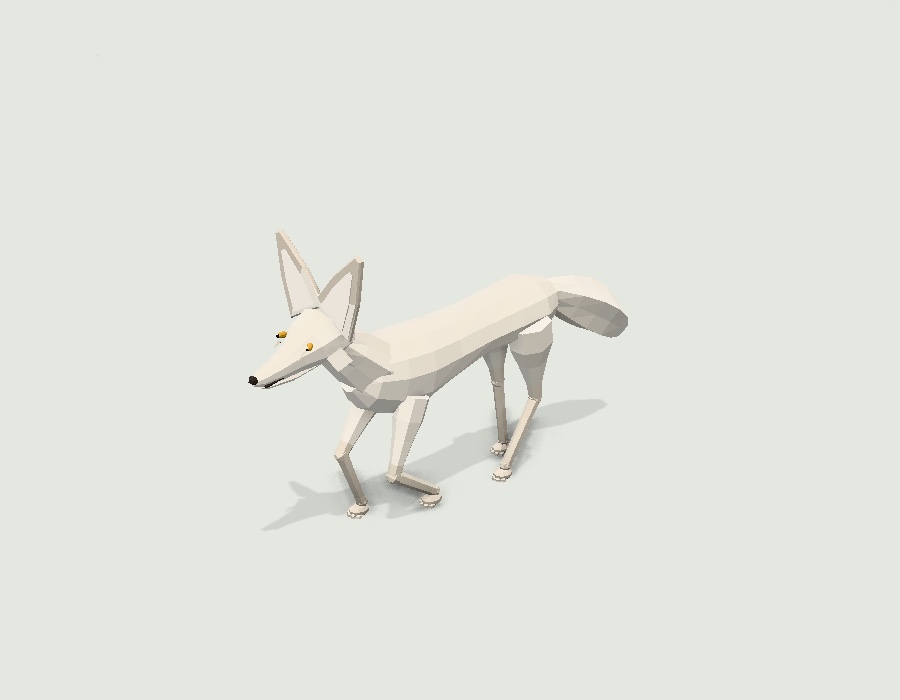
"params": { "coat": "arctic", "ears": 1.8 },
"call": "createAsset({\"coat\":\"arctic\",\"ears\":1.8})",
"unknown_words": ["sparkles"],
"unknown_note": "This specimen has nothing for these words. Tell the user, and offer report_need if they matter."
}"Arctic white" picked the arctic coat, and "big ears" moved the ears knob up its range. "Sparkles" did not match anything, and the answer says so instead of ignoring it. That unknown_words list is what lets your program, or your agent, tell the user exactly which part of the request the model cannot do.
Negation works the way people write it. On the spider robot, long legs, no turret gives { "legLength": 1.25, "turret": false }.
Step 3: build the model with those values
The values go straight into the model's module. This runs in any page that loads three.js through an import map, as in our three.js walking guide. The fox is a free model, so it works without an account:
const want = 'arctic white with big ears';
const v = await (await fetch(`https://gaitkit.com/api/assets/fox/variant?want=${encodeURIComponent(want)}`)).json();
const { createAsset } = await import('https://gaitkit.com/cdn/fox.mjs');
const fox = createAsset(v.params);   // a THREE.Group: metres, y up, facing +Z, resting on y = 0
scene.add(fox);
The API and the CDN both send Access-Control-Allow-Origin: *, so the calls work from any origin. The ready-made GLB file is always the default look. For a variant as a file, open the model in the lab, set the knobs (or paste the words into its box) and download: the lab builds the GLB with your settings.
The same two calls for AI agents
Agents get these calls as MCP tools. Add the server once:
claude mcp add --transport http gaitkit https://gaitkit.com/mcpsearch_assets takes query, legs, class, max_triangles and limit, and returns the same coverage grade. get_variant takes id and want. get_asset returns the code and file links, and report_need records a model that is missing. The agents page has setup for other clients, and a full agent session shows the calls from first search to a walking scene.
What the matcher understands, and what it does not
The same matcher runs behind every search box on the site, the REST API and the MCP tools, so they all give the same answer.
- Words still being typed count as prefixes:
draalready lists the dragon. - Typos of up to one letter in words of four or more letters, and two in words of seven or more:
dargonfinds the dragon. - Accessories after "with" count for less:
orc with an axeputs the orc first and the battle axe second. - Words that also set a knob still find what they name:
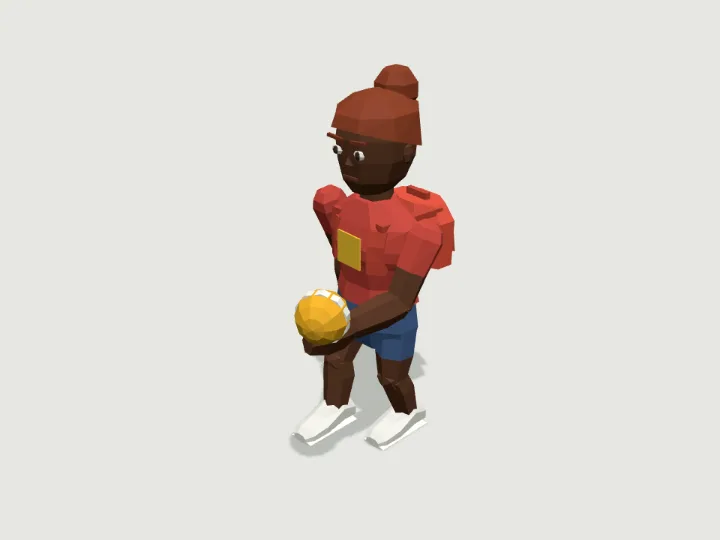
human boyfinds the child, even though "boy" also sets the presentation knob on characters. - Common Turkish words, with Turkish letters or without:
kırmızı ejderhafinds the dragon.
It has limits. It does not understand grammar beyond "with", "no" and "and". Its Turkish covers common words, not every suffix: kutup tilkisi (arctic fox) is not matched yet. It will not invent a model the catalogue lacks, and it does not make known characters or brands at all.
Questions
Do I need an API key to search?
No. Search, variants, previews and the module code are open to everyone, within a rate limit per address. A key only matters for downloading Pro files from code; free models download without one.
What should my program do when the coverage is poor or none?
Tell the user the catalogue does not have it, and log the request: agents call report_need, and code can POST /api/demand with the words. Requests are how we decide which model to build next.
Can I get the variant as a GLB file instead of code?
Yes, from the lab: set the knobs or type the words, then download, and the file is built in your browser with those settings. The GLB at /cdn/{id}.glb is always the default look.
 Fox
 Spider Bot
 Child