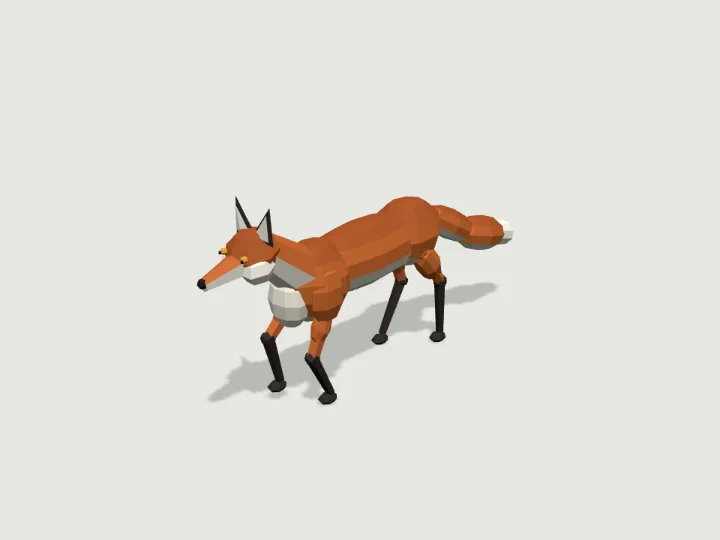
 Fox
Wildlife · 2,572 tris
Walks · 4 legsFree
Fox
Wildlife · 2,572 tris
Walks · 4 legsFree
Guide
How to add a walking 3D creature to a three.js scene
Import the creature from https://gaitkit.com/cdn/{id}.mjs, add createAsset() to your scene, and every frame move the model, then call walker(model).poseAt(distance) from https://gaitkit.com/runtime/walk.mjs; the legs solve with two-bone IK, so planted feet stay put at any speed or frame rate. If you prefer a plain file, load https://gaitkit.com/cdn/{id}.glb with GLTFLoader and play its in-place Walk clip in an AnimationMixer at speed divided by the clip speed.
Updated 2026-10-22By Gaitkit
Route 1: the module and walker()
Every Gaitkit specimen is a small ES module whose createAsset(params) returns a THREE.Group. Creatures with legs also carry their gait in userData.gait, and walker() turns that into a pose for any distance travelled. Save this as an HTML file, serve it from any local web server, and a fox walks across the screen. The fox is a free specimen, so the page runs without an account.
<!doctype html>
<style>body { margin: 0 }</style>
<script type="importmap">
{ "imports": {
    "three": "https://cdn.jsdelivr.net/npm/three@0.180.0/build/three.module.js",
    "three/addons/": "https://cdn.jsdelivr.net/npm/three@0.180.0/examples/jsm/"
} }
</script>
<script type="module">
import * as THREE from 'three';
import { createAsset } from 'https://gaitkit.com/cdn/fox.mjs';
import { walker } from 'https://gaitkit.com/runtime/walk.mjs';

const renderer = new THREE.WebGLRenderer({ antialias: true });
renderer.setSize(innerWidth, innerHeight);
document.body.appendChild(renderer.domElement);

const scene = new THREE.Scene();
scene.background = new THREE.Color('#e9e4d8');
scene.add(new THREE.HemisphereLight('#ffffff', '#8a8f80', 2.5));
const camera = new THREE.PerspectiveCamera(40, innerWidth / innerHeight, 0.05, 100);

const fox = createAsset({ coat: 'arctic', ears: 1.4 });   // every knob is optional
scene.add(fox);                                           // rests on y = 0, faces +Z
const gait = walker(fox);                                 // flat floor at y = 0

const speed = 0.4;                                        // metres per second
const clock = new THREE.Clock();
let dist = 0;
renderer.setAnimationLoop(() => {
  dist += speed * clock.getDelta();
  fox.position.z = dist;          // 1. move the model
  gait.poseAt(dist);              // 2. pose the legs for that distance
  camera.position.set(1.2, 0.7, dist + 1.4);
  camera.lookAt(0, 0.15, dist);
  renderer.render(scene, camera);
});
</script>
The order inside the loop matters: move the model first, then call poseAt with the same distance. poseAt reads the model's world position to decide where each foot touches the ground, so posing before moving puts the feet one frame behind and they appear to skate.
The import map is needed because the module and the runtime both import the bare name three. It also guarantees there is one copy of three.js on the page. Any release from r150 on works.
Walking along a path or over terrain
To send the creature along a route, measure distance along a curve and point the model's front along the tangent. Specimens face +Z, so the heading is Math.atan2(t.x, t.z). The distance you pass to poseAt is the same distance you walked along the curve.
const path = new THREE.CatmullRomCurve3([
  new THREE.Vector3(-2, 0, 0), new THREE.Vector3(0, 0, 2),
  new THREE.Vector3(2, 0, 0), new THREE.Vector3(0, 0, -2),
], true);                                   // closed loop
const length = path.getLength();
const p = new THREE.Vector3(), t = new THREE.Vector3();

renderer.setAnimationLoop(() => {
  dist += speed * clock.getDelta();
  const u = (dist / length) % 1;            // distance along the path, 0..1
  path.getPointAt(u, p);
  path.getTangentAt(u, t);
  fox.position.copy(p);
  fox.rotation.y = Math.atan2(t.x, t.z);    // turn the front (+Z) along the path
  gait.poseAt(dist);                        // after placing it: poseAt reads the model's world matrix
  renderer.render(scene, camera);
});
Keep turns gentle compared with the body length. The gait is computed in the body's frame, so on a tight turn a planted foot swivels a little with the body; on straight runs and wide curves it stays where it landed.
For uneven ground, give walker() a height function. raycastGround(meshes) builds one from your terrain meshes; each foot then lands on the surface under it, and the body rides the average height of its feet.
import { walker, raycastGround } from 'https://gaitkit.com/runtime/walk.mjs';

const gait = walker(fox, { ground: raycastGround([terrain]) });   // terrain: your ground mesh(es), not the fox
// or any height function: walker(fox, { ground: (x, z) => heightAt(x, z) })
Leave the creature itself out of the list you raycast against, or the feet will try to stand on the body.
Route 2: the GLB and its Walk clip
Every walker also ships as https://gaitkit.com/cdn/{id}.glb with one baked, in-place animation named Walk: exactly one gait cycle on flat ground. Load it with GLTFLoader, play the clip in an AnimationMixer, and move the model yourself. The clip covers a known number of metres per second at playback speed 1 (gait.clip_speed in the catalogue data), so setting timeScale to your speed divided by that number keeps the feet from sliding.
import * as THREE from 'three';
import { GLTFLoader } from 'three/addons/loaders/GLTFLoader.js';

const gltf = await new GLTFLoader().loadAsync('https://gaitkit.com/cdn/fox.glb');
const fox = gltf.scene;
scene.add(fox);

const mixer = new THREE.AnimationMixer(fox);
const clip = THREE.AnimationClip.findByName(gltf.animations, 'Walk');
const walk = mixer.clipAction(clip).play();

// glTF extras land in userData: the gait's stride and duty give the clip's own speed
const g = fox.children[0].userData.gait;
const clipSpeed = g.stride / g.duty / clip.duration;   // 0.375 m/s for the fox

const speed = 0.4, clock = new THREE.Clock();
renderer.setAnimationLoop(() => {
  const dt = clock.getDelta();
  walk.timeScale = speed / clipSpeed;   // legs keep pace with the body
  fox.position.z += speed * dt;
  mixer.update(dt);
  renderer.render(scene, camera);
});
GLTFLoader copies glTF extras into userData, so the GLB's root node carries the same gait description as the module (stride, duty, legs). If you prefer not to compute the clip speed, read gait.clip_speed from /catalog.json or from the MCP tool get_asset; for the fox it is 0.375 m/s.
The GLB holds the published default look. Knob changes such as a different coat only exist in the module, or in a GLB downloaded from the lab, which bakes in the knobs you set.
Which route to use
- Module +
walker()when the ground is not flat, when the speed changes often, or when you want knobs at runtime (several fox coats from one file). The feet follow your terrain, and the pose is exact for any distance, including scrubbing backwards. - GLB + Walk clip when your pipeline already loads glTF, when you want the same file in other engines, or when you do not want to ship the runtime. The clip is baked on flat ground, so on slopes the feet do not adapt.
- Vehicles, flyers and swimmers follow the same idea: the module exposes
userData.tick(distance), and the GLB carries a Loop clip that coversloop_mmetres per playback second. See wheels, wings and hinges.
Common problems
Failed to resolve module specifier "three": the import map is missing, or it comes after the module script. It must appear first.- The legs move but the creature stays put:
poseAtonly poses the legs and body. Moving the model is your job, which is what lets you steer it. - Feet slide: the distance you pass to
poseAtdiffers from the distance you moved the model, or you posed before moving. With the GLB, thetimeScaledoes not match your speed. - HTTP 402 on a file: that specimen is Pro. Its preview and knobs are free on the catalogue, but the module and GLB need a plan. The fox, the praying mantis and the duck are free walkers.
- A bundler (Vite, webpack) cannot import the https URL: copy the module and the runtime into your source tree; the React Three Fiber guide shows the three commands.
Questions
Why does my creature slide or moonwalk?
The legs and the body are out of step. With the module, move the model first and call poseAt with that same distance; with the GLB, set the action timeScale to your speed divided by gait.clip_speed.
Which three.js versions work?
Release r150 and later. The page and the specimen must share one copy of three.js, which an import map or your bundler provides.
Can I walk the creature over hills?
Yes, with the module route: pass walker(model, { ground: raycastGround([terrain]) }) or your own (x, z) height function, and each foot lands on the surface under it. The baked Walk clip assumes flat ground.
Can I use these creatures in a commercial project?
Yes. The licence allows commercial use in your own work without credit, but not reselling the files as assets. Free specimens need no account; Pro files need a plan.
Try it with
Fox
Wildlife · 2,572 tris
Walks · 4 legsFree
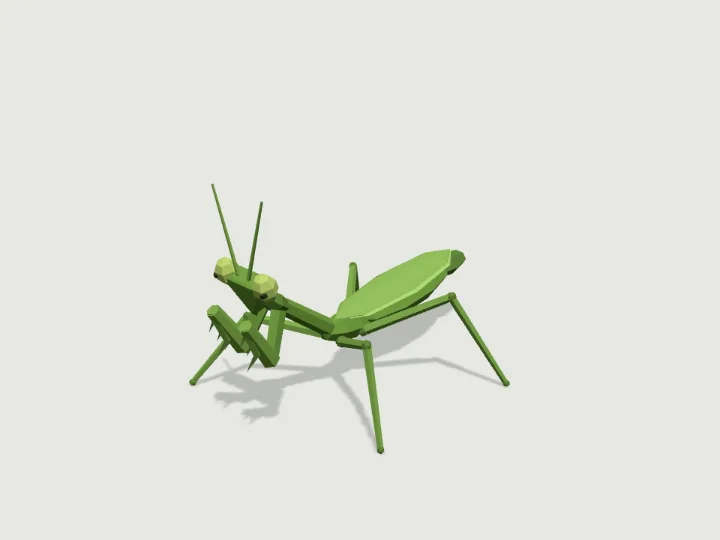 Praying Mantis
Bug World · 2,630 tris
Walks · 4 legsFree
Praying Mantis
Bug World · 2,630 tris
Walks · 4 legsFree
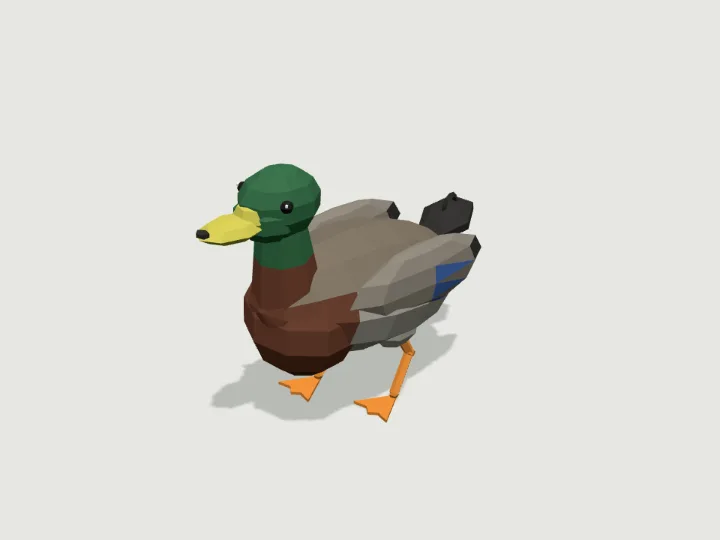 Duck
Animals · 1,448 tris
Walks · 2 legsFree
Duck
Animals · 1,448 tris
Walks · 2 legsFree
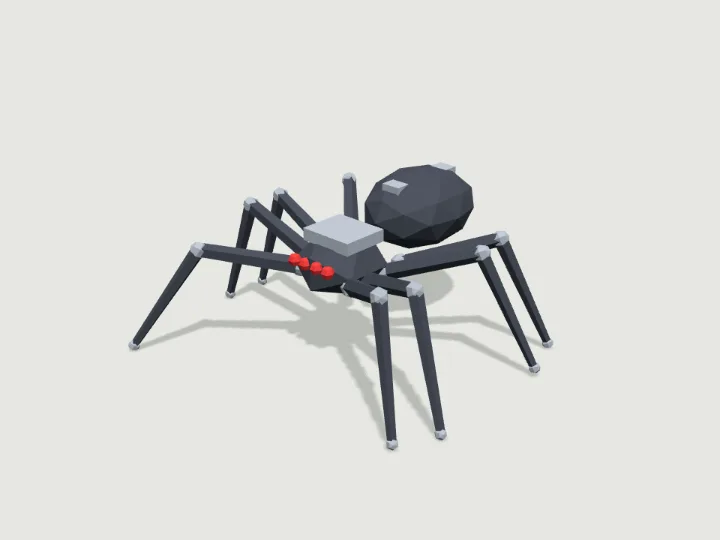 Spider Bot
Mech Hangar · 3,616 tris
Walks · 8 legsPro
Spider Bot
Mech Hangar · 3,616 tris
Walks · 8 legsPro
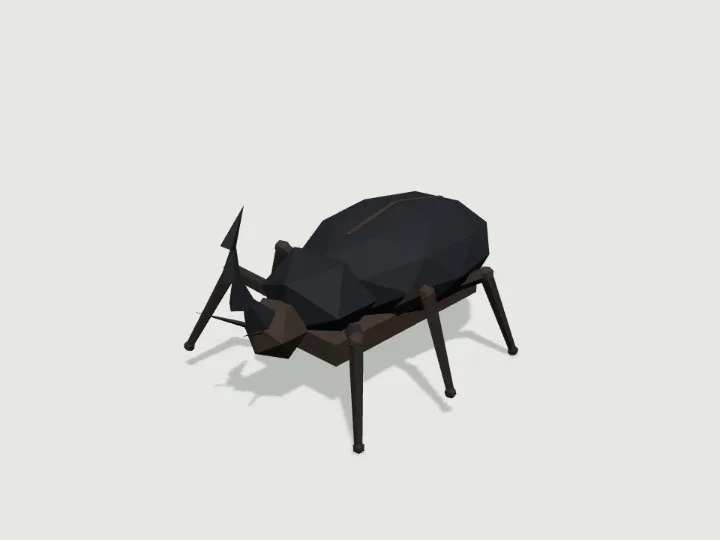 Horn Beetle
Bug World · 3,578 tris
Walks · 6 legsPro
Horn Beetle
Bug World · 3,578 tris
Walks · 6 legsPro
Keep looking
Browse by type
Low-poly charactersLow-poly creaturesLow-poly vehiclesLow-poly buildingsLow-poly robots and mechsLow-poly propsLow-poly trees, rocks and terrainLow-poly furnitureLow-poly weaponsLow-poly sci-fi assetsLow-poly fantasy and medievalModular level kits
By engine
3D models for three.js3D models for React Three FiberLow-poly 3D models for GodotLow-poly 3D models for Unity3D assets for AI agents
Kits
Adventurer GearAir, Sea & SpaceAlien WorldAncient WorldAnimalsBiomesBirds & Sea LifeBug WorldCastleCharactersCity StreetCoastal TownCyberpunkDungeonEveryday PropsFantasy CreaturesFantasy HeroesFarmFoodForest & WildsGarden BugsHalloweenHeavy VehiclesHistoricalHome & GardenHome FurnitureInteriorsKitchen & BathMachinesMech HangarMedieval VillageMilitary BaseModern ArsenalModular Level KitMonster HordeMonstersOffice & TechOutdoorsPiratesPlatformerPlayground & SportsPublic InteriorsRoad VehiclesRobotsSci-Fi CrewSeasonalShop & MarketSolarpunkSpace ColonySports & SkateTabletopTerrainTower DefenseTown BuildingsTownsfolkUnderwaterWastelandWild WestWildlifeWorld Architecture