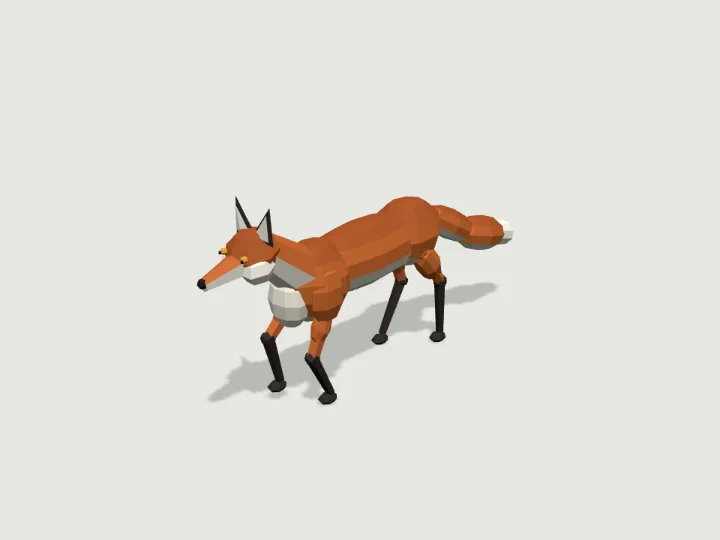
 Fox
Wildlife · 2,572 tris
Walks · 4 legsFree
Fox
Wildlife · 2,572 tris
Walks · 4 legsFree
Guide
How to import an animated low-poly GLB into Godot 4
Copy the .glb into your Godot 4 project, instance it under a CharacterBody3D, set the Walk (or Loop) animation to loop, and play it from the AnimationPlayer the importer creates. Move the body along its +Z axis and set anim.speed_scale to your speed divided by the clip speed (gait.clip_speed for walkers, loop_m for vehicles) so feet and wheels do not slide.
Updated 2026-10-22By Gaitkit
Import the GLB
Download the file from the specimen's page (for example /asset/fox, a free walker) or straight from https://gaitkit.com/cdn/fox.glb, and drop it into your project's FileSystem dock. Godot 4 imports glTF natively: no plugin is needed.
What arrives:
- A scene with the model's node tree and an
AnimationPlayeras a direct child of the scene root. Walkers have one animation named Walk; vehicles, flyers, swimmers and animated props have one named Loop. - One material per colour, with flat normals baked into the mesh, so the faceted look survives Godot's default shading.
- Metres, Y-up. The model rests on y = 0 and its front faces +Z, which is Godot's model front (
Vector3.MODEL_FRONTin Godot 4.3 and later). - Moving parts as separate nodes (legs, wheels, doors, turrets), each with its pivot on the joint, hinge or axle.
Imported animations do not loop by default. Double-click the .glb to open the Advanced Import Settings, select the animation and set Loop Mode to Linear, or set it from code as in the script below.
Play the Walk clip from GDScript
Create a CharacterBody3D, add a collision shape, and instance the GLB as its child; Godot names the instance Fox. The Walk clip is in place, so the body does the travelling and the clip only moves the legs.
extends CharacterBody3D

@export var speed := 0.4          # metres per second
const CLIP_SPEED := 0.375         # the fox's gait.clip_speed (catalog.json or get_asset)

@onready var anim: AnimationPlayer = $Fox/AnimationPlayer

func _ready() -> void:
    anim.get_animation("Walk").loop_mode = Animation.LOOP_LINEAR
    anim.play("Walk")

func _physics_process(delta: float) -> void:
    velocity = global_transform.basis.z * speed    # the model's front is +Z
    move_and_slide()
    anim.speed_scale = speed / CLIP_SPEED          # legs keep pace with the body
CLIP_SPEED is how many metres per second the clip covers at speed_scale 1. Each walker lists it as gait.clip_speed in https://gaitkit.com/catalog.json and in the MCP tool get_asset. Dividing your speed by it keeps the planted feet still on the ground. Calling play every frame is harmless: Godot keeps playing an animation that is already current.
Walking toward a target
Because the front is +Z, the yaw that faces a direction is atan2(x, z). Pause the clip when the creature arrives so it does not tread on the spot.
func walk_towards(target: Vector3, delta: float) -> void:
    var to := target - global_position
    to.y = 0.0
    if to.length() < 0.05:
        anim.pause()
        return
    rotation.y = atan2(to.x, to.z)                 # +Z front: yaw = atan2(x, z)
    velocity = to.normalized() * speed
    move_and_slide()
    anim.play("Walk")
    anim.speed_scale = speed / CLIP_SPEED
Vehicles, flyers and the Loop clip
A vehicle's Loop is one full turn of its wheels, and it covers loop_m metres of travel at speed 1 (the catalogue lists it per specimen). Flyers and swimmers use the same idea for one wing beat or one tail wave. Play it at your speed divided by that distance.
@onready var anim: AnimationPlayer = $DumpTruck/AnimationPlayer
const LOOP_M := 3.267             # the dump truck's loop_m: metres of travel per Loop

func _physics_process(delta: float) -> void:
    velocity = global_transform.basis.z * speed
    move_and_slide()
    anim.play("Loop")
    anim.speed_scale = speed / LOOP_M              # wheels turn without skidding
Flyers and swimmers still rest on y = 0 in the file; hold them altitude metres above the ground yourself (the value is in the catalogue and in get_asset).
Hinged parts are plain nodes. The dump truck's bed, for instance, turns on rotation_degrees.x between -50 and 0: find it with find_child("bed", true, false). The Loop clip keys every rigged part, including the bed, so stop the clip before posing it yourself, or remove that one track from the animation in code with Animation.find_track and remove_track.
Characters and terrain
Characters such as the mechanic arrive the same way: rigid parts on named nodes plus a Walk clip, not a Skeleton3D with skin weights. The node names follow a humanoid bone map (Hips is body, LeftUpperLeg is hip_0, Head is head), written into the GLB's root extras and into the catalogue as humanoid. To drive a character with your own animation, rotate those nodes directly.
The baked clip assumes flat ground. For feet that follow slopes and steps, re-implement the two-bone IK in GDScript from the catalogue's gait data: each leg's upper and lower length, its home foot position, its phase, and which way the knee bends. How procedural IK walk cycles work walks through the maths.
Loading a GLB at runtime
To load files your game downloads (into user://, for example with HTTPRequest), use GLTFDocument. The generated scene has the same AnimationPlayer as an imported one.
var doc := GLTFDocument.new()
var state := GLTFState.new()
if doc.append_from_file("user://fox.glb", state) == OK:
    var fox := doc.generate_scene(state)
    add_child(fox)
Free specimens download without an account. Pro GLBs need a plan; a CDN token from your account can be appended as ?t=gkc_… to the file URL in shipped code, since it only reads files.
Questions
Why does the animation play once and stop?
Godot imports glTF animations without looping. Set Loop Mode to Linear in the Advanced Import Settings, or call anim.get_animation("Walk").loop_mode = Animation.LOOP_LINEAR before playing.
Which way does the model face in Godot?
Its front is +Z, which Godot calls the model front (Vector3.MODEL_FRONT). Move along global_transform.basis.z, and face a direction with rotation.y = atan2(x, z).
Is there an FBX version for Godot?
No. Specimens ship as GLB, OBJ with an MTL file, and the ES module; Godot imports GLB natively, and GLB is the format to use.
Can I retarget Godot humanoid animations onto Gaitkit characters?
Not directly: the characters are rigid parts on named nodes, not a Skeleton3D. The node names follow a humanoid bone map, so you can drive them from your own code.
Try it with
Fox
Wildlife · 2,572 tris
Walks · 4 legsFree
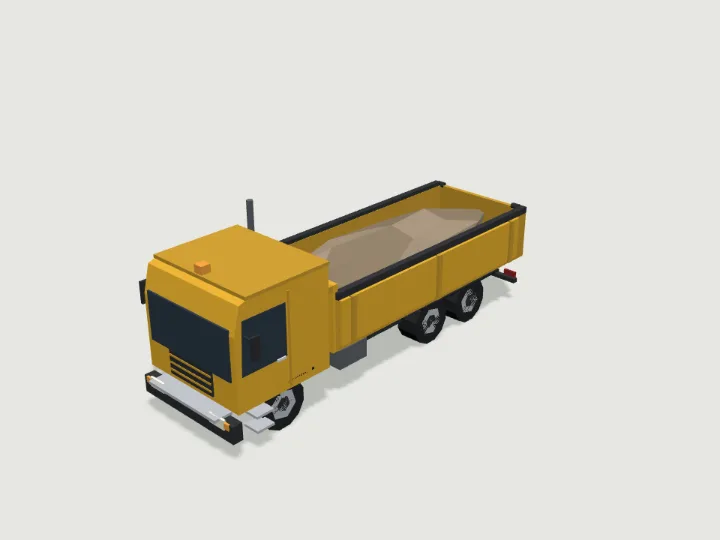 Dump Truck
Heavy Vehicles · 2,932 tris
RollsFree
Dump Truck
Heavy Vehicles · 2,932 tris
RollsFree
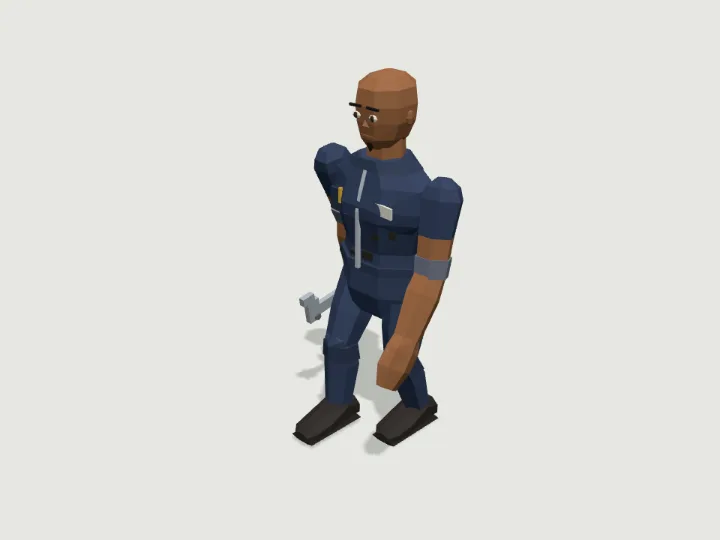 Mechanic
Townsfolk · 2,680 tris
Walks · 2 legsFree
Mechanic
Townsfolk · 2,680 tris
Walks · 2 legsFree
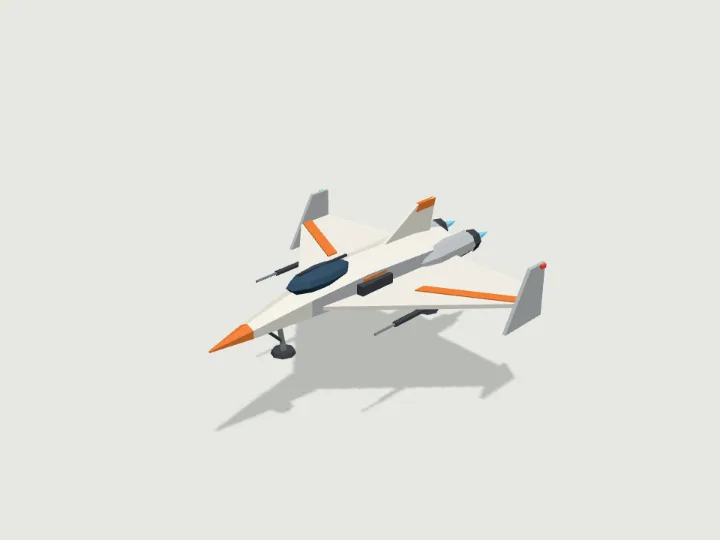 Space Fighter
Air, Sea & Space · 2,412 tris
FliesFree
Space Fighter
Air, Sea & Space · 2,412 tris
FliesFree
Keep looking
Browse by type
Low-poly charactersLow-poly creaturesLow-poly vehiclesLow-poly buildingsLow-poly robots and mechsLow-poly propsLow-poly trees, rocks and terrainLow-poly furnitureLow-poly weaponsLow-poly sci-fi assetsLow-poly fantasy and medievalModular level kits
By engine
3D models for three.js3D models for React Three FiberLow-poly 3D models for GodotLow-poly 3D models for Unity3D assets for AI agents
Kits
Adventurer GearAir, Sea & SpaceAlien WorldAncient WorldAnimalsBiomesBirds & Sea LifeBug WorldCastleCharactersCity StreetCoastal TownCyberpunkDungeonEveryday PropsFantasy CreaturesFantasy HeroesFarmFoodForest & WildsGarden BugsHalloweenHeavy VehiclesHistoricalHome & GardenHome FurnitureInteriorsKitchen & BathMachinesMech HangarMedieval VillageMilitary BaseModern ArsenalModular Level KitMonster HordeMonstersOffice & TechOutdoorsPiratesPlatformerPlayground & SportsPublic InteriorsRoad VehiclesRobotsSci-Fi CrewSeasonalShop & MarketSolarpunkSpace ColonySports & SkateTabletopTerrainTower DefenseTown BuildingsTownsfolkUnderwaterWastelandWild WestWildlifeWorld Architecture