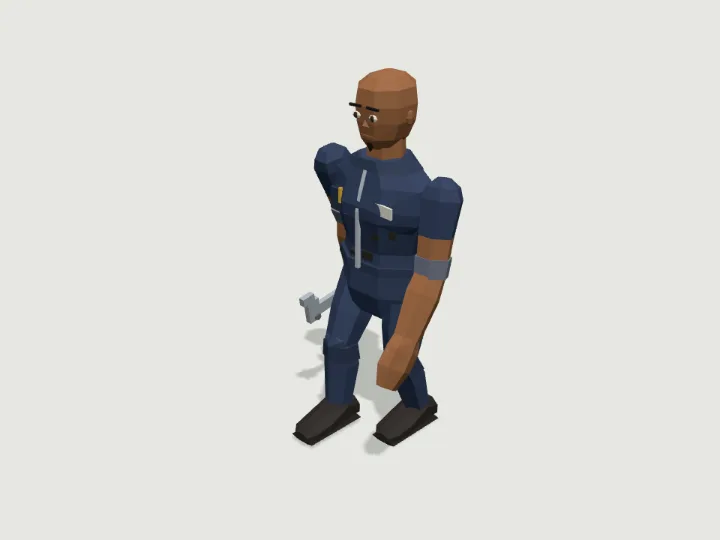
 Mechanic
Townsfolk · 2,680 tris
Walks · 2 legsFree
Mechanic
Townsfolk · 2,680 tris
Walks · 2 legsFree
Guide
How to use an animated GLB model in Unity
Install glTFast (com.unity.cloud.gltfast) from the Package Manager, then either drop the .glb into Assets or load it at runtime with GltfImport and InstantiateMainSceneAsync. Play the clip named Walk (or Loop for vehicles) on the Animation component, move the object along transform.forward, and set the clip speed to your speed divided by gait.clip_speed so the feet do not slide.
Updated 2026-10-22By Gaitkit
Install glTFast
Unity does not read glTF on its own. Open Window → Package Manager, choose + → Add package by name, and enter com.unity.cloud.gltfast. glTFast imports .glb files dropped into Assets and can also load them at runtime from a URL.
Gaitkit GLBs need nothing beyond that package: no textures, no extensions, plain materials with one colour each, and a single animation. Walkers carry Walk; vehicles, flyers, swimmers and animated props carry Loop.
Load and play at runtime
This component loads the free fox GLB from the CDN, instantiates it under its own transform, and plays the Walk clip at a speed matched to the movement. Put it on an empty GameObject and press Play.
using GLTFast;
using UnityEngine;

public class GaitkitWalker : MonoBehaviour
{
    public string url = "https://gaitkit.com/cdn/fox.glb";
    public float speed = 0.4f;        // metres per second
    public float clipSpeed = 0.375f;  // the fox's gait.clip_speed (catalog.json or get_asset)
    Animation anim;

    async void Start()
    {
        var gltf = new GltfImport();
        if (!await gltf.Load(url)) { Debug.LogError("Could not load " + url); return; }
        await gltf.InstantiateMainSceneAsync(transform);

        anim = GetComponentInChildren<Animation>();   // runtime imports use legacy clips by default
        var walk = anim["Walk"];
        walk.wrapMode = WrapMode.Loop;
        walk.speed = speed / clipSpeed;               // legs keep pace with the body
        anim.Play("Walk");
    }

    void Update()
    {
        if (anim == null) return;
        transform.position += transform.forward * speed * Time.deltaTime;   // the model faces +Z
    }
}
At runtime, glTFast adds a legacy Animation component with the file's clips, under the names they have in the file. The Walk clip is one gait cycle in place, so the GameObject does the travelling and the clip only moves the legs.
clipSpeed is how many metres per second the clip covers at speed 1. Every walker lists it as gait.clip_speed in https://gaitkit.com/catalog.json and in the MCP tool get_asset; for the fox it is 0.375. Dividing your movement speed by it keeps the planted feet still.
Import in the Editor instead
Drag the .glb into Assets. glTFast imports it as a prefab you can place in a scene. In the importer's settings, the animation method decides how the clip arrives:
- Legacy: an
Animationcomponent, used exactly like the runtime code above. - Mecanim: a generic clip you place in an Animator Controller. Name the state Walk and drive it like this:
// Editor import with Animation Method = Mecanim: put the Walk clip in an Animator Controller state named "Walk"
animator.Play("Walk");
animator.speed = speed / clipSpeed;     // clipSpeed = gait.clip_speed, in m/s
For runtime loading in a player build, glTFast's shaders have to be included in the build; its documentation lists the shader variants to add.
Vehicles and the Loop clip
Vehicles, flyers and swimmers carry a Loop clip of one cycle (a full wheel turn, one wing beat, one tail wave). It covers loop_m metres of travel at speed 1, listed in the catalogue. Play it at your speed divided by that distance:
// Vehicles, flyers, swimmers and animated props carry a "Loop" clip instead of "Walk".
// One Loop covers loop_m metres of travel at speed 1 (dump-truck: 3.267 m, one wheel turn).
var loop = anim["Loop"];
loop.wrapMode = WrapMode.Loop;
loop.speed = speed / loopMetres;
anim.Play("Loop");
Hinged parts (doors, lids, turrets, a dump truck's bed) are separate child transforms with their pivot on the hinge, so transform.Find plus a local rotation animates them. The Loop clip keys every rigged part, so stop it before posing a part it covers.
Scale, axes and materials
- 1 unit = 1 metre. Specimens are modelled at real size: the fox is about 0.95 m long, the mechanic about 1.73 m tall. Leave the scale at 1.
- Front is +Z. glTFast converts glTF's right-handed axes to Unity's, and the model's front ends up along
transform.forward. - Materials. Each colour arrives as its own flat-coloured material, with flat normals baked in. Glowing parts (lamps, eyes, windows) arrive with an emissive colour.
- No FBX. Specimens ship as GLB, OBJ with an MTL file, and an ES module. FBX is not offered today.
Humanoid characters
Characters such as the mechanic are rigid parts on named transforms, not a skinned mesh. Their GLB carries a humanoid bone map in the root node's extras.humanoid, and the catalogue lists the same map as humanoid: Unity bone names on the left, node names on the right (Hips → body, Spine → spine, Head → head, LeftUpperLeg → hip_0, LeftHand → hand_L, 21 bones in all).
glTFast does not build a Humanoid Avatar on import. The map gives you what you need to build one yourself, for example with Unity's AvatarBuilder.BuildHumanAvatar, or to drive the transforms from your own code. For most scenes the character's own Walk clip, played as above, is the simpler route.
Questions
Which package imports GLB files in Unity?
glTFast, package name com.unity.cloud.gltfast, installed from the Package Manager. It imports .glb files in the Editor and loads them at runtime.
Why does my Unity model walk in place?
The Walk clip is baked in place on purpose. Move the GameObject yourself along transform.forward and set the clip speed to your speed divided by gait.clip_speed.
Do Gaitkit characters work with Unity Humanoid animations?
They carry a humanoid bone map, but glTFast does not create a Humanoid Avatar for you. Build one from the map or play the character's own Walk clip.
Is there an FBX download?
No. Use the GLB with glTFast; it carries the materials, the pivots of moving parts and the animation.
Try it with
Mechanic
Townsfolk · 2,680 tris
Walks · 2 legsFree
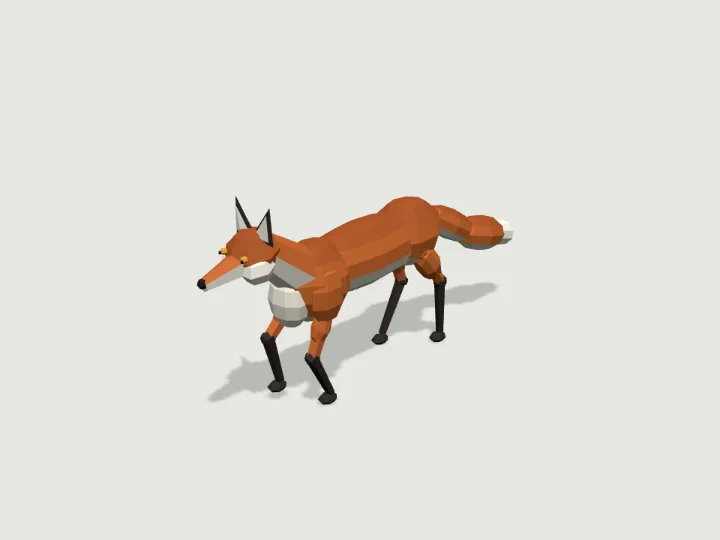 Fox
Wildlife · 2,572 tris
Walks · 4 legsFree
Fox
Wildlife · 2,572 tris
Walks · 4 legsFree
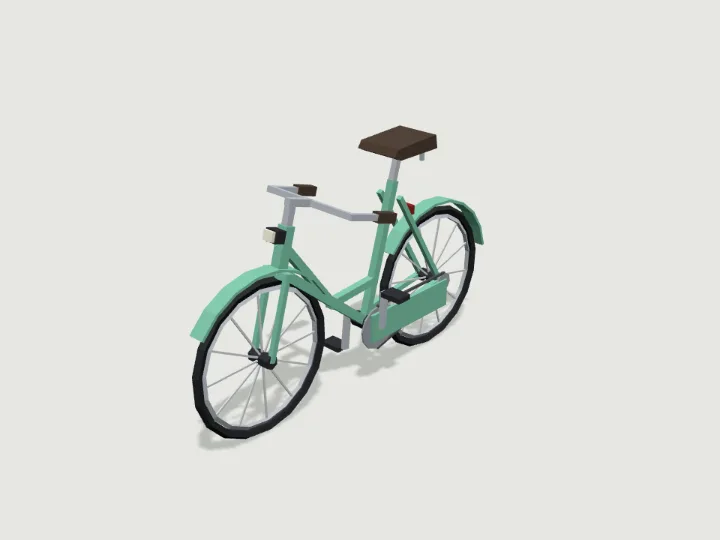 Bicycle
Road Vehicles · 1,884 tris
RollsFree
Bicycle
Road Vehicles · 1,884 tris
RollsFree
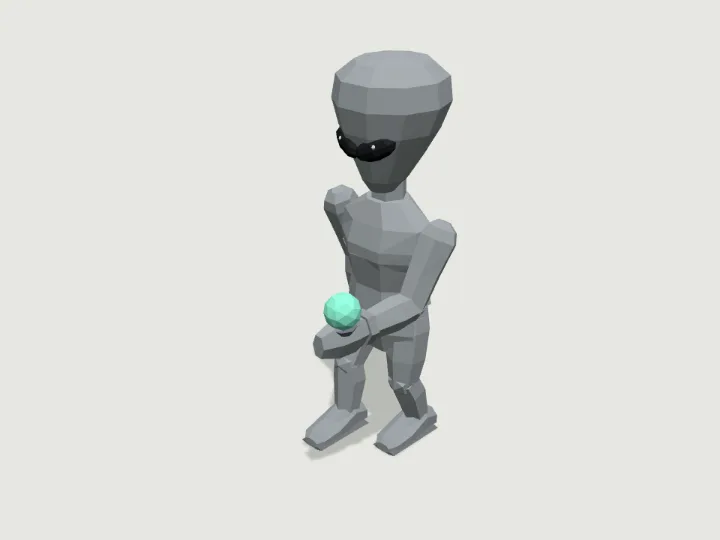 Grey Alien
Sci-Fi Crew · 1,936 tris
Walks · 2 legsFree
Grey Alien
Sci-Fi Crew · 1,936 tris
Walks · 2 legsFree
Keep looking
Browse by type
Low-poly charactersLow-poly creaturesLow-poly vehiclesLow-poly buildingsLow-poly robots and mechsLow-poly propsLow-poly trees, rocks and terrainLow-poly furnitureLow-poly weaponsLow-poly sci-fi assetsLow-poly fantasy and medievalModular level kits
By engine
3D models for three.js3D models for React Three FiberLow-poly 3D models for GodotLow-poly 3D models for Unity3D assets for AI agents
Kits
Adventurer GearAir, Sea & SpaceAlien WorldAncient WorldAnimalsBiomesBirds & Sea LifeBug WorldCastleCharactersCity StreetCoastal TownCyberpunkDungeonEveryday PropsFantasy CreaturesFantasy HeroesFarmFoodForest & WildsGarden BugsHalloweenHeavy VehiclesHistoricalHome & GardenHome FurnitureInteriorsKitchen & BathMachinesMech HangarMedieval VillageMilitary BaseModern ArsenalModular Level KitMonster HordeMonstersOffice & TechOutdoorsPiratesPlatformerPlayground & SportsPublic InteriorsRoad VehiclesRobotsSci-Fi CrewSeasonalShop & MarketSolarpunkSpace ColonySports & SkateTabletopTerrainTower DefenseTown BuildingsTownsfolkUnderwaterWastelandWild WestWildlifeWorld Architecture
Guides
How to add a walking 3D creature to a three.js sceneHow to add an animated low-poly model to React Three FiberHow to import an animated low-poly GLB into Godot 4How to give an AI coding agent a 3D asset library over MCPHow do procedural IK walk cycles work?How to use low-poly 3D assets in a web game