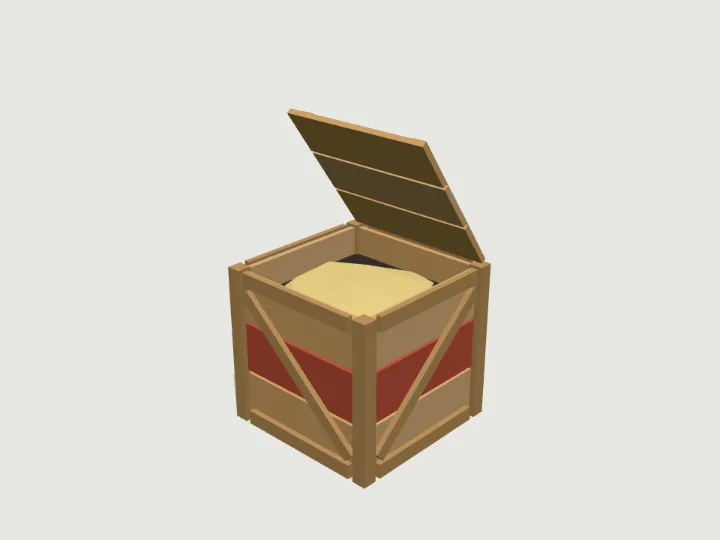
 Wooden Crate
Coastal Town · 1,720 tris
Moving partsFree
Wooden Crate
Coastal Town · 1,720 tris
Moving partsFree
Guide
How to use low-poly 3D assets in a web game
Keep each model to a few thousand triangles, share one flat-shaded vertex-colour material so static parts can merge into a single draw call or an InstancedMesh, model at real-world scale in metres with Y up and a consistent front, and add glow with emissive materials on named parts rather than with many real lights. Gaitkit specimens follow all of these rules: at most 6,000 triangles, one material, metres, resting on y = 0, facing +Z.
Updated 2026-10-22By Gaitkit
Triangle budgets
On the web the ceiling is set by phones and standalone headsets, not desktop GPUs. A useful rule is to budget by class and check the heaviest setting of every model, not just its default:
- Props: up to 2,000 triangles
- Nature (rocks, trees, plants): up to 3,000
- Vehicles: up to 3,500
- Creatures, mechs and characters: up to 4,000
- Buildings: up to 4,500
- A hard maximum of 6,000 for anything
These are the budgets Gaitkit's validator holds every specimen to. The median specimen today has about 2,400 triangles. A scene with 100 of them is a quarter of a million triangles, comfortable on a mid-range phone. Every catalogue entry states its triangle count, so you can filter before loading:
// what a specimen costs before you load it: triangles, size in metres, GLB bytes, tier
const { assets } = await (await fetch('https://gaitkit.com/catalog.json')).json();
const cheap = assets.filter(a => a.triangles <= 1500 && a.tier === 'free');
console.log(cheap.map(a => a.id + ' ' + a.triangles + ' tris ' + a.size_m.join(' x ') + ' m'));
One material, fewer draw calls
Draw calls cost more than triangles in most web games. Each specimen uses one material for everything: MeshStandardMaterial with vertex colours and flat shading. Colour lives in the vertices, so there are no textures to load and nothing stops the parts from merging.
A module still builds a tree of named meshes, because walkers, wheels and doors need their parts separate. For anything that does not move, merge the meshes into one, and instance it when you need many:
import * as THREE from 'three';
import { mergeGeometries } from 'three/addons/utils/BufferGeometryUtils.js';
import { createAsset } from 'https://gaitkit.com/cdn/wooden-crate.mjs';

// One static specimen -> one mesh, one draw call. Only for parts that never move.
function mergeStatic(group) {
  group.updateMatrixWorld(true);
  const parts = [];
  let mat = null;
  group.traverse(o => {
    if (!o.isMesh) return;
    mat = mat || o.material;   // every mesh shares the same vertex-colour material
    const g = (o.geometry.index ? o.geometry.toNonIndexed() : o.geometry.clone()).applyMatrix4(o.matrixWorld);
    for (const k of Object.keys(g.attributes)) if (!['position', 'normal', 'color'].includes(k)) g.deleteAttribute(k);
    parts.push(g);
  });
  return new THREE.Mesh(mergeGeometries(parts), mat);
}

const crate = mergeStatic(createAsset());              // 88 meshes -> 1, still 1,720 triangles

// 200 crates in one draw call
const crates = new THREE.InstancedMesh(crate.geometry, crate.material, 200);
const m = new THREE.Matrix4();
for (let i = 0; i < 200; i++) crates.setMatrixAt(i, m.makeTranslation((i % 20) * 1.2, 0, Math.floor(i / 20) * 1.2));
scene.add(crates);
The GLB makes a different trade. Many engines and viewers ignore vertex colours, so the exported file splits colours into one plain material per colour. That loads correctly everywhere but costs more draw calls; in three.js, the module plus a merge is the cheaper route.
File size: module or GLB
A specimen exists in two forms, and their sizes are very different:
- The ES module is the recipe.
fox.mjsis about 15 KB, and the shared runtime it imports (about 115 KB before compression) is downloaded once for every specimen on the page. Knobs come free: one file gives every colourway and size. - The GLB is the baked result. Flat shading needs separate vertices per face, and colours, normals and the animation are all stored, so GLBs range from about 25 KB to 1 MB, with a median around 350 KB. The fox's GLB is 394 KB.
For a web game with many specimens, the module route is lighter on the network. For a fixed set of models, or an engine other than three.js, the GLB is simpler. If you ship GLBs, serve them with gzip or Brotli; the geometry compresses well.
Scale and orientation
Mixed asset sources break games in a dull way: one tree is 40 units tall, the next is 0.4, one car faces +X and another faces -Z. Fixing it per asset with scale and rotation hacks spreads bugs into physics, navigation and lighting. Pick one convention and hold every asset to it:
- Metres, real size. A door is about 2 m, a car about 4 m, a fox under 1 m. Physics engines and audio falloff assume real units.
- Y up, resting on y = 0, centred on x and z. Placing a model on the ground is then
model.position.set(x, groundY, z), with no offsets to look up. - Front faces +Z. For walkers, front is the direction of travel, so steering is one yaw:
rotation.y = Math.atan2(dx, dz).
The catalogue gives each specimen's size_m (width, height, length in metres), so a game can space and collide objects without measuring them first.
Flat shading
Flat shading is what makes low-poly look intentional rather than cheap: each triangle gets one normal, so faces read as crisp facets under any light. It also hides the low triangle count, because a smooth-shaded sphere with 80 faces looks lumpy while a flat-shaded one looks designed.
In three.js it is a material flag (flatShading: true). In other engines the flag may not exist, so Gaitkit GLBs bake flat normals into the geometry: every triangle's three vertices share its face normal, and the facets survive in Godot, Unity, Blender and glTF viewers. Small per-face colour shifts add the shading variation a texture would otherwise carry.
Night and emissive zones
Real lights are expensive in a web renderer: each one adds work to every lit pixel, and shadows multiply that. A night scene with fifty street lamps cannot have fifty shadow-casting lights. The usual fix is to make the lamp itself glow with an emissive material, and add a few real lights only where they matter.
Specimens with lamps, eyes, windows or engines export a night object naming which parts glow, and how strongly. A mesh glows when its own name, or a group above it, is the zone name or starts with zone_:
import * as THREE from 'three';
import { createAsset, night } from 'https://gaitkit.com/cdn/sentry-turret.mjs';

const turret = createAsset();
scene.add(turret);
const zones = Object.values(night);   // [{ zone: 'eye', intensity: 1.8 }, { zone: 'lamp', intensity: 1.2 }]

// a mesh is in a zone when it, or a group above it, is named zone or zone_*
const inZone = (o, zone) => {
  for (; o && o !== turret; o = o.parent) if (o.name === zone || o.name.startsWith(zone + '_')) return true;
  return false;
};
turret.traverse(o => {
  const z = o.isMesh && zones.find(n => inZone(o, n.zone));
  if (!z) return;
  o.material = o.material.clone();   // only the glowing parts leave the shared material
  const own = new THREE.Color().fromBufferAttribute(o.geometry.attributes.color, 0);
  o.material.emissive.set(z.color || own);   // no colour in the zone: glow in the part's own colour
  o.material.emissiveIntensity = z.intensity || 1;
});
The GLB already carries these parts as emissive materials, with a steady glow. Pair emissive parts with bloom post-processing and a handful of point lights, and a night scene stays fast. The docs cover blinking and pulsing zones.
Questions
How many triangles should a low-poly game model have?
For web and mobile, a few hundred for small props up to about 4,000 for characters and creatures; 6,000 is a sensible ceiling for any single model. Check the heaviest variant, not just the default.
Why use vertex colours instead of textures?
Vertex colours need no texture downloads or UVs, and every model can share one material, so static parts merge into a single draw call. They suit flat-shaded low-poly styles well.
Should I load GLB files or code in a web game?
In three.js, a module that builds the model is usually smaller over the network and gives you variants for free. GLB is simpler for a fixed set of models and for other engines.
What scale should 3D assets for games use?
Real-world metres with Y up, resting on the ground plane and facing a consistent axis. Physics, navigation and audio all assume real units.
Try it with
Wooden Crate
Coastal Town · 1,720 tris
Moving partsFree
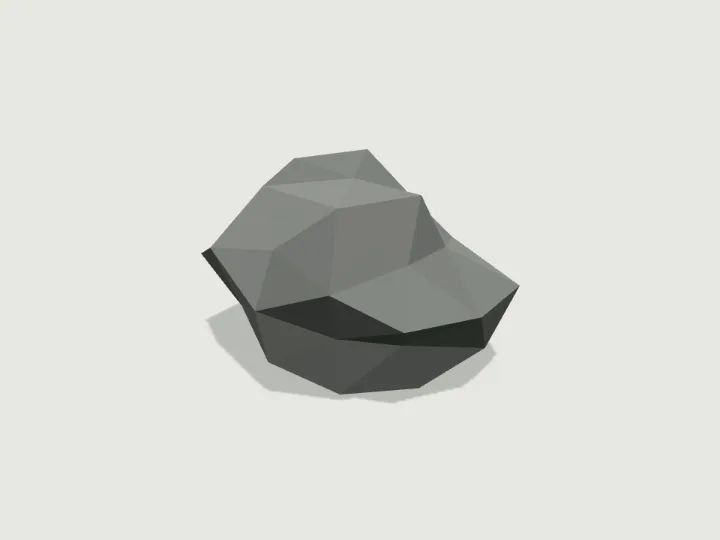 Boulder
Forest & Wilds · 320 tris
StillFree
Boulder
Forest & Wilds · 320 tris
StillFree
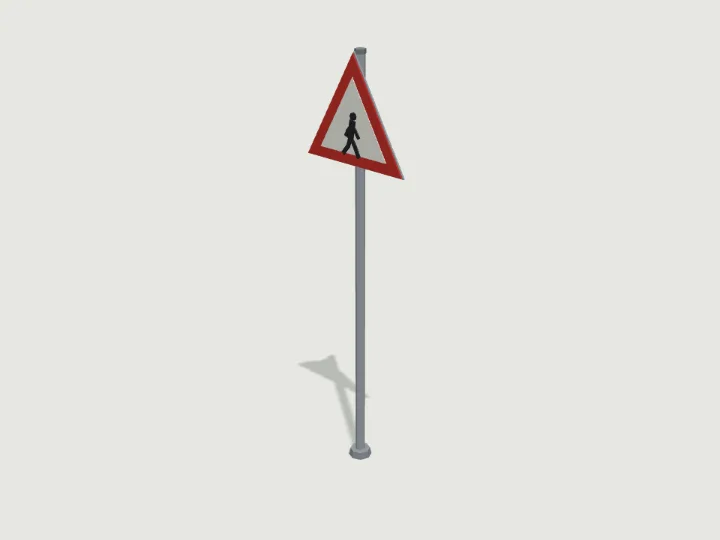 Street Sign Post
City Street · 596 tris
StillFree
Street Sign Post
City Street · 596 tris
StillFree
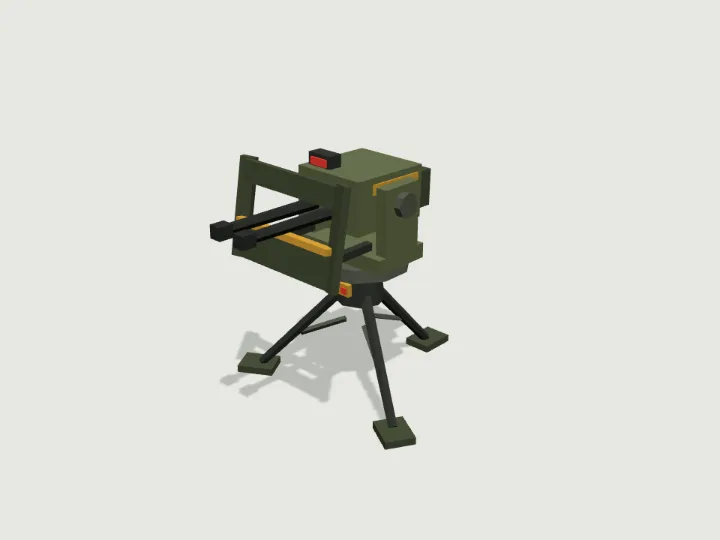 Sentry Turret
Mech Hangar · 1,592 tris
Moving partsFree
Sentry Turret
Mech Hangar · 1,592 tris
Moving partsFree
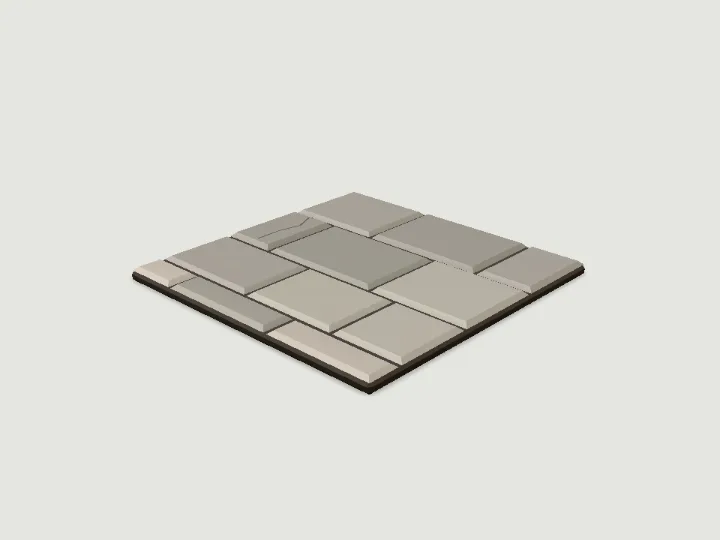 Floor Tile
Modular Level Kit · 194 tris
StillFree
Floor Tile
Modular Level Kit · 194 tris
StillFree
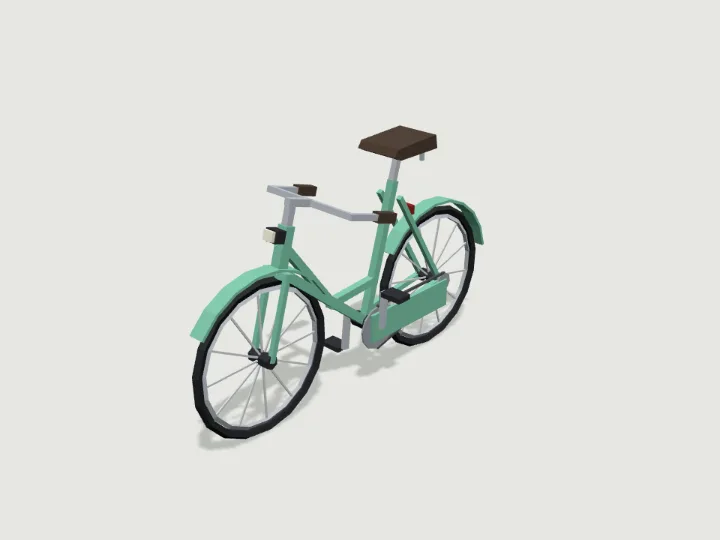 Bicycle
Road Vehicles · 1,884 tris
RollsFree
Bicycle
Road Vehicles · 1,884 tris
RollsFree
Keep looking
Browse by type
Low-poly charactersLow-poly creaturesLow-poly vehiclesLow-poly buildingsLow-poly robots and mechsLow-poly propsLow-poly trees, rocks and terrainLow-poly furnitureLow-poly weaponsLow-poly sci-fi assetsLow-poly fantasy and medievalModular level kits
By engine
3D models for three.js3D models for React Three FiberLow-poly 3D models for GodotLow-poly 3D models for Unity3D assets for AI agents
Kits
Adventurer GearAir, Sea & SpaceAlien WorldAncient WorldAnimalsBiomesBirds & Sea LifeBug WorldCastleCharactersCity StreetCoastal TownCyberpunkDungeonEveryday PropsFantasy CreaturesFantasy HeroesFarmFoodForest & WildsGarden BugsHalloweenHeavy VehiclesHistoricalHome & GardenHome FurnitureInteriorsKitchen & BathMachinesMech HangarMedieval VillageMilitary BaseModern ArsenalModular Level KitMonster HordeMonstersOffice & TechOutdoorsPiratesPlatformerPlayground & SportsPublic InteriorsRoad VehiclesRobotsSci-Fi CrewSeasonalShop & MarketSolarpunkSpace ColonySports & SkateTabletopTerrainTower DefenseTown BuildingsTownsfolkUnderwaterWastelandWild WestWildlifeWorld Architecture
Guides
How to add a walking 3D creature to a three.js sceneHow to add an animated low-poly model to React Three FiberHow to import an animated low-poly GLB into Godot 4How to use an animated GLB model in UnityHow to give an AI coding agent a 3D asset library over MCPHow do procedural IK walk cycles work?